

Happy Merge Estate
Graj na PC z BlueStacks – Platforma gamingowa Android, która uzyskała zaufanie ponad 500 milionów graczy!

Strona zmodyfikowana w dniu: Dec 19, 2025
Play Happy Merge Estate on PC or Mac
Happy Merge Estate brings the Casual genre to life, and throws up exciting challenges for gamers. Developed by Play Fortune Limited, this Android game is best experienced on BlueStacks, the World’s #1 app player for PC and Mac users.
About the Game
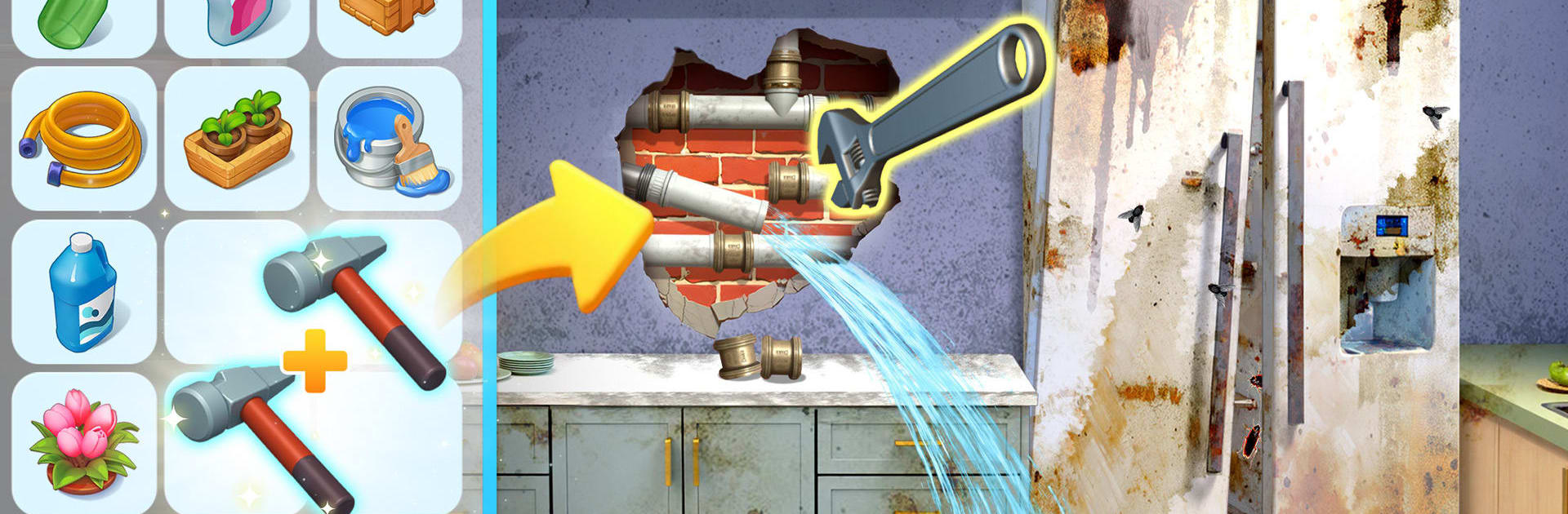
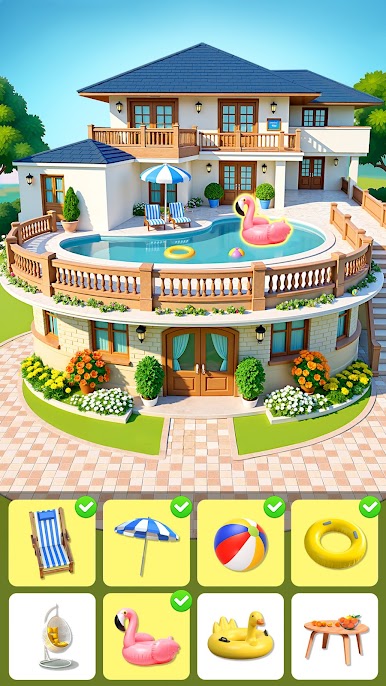
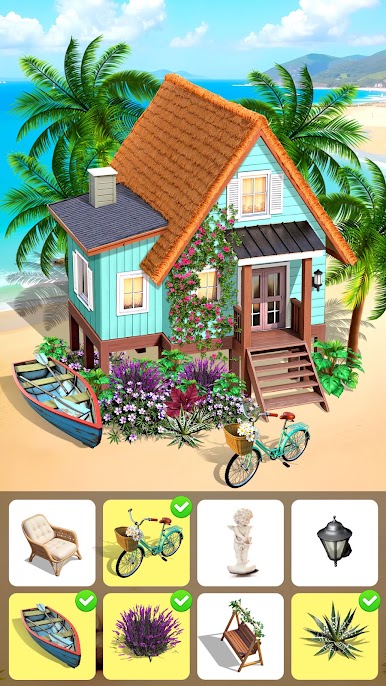
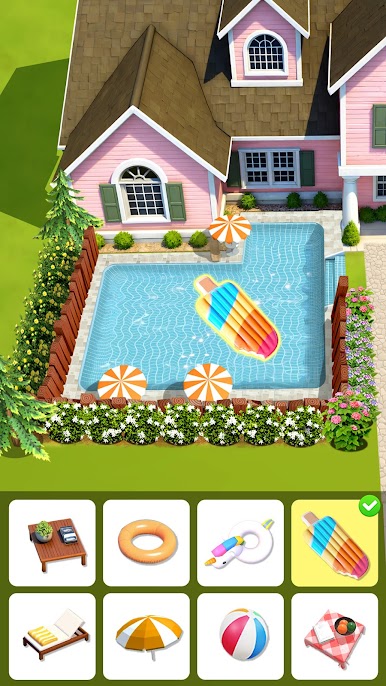
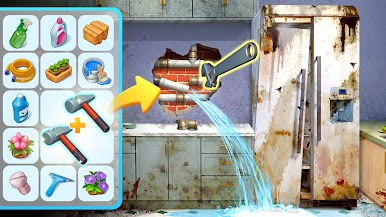
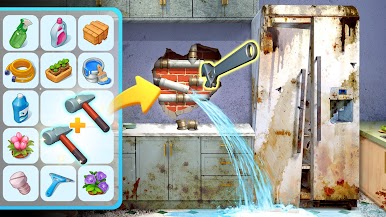
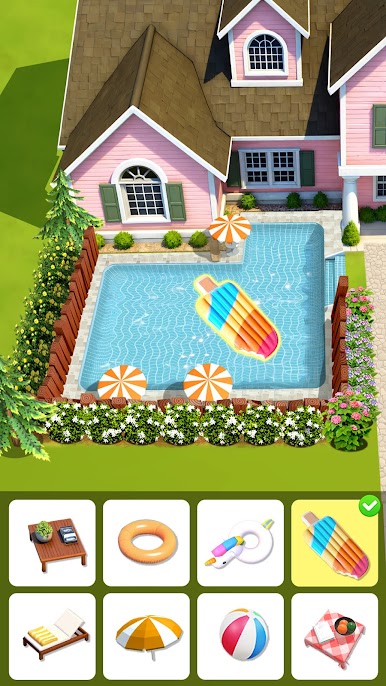
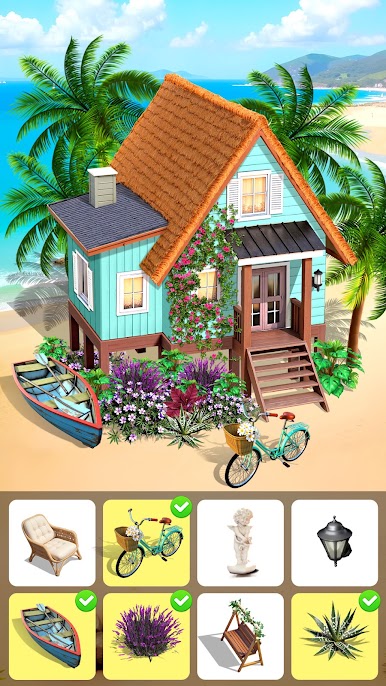
Happy Merge Estate blends cozy merging puzzles with satisfying home makeovers. You’ll combine matching pieces to craft better tools and décor, then use them to transform rooms from plain to polished. It’s an easygoing Casual experience from Play Fortune Limited that’s great for quick sessions or an unplanned marathon.
Game Features
- Pick-up-and-play merging — Drag identical items together to create upgraded pieces that help you complete renovation tasks faster.
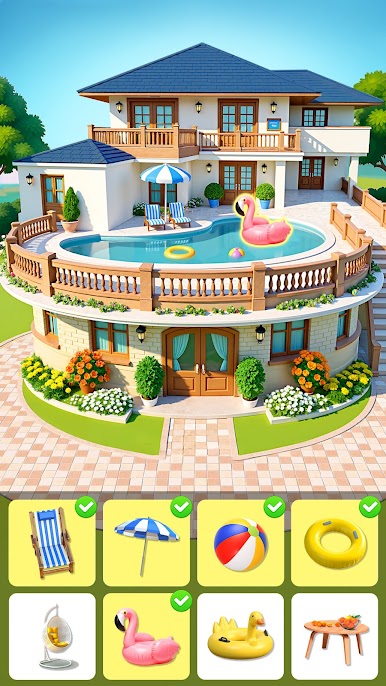
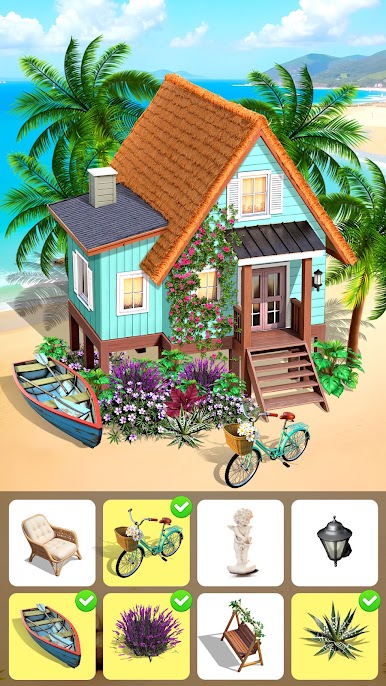
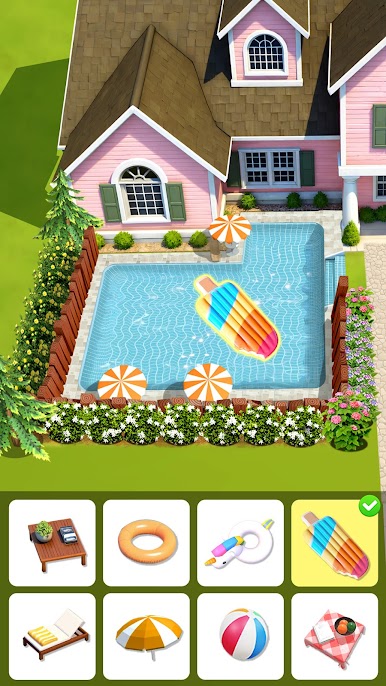
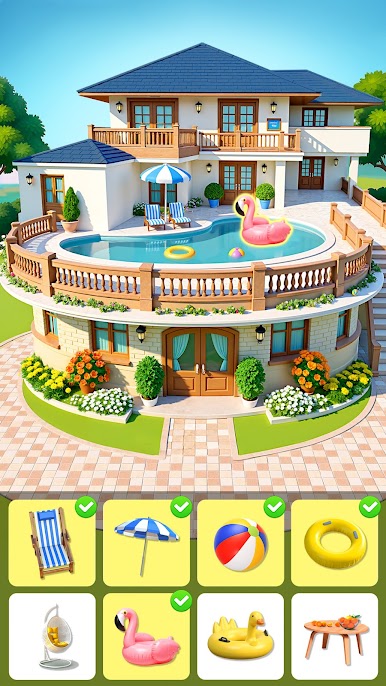
- Real decorating choices — Pick furniture, finishes, and little accents that change the whole vibe. Go clean and modern, warm and rustic, or something totally playful.
- Task-driven progress — Tackle clear goals as you restore each space, unlocking new boards, tools, and story beats along the way.
- New homes to unlock — Finish one project and head to the next spot, opening up fresh rooms and different locations to refresh.
- Surprise rewards — Crack open crates and special drops for handy boosters and rare items when you least expect them.
- Styles for every mood — Mix sets and color palettes to match your taste, whether you’re into minimalist lines or cozy, layered looks.
- Play at your pace — Hop in for a few merges between errands or settle in for a longer design session—no pressure, no fuss.
- Smooth on PC with BlueStacks — Prefer a bigger screen and simple controls? It runs nicely there without getting in the way of your chill.
Ready to top the leaderboard? We bet you do. Let precise controls and sharp visuals optimized on BlueStacks lead you to victory.







Zagraj w Happy Merge Estate na PC. To takie proste.
-
Pobierz i zainstaluj BlueStacks na PC
-
Zakończ pomyślnie ustawienie Google, aby otrzymać dostęp do sklepu Play, albo zrób to później.
-
Wyszukaj Happy Merge Estate w pasku wyszukiwania w prawym górnym rogu.
-
Kliknij, aby zainstalować Happy Merge Estate z wyników wyszukiwania
-
Ukończ pomyślnie rejestrację Google (jeśli krok 2 został pominięty) aby zainstalować Happy Merge Estate
-
Klinij w ikonę Happy Merge Estate na ekranie startowym, aby zacząć grę

