


Snaptouch
Chơi trên PC với BlueStacks - Nền tảng chơi game Android, được hơn 500 triệu game thủ tin tưởng.

Trang đã được sửa đổi vào: Apr 29, 2025
Run Polaroid SnapTouch on PC or Mac
Upgrade your experience. Try Polaroid SnapTouch, the fantastic Photography app from C&A Marketing Inc., from the comfort of your laptop, PC, or Mac, only on BlueStacks.
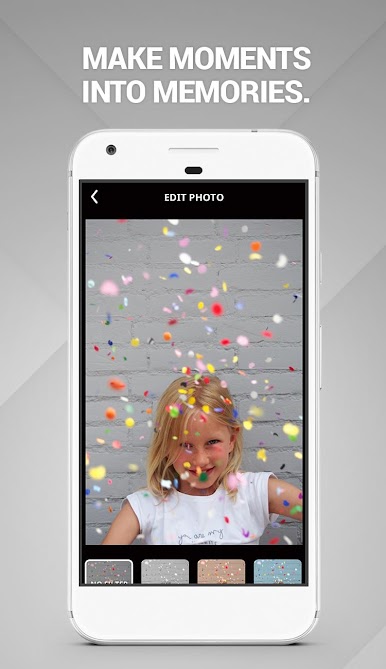
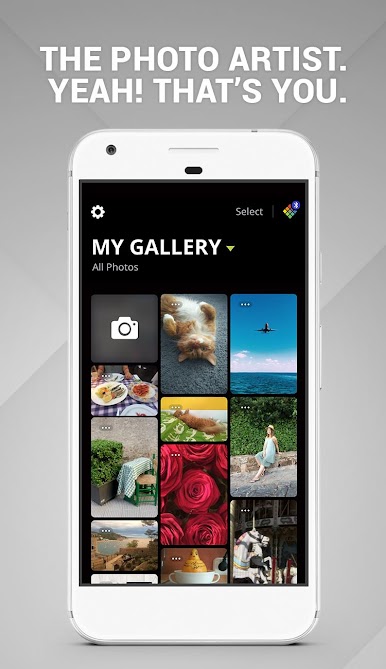
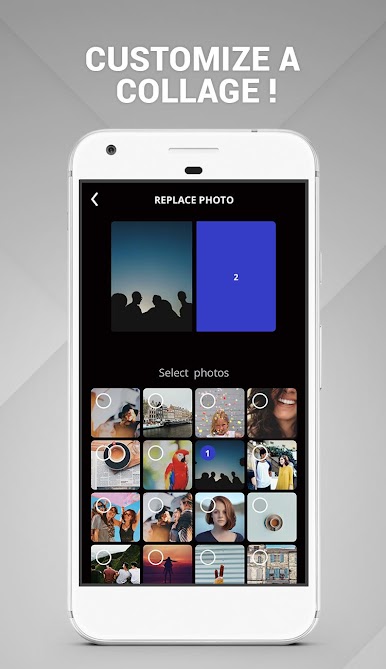
Polaroid SnapTouch is actually a pretty handy app for anyone into photos, especially if they’re all about that print-it-out lifestyle. It’s got a super straightforward setup where you can take any photo you’ve got—doesn’t matter if it’s on your phone, tablet, or coming from that SnapTouch camera—and just start messing around with it. You can throw on filters, put on these playful borders, and it opens up options to make photos feel more personal. Nothing overwhelming or complicated to figure out, which is nice.
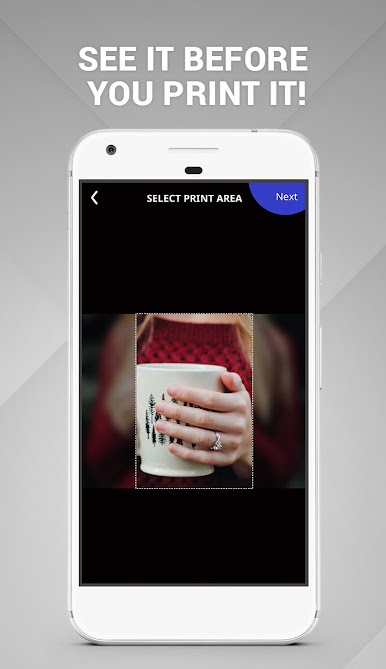
The part that stands out most is how it’s not just about editing, but also about sharing and printing. It’s easy to hook up social media accounts so old pictures are right there, ready to use or touch up. If you’ve got the SnapTouch printer, it only takes a sec to see a preview before sending your photo out to print. And playing on PC through something like BlueStacks actually makes things feel a bit less cramped, especially for editing since there’s more space. It feels like a clean, simple way to bring digital photos to life, whether you’re tweaking pics from your last trip or just printing out a memory for your wall.
BlueStacks gives you the much-needed freedom to experience your favorite apps on a bigger screen. Get it now.
Chơi Snaptouch trên PC. Rất dễ để bắt đầu
-
Tải và cài đặt BlueStacks trên máy của bạn
-
Hoàn tất đăng nhập vào Google để đến PlayStore, hoặc thực hiện sau
-
Tìm Snaptouch trên thanh tìm kiếm ở góc phải màn hình
-
Nhấn vào để cài đặt Snaptouch trong danh sách kết quả tìm kiếm
-
Hoàn tất đăng nhập Google (nếu bạn chưa làm bước 2) để cài đặt Snaptouch
-
Nhấn vào icon Snaptouch tại màn hình chính để bắt đầu chơi

