


Merge Rush Z
Graj na PC z BlueStacks – Platforma gamingowa Android, która uzyskała zaufanie ponad 500 milionów graczy!

Strona zmodyfikowana w dniu: Aug 10, 2026
Graj Merge Rush Z na PC
Połącz broń i wyślij swój śmiercionośny oddział dziewczyn, oczywiście!
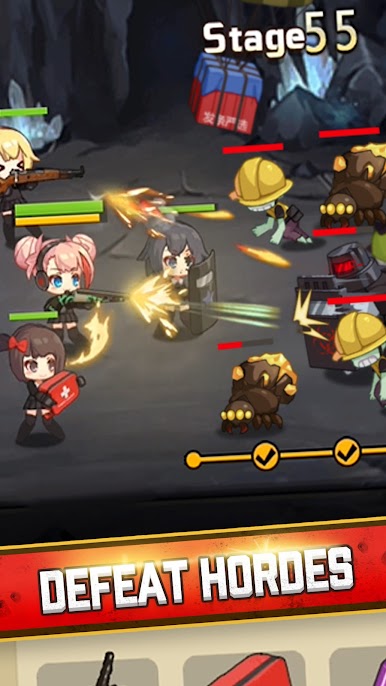
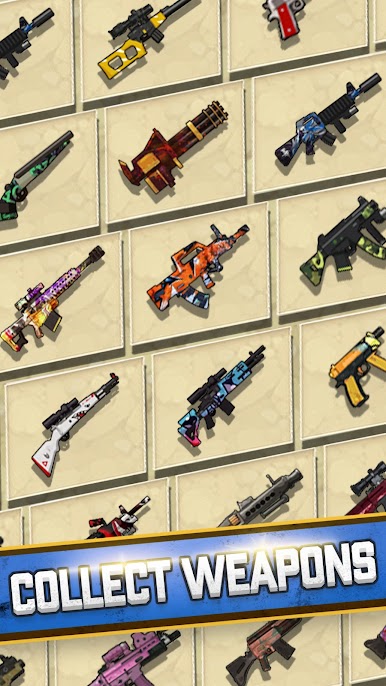
Merge Rush Z to wciągająca darmowa gra strzelankowa o zombie, w której łączysz potężne bronie, aby walczyć z zombie ze swoją bohaterką i jej oddziałem. Zombie stanowią różnorodne wyzwania ze względu na swój rozmiar, szybkość, umiejętności i potężnych bossów! Weź udział w ekscytującej akcji strzeleckiej, używając kombinacji broni, śmiercionośnych przedmiotów i swojego sprytu, aby oczyścić fale zombie. Stukaj, uderzaj i strzelaj, aby przetrwać epidemię zombie!
Cechy gry:
1. Prosta i wciągająca rozgrywka.
Poczuj satysfakcję z łączenia coraz potężniejszych broni! Stukaj, aby kontrolować swój ogień w bitwie. Nigdy nie zabraknie Ci amunicji, więc strzelaj!
2. Urocze i urocze postacie.
Wielka moc kryje się w małych opakowaniach, a ich śmiercionośna broń i przedmioty dają potężnego kopa. Nie daj się zwieść słodkim zombie, są śmiercionośne, ale łatwo rozpoznasz, jakie mają umiejętności.
3. Kontynuuj zarabianie, nawet gdy jesteś offline.
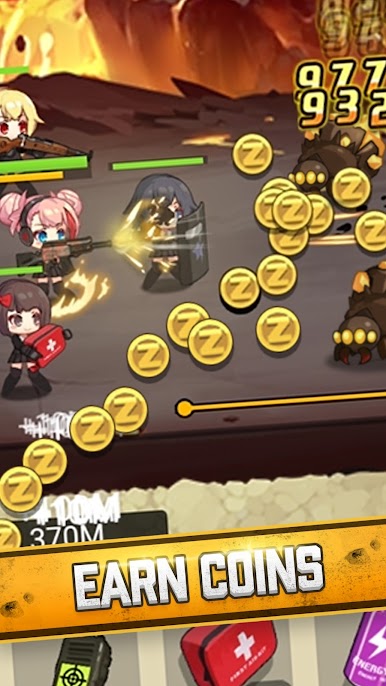
Nie myślisz, że zombie zaatakują, gdy będziesz poza grą? Nie martw się, oddział ma to pod kontrolą i nawet może zarobić więcej monet.
4. Zdobywaj codzienne nagrody.
Zrób swoją część i zabijaj zombie codziennie, aby zdobyć nagrody za misje, losowanie i darmowe skrzynki z łupami!
Niezależnie od tego, czy chcesz po prostu zebrać potężniejsze bronie, czy po prostu wziąć udział w emocjonującej akcji strzeleckiej, ta gra pozwala ci wskoczyć i zacząć od razu. Gdy zaczniesz, nie będziesz chciał przestać strzelać.


Zagraj w Merge Rush Z na PC. To takie proste.
-
Pobierz i zainstaluj BlueStacks na PC
-
Zakończ pomyślnie ustawienie Google, aby otrzymać dostęp do sklepu Play, albo zrób to później.
-
Wyszukaj Merge Rush Z w pasku wyszukiwania w prawym górnym rogu.
-
Kliknij, aby zainstalować Merge Rush Z z wyników wyszukiwania
-
Ukończ pomyślnie rejestrację Google (jeśli krok 2 został pominięty) aby zainstalować Merge Rush Z
-
Klinij w ikonę Merge Rush Z na ekranie startowym, aby zacząć grę

