


WiFi Analyzer
Graj na PC z BlueStacks – Platforma gamingowa Android, która uzyskała zaufanie ponad 500 milionów graczy!

Strona zmodyfikowana w dniu: Dec 12, 2025
Play WiFi Analyzer on PC
Key features
Next-Generation WiFi Support:
- WiFi 6E & 6GHz band analysis - Future-ready technology
- 2.4GHz, 5GHz, and 6GHz comprehensive scanning
- WiFi 6/WiFi 7 compatibility with 320MHz channel width support
Professional Network Analysis Tools:
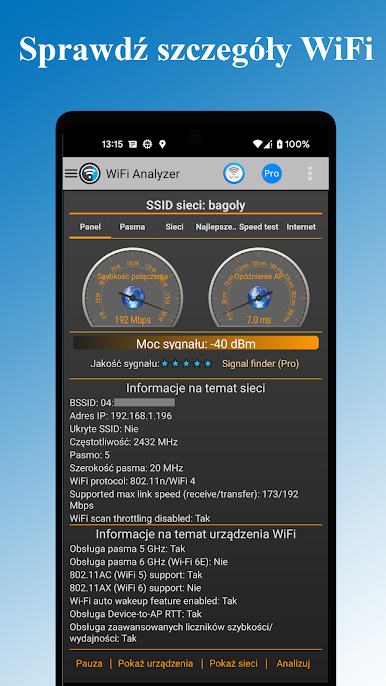
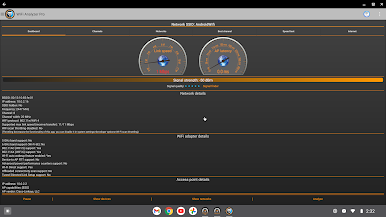
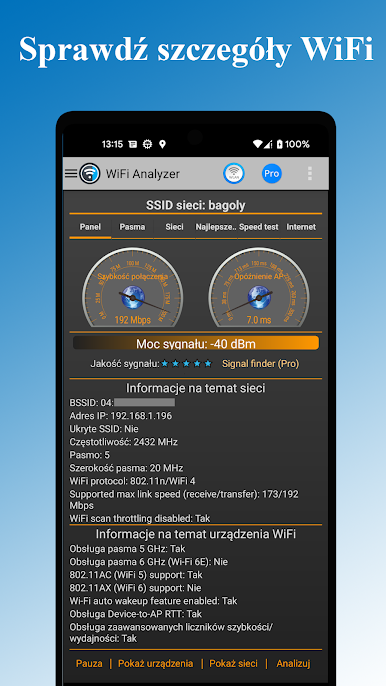
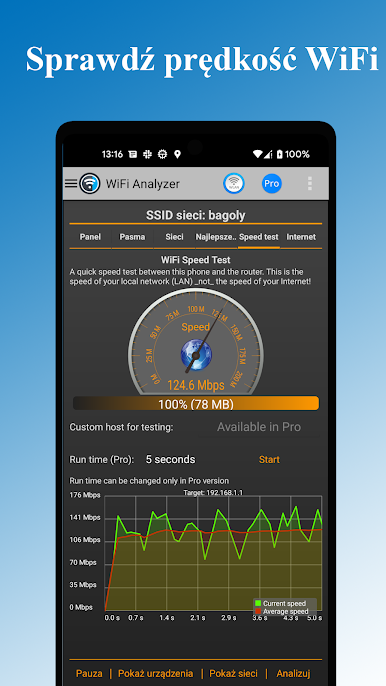
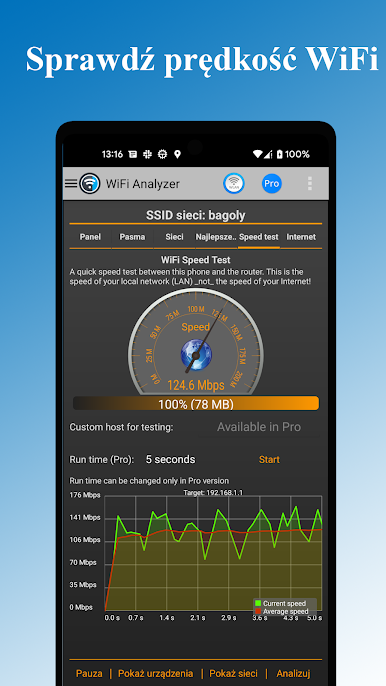
- Real-time throughput meter to your router (unique feature)
- Multi-target ping testing to popular internet addresses
- Latency analysis for gaming and streaming optimization
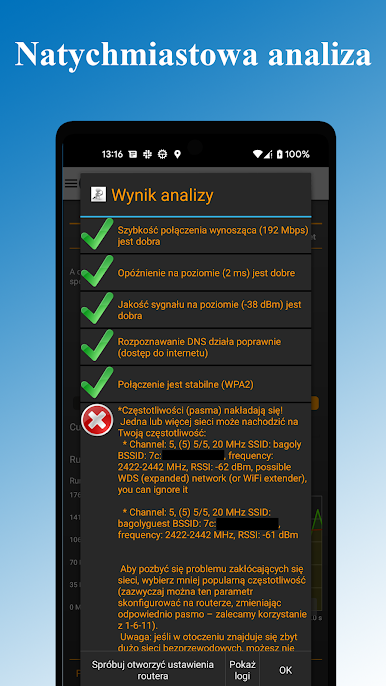
- DNS verification and network troubleshooting
Network Security & Management:
- Detect unauthorized users on your WiFi network
- Security analysis: WEP, WPA, WPA2, WPA3 support
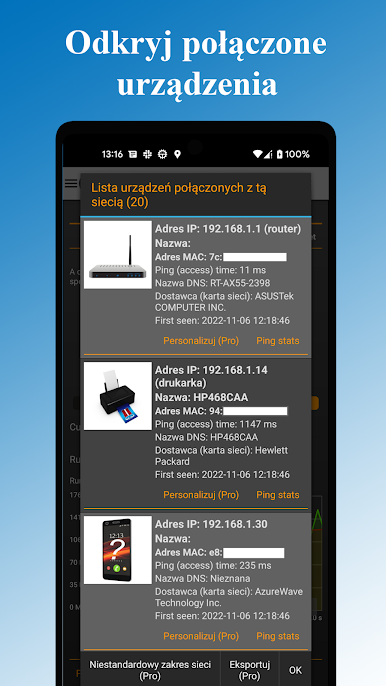
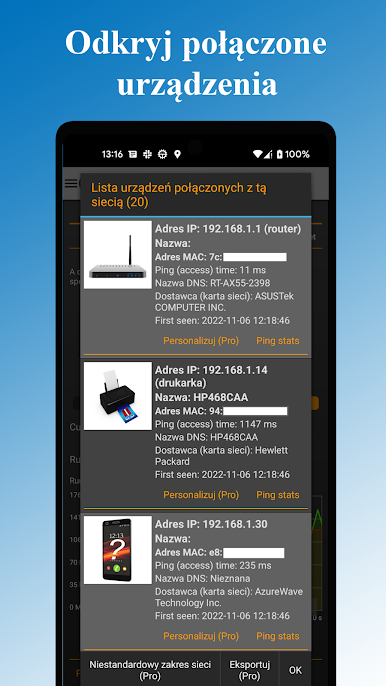
- Connected device scanner with device type detection
- Network vulnerability assessment
Advanced Visualization & Analytics:
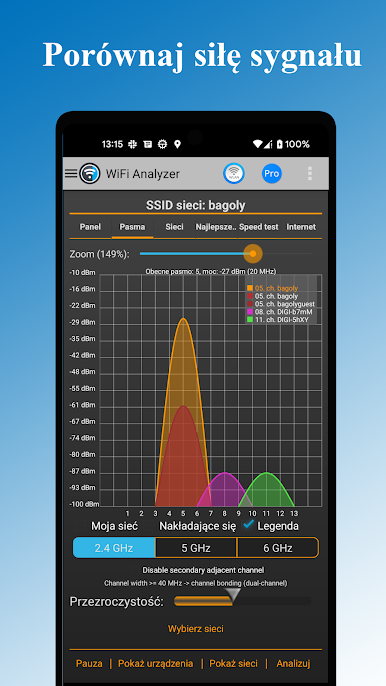
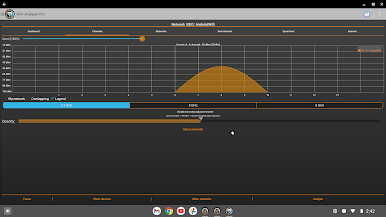
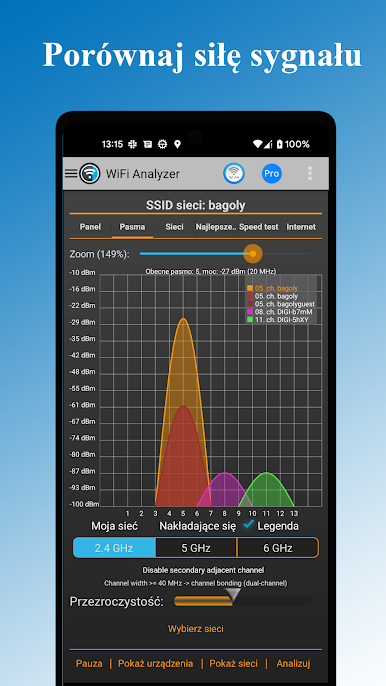
- Signal strength heatmaps and channel congestion charts
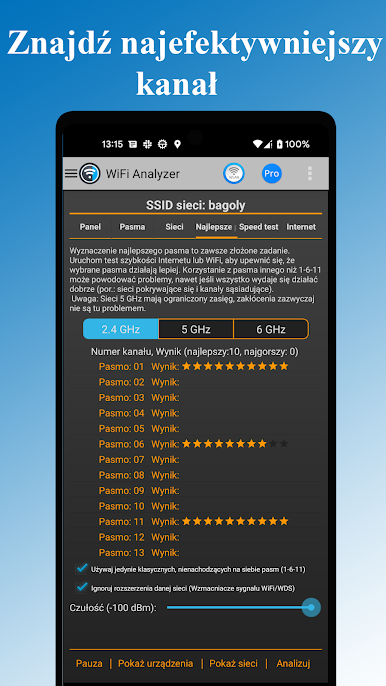
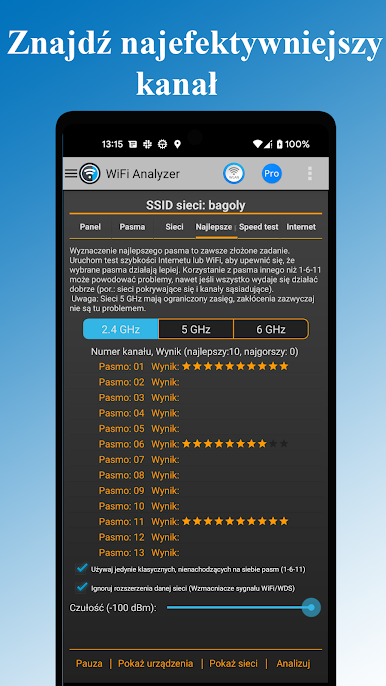
- Optimal channel recommendations based on interference analysis
- Historical data tracking and network performance trends
- Export capabilities for professional reporting
Smart Optimization Features
- Automatic router placement suggestions for maximum coverage
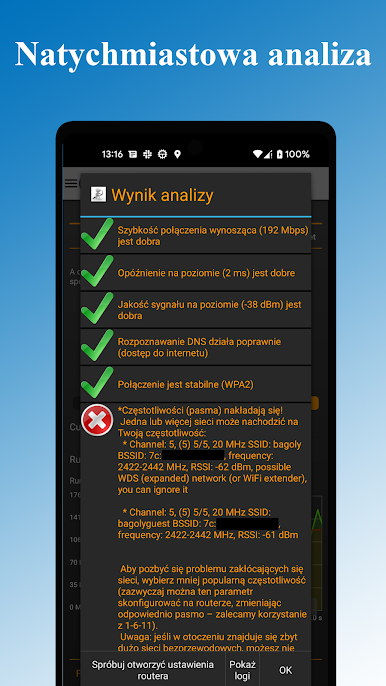
- Channel overlap detection and interference mitigation
- WiFi band recommendations (2.4GHz vs 5GHz vs 6GHz)
- Router configuration access for quick settings changes
Perfect For:
Home Users: Optimize your WiFi for streaming, gaming, and remote work
IT Professionals: Comprehensive network analysis and troubleshooting
Network Administrators: Enterprise-level WiFi planning and management
Tech Enthusiasts: Advanced features and detailed network insights
Advanced Capabilities:
- DHCP information analysis and IP configuration details
- Frequency and channel width detection (20/40/80/160/320 MHz)
- Access point discovery with distance estimation
- Raw data access for technical analysis beyond charts
Themes & Customization
- Dark and Light themes for comfortable viewing
- Customizable filters: SSID, WiFi band, signal strength, security type
- Flexible display options: Complete or compact access point view
- Export functionality for data analysis and reporting
Zagraj w WiFi Analyzer na PC. To takie proste.
-
Pobierz i zainstaluj BlueStacks na PC
-
Zakończ pomyślnie ustawienie Google, aby otrzymać dostęp do sklepu Play, albo zrób to później.
-
Wyszukaj WiFi Analyzer w pasku wyszukiwania w prawym górnym rogu.
-
Kliknij, aby zainstalować WiFi Analyzer z wyników wyszukiwania
-
Ukończ pomyślnie rejestrację Google (jeśli krok 2 został pominięty) aby zainstalować WiFi Analyzer
-
Klinij w ikonę WiFi Analyzer na ekranie startowym, aby zacząć grę

