

Ragdoll Up: Climb Jump N Fall
Chơi trên PC với BlueStacks - Nền tảng chơi game Android, được hơn 500 triệu game thủ tin tưởng.

Trang đã được sửa đổi vào: Nov 3, 2025
Play Only Up: Ragdoll Climb Mobile on PC or Mac
Only Up: Ragdoll Climb Mobile brings the Adventure genre to life, and throws up exciting challenges for gamers. Developed by Riovox, this Android game is best experienced on BlueStacks, the World’s #1 app player for PC and Mac users.
About the Game
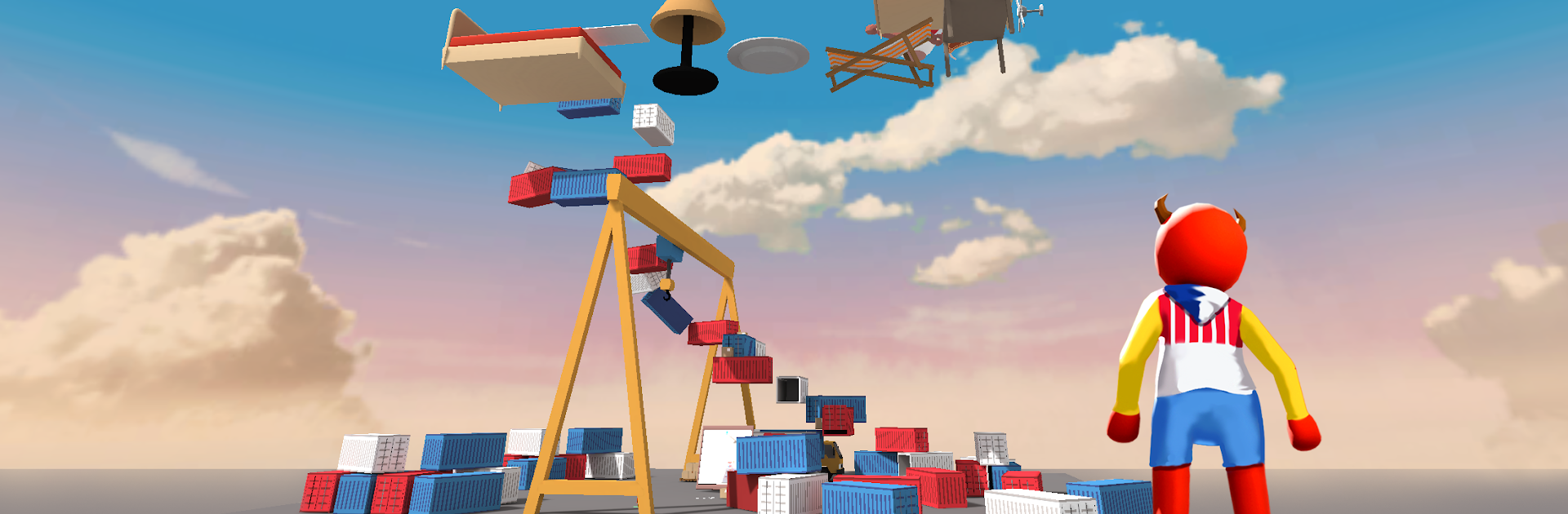
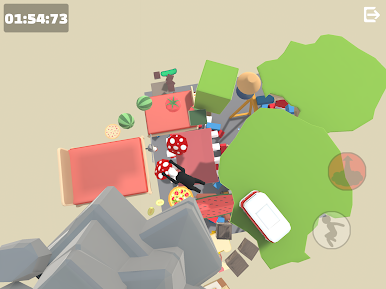
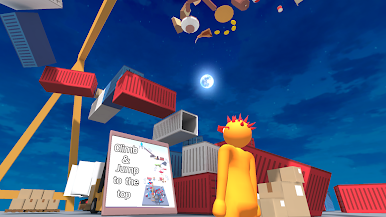
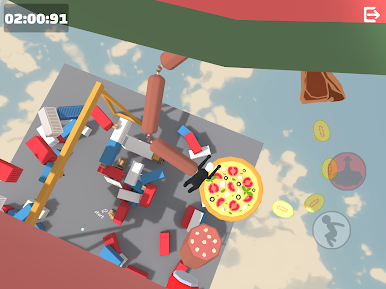
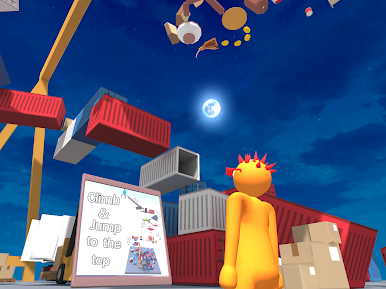
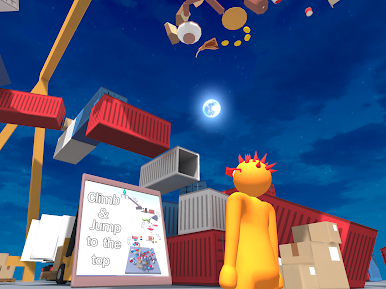
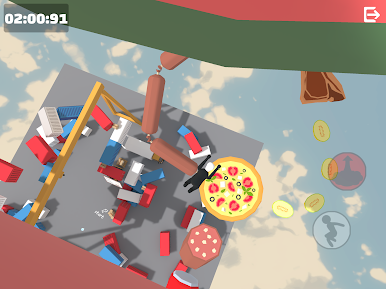
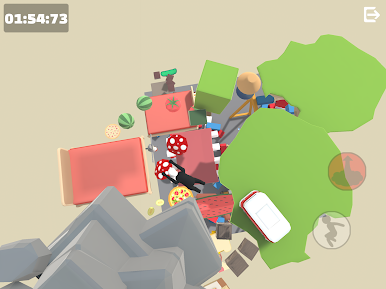
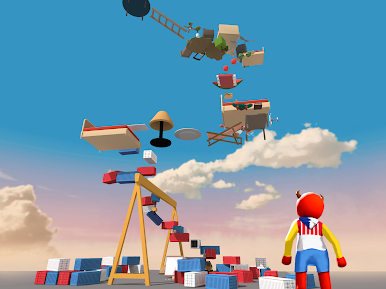
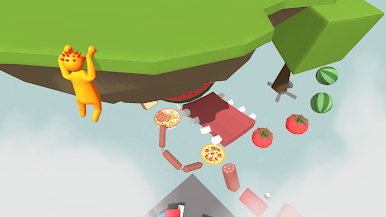
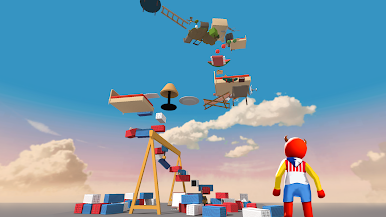
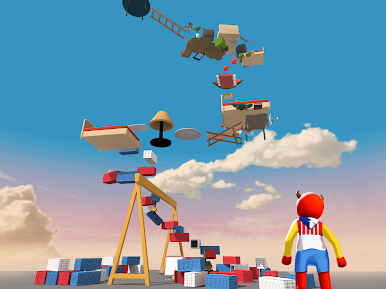
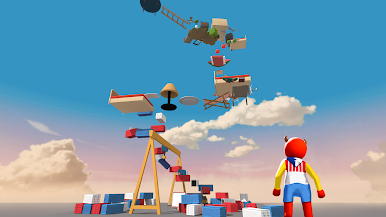
If you’re into challenging climbs and unpredictable jumps, Only Up: Ragdoll Climb Mobile might just become your favorite way to pass the time. In this quirky Adventure from Riovox, you’ll take control of a floppy, wobbly ragdoll and see how high you can go. Expect lots of laughs, plenty of tumbles, and that “just one more try” feeling every time you fall.
Game Features
- Ridiculous Ragdoll Brains: The character you control doesn’t always go exactly where you want, thanks to physics that can flip plans upside down. That’s half the fun—expect bounces, swings, and the occasional dramatic leap.
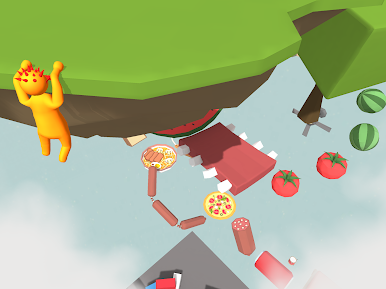
- A Cast of Goofballs: You’re not stuck with one look. Unlock and switch between all sorts of funny characters, each wobbling in their own style as they climb.
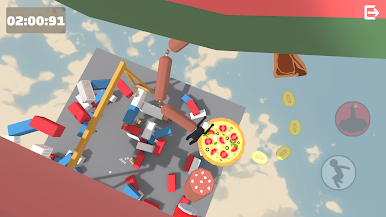
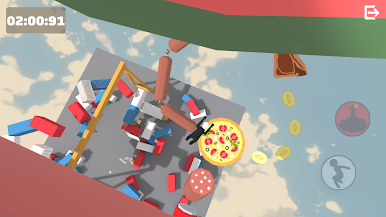
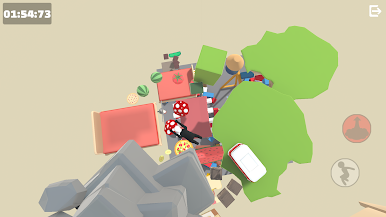
- Speedrun-Friendly Levels: Think you’re quick? Each level dares you to beat your own best time, whether you’re competing against others or just chasing a personal record.
- Parkour, but Unpredictable: It’s not your typical obstacle course; here, the physics engine keeps things lively. Walls, platforms, and moving parts all interact with your ragdoll in surprising ways.
- Offline Play: No Wi-Fi? No problem. Grab a few minutes of silly climbing action wherever you are.
- Simple, Intuitive Controls: You won’t need a complicated tutorial—just tap and steer, but mastering the physics? That’s another story.
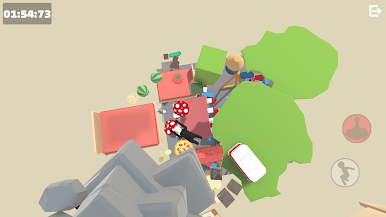
- Great on Bigger Screens: If you want to catch every wild leap in detail, playing on BlueStacks can make those gravity-defying moments pop even more.
Slay your opponents with your epic moves. Play it your way on BlueStacks and dominate the battlefield.

Chơi Ragdoll Up: Climb Jump N Fall trên PC. Rất dễ để bắt đầu
-
Tải và cài đặt BlueStacks trên máy của bạn
-
Hoàn tất đăng nhập vào Google để đến PlayStore, hoặc thực hiện sau
-
Tìm Ragdoll Up: Climb Jump N Fall trên thanh tìm kiếm ở góc phải màn hình
-
Nhấn vào để cài đặt Ragdoll Up: Climb Jump N Fall trong danh sách kết quả tìm kiếm
-
Hoàn tất đăng nhập Google (nếu bạn chưa làm bước 2) để cài đặt Ragdoll Up: Climb Jump N Fall
-
Nhấn vào icon Ragdoll Up: Climb Jump N Fall tại màn hình chính để bắt đầu chơi

