


Coloring Mandalas
Graj na PC z BlueStacks – Platforma gamingowa Android, która uzyskała zaufanie ponad 500 milionów graczy!

Strona zmodyfikowana w dniu: Nov 27, 2025
Play Coloring Mandalas on PC
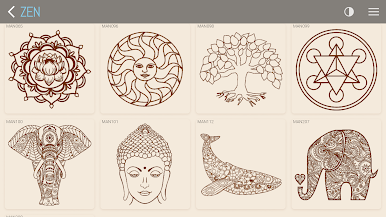
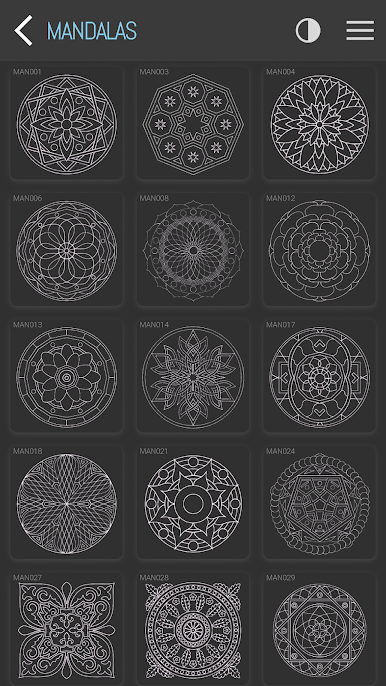
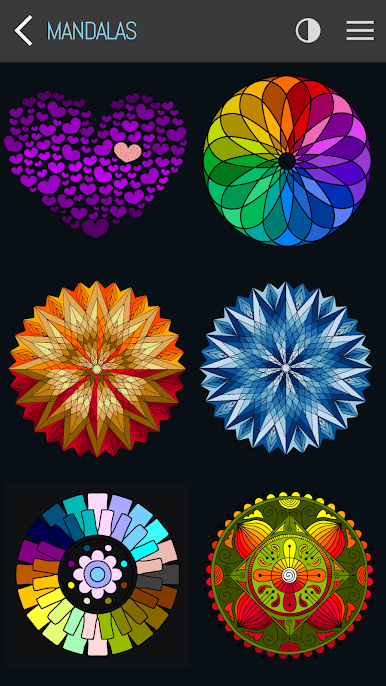
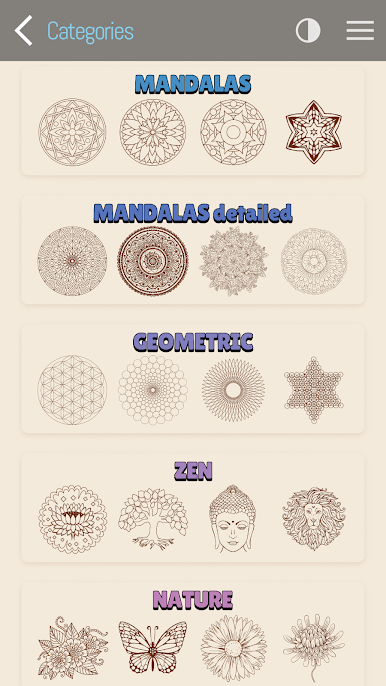
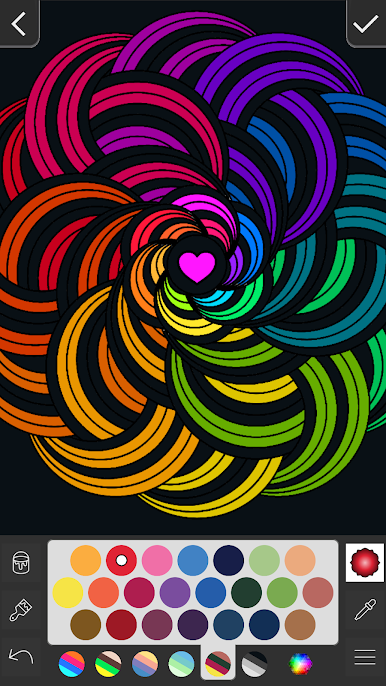
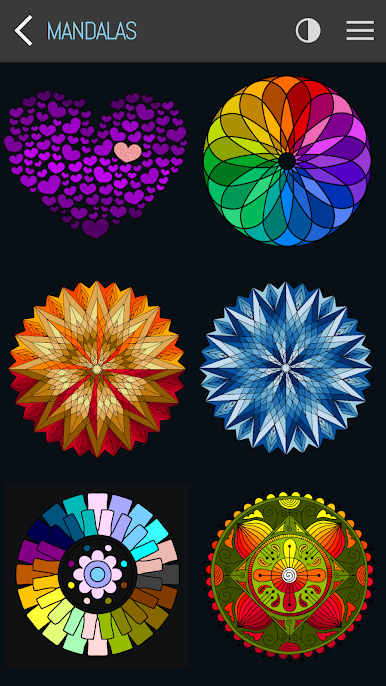
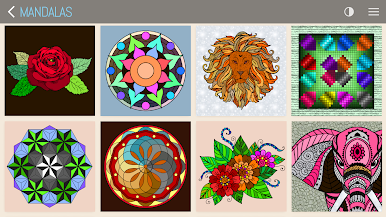
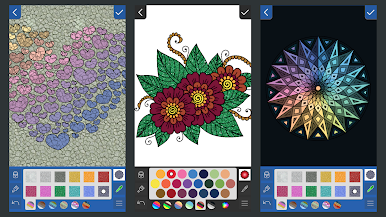
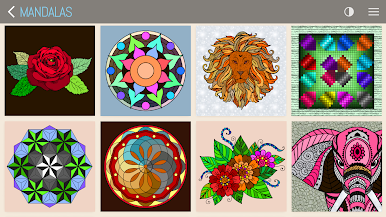
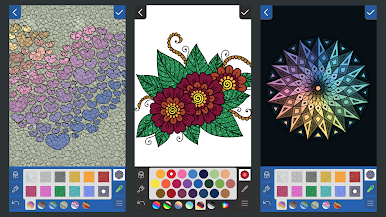
Choose from a variety of beautiful mandalas and let your creativity flow.
Features:
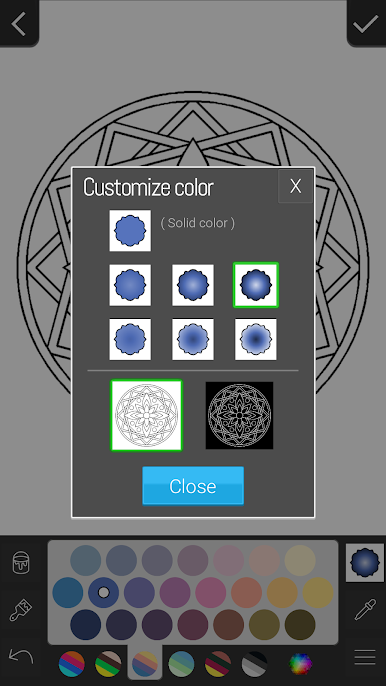
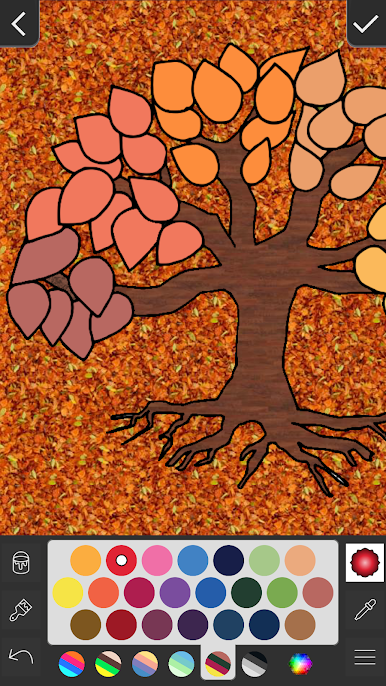
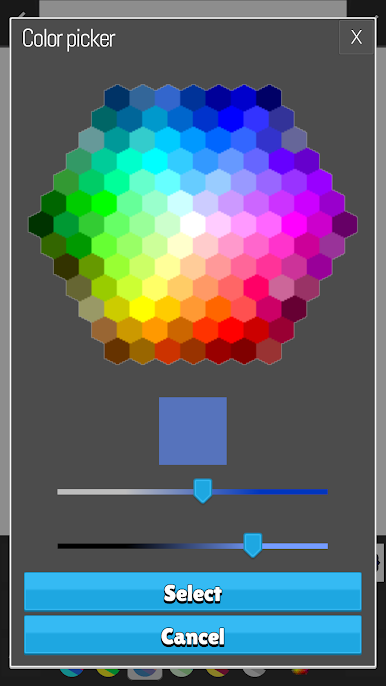
* Customize your own colors
* Undo feature
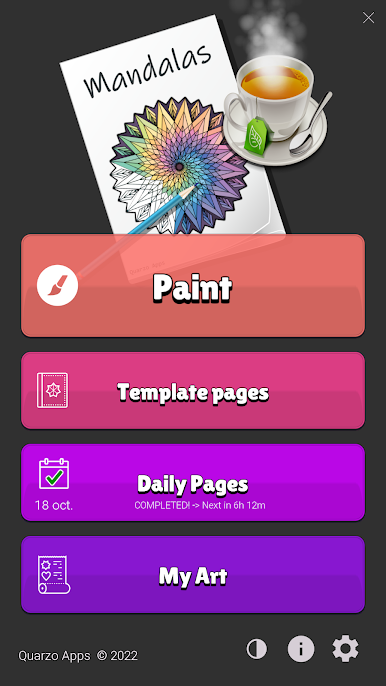
* Page of the day
* All your colored designs automatically saved to your device
* Share and amaze your friends with your creativity!
* Color theme (dark mode available)
* Supports portrait and landscape orientation with full inmersive mode
* All templates are available offline
Just one more thing...
RELAX AND ENJOY !!!
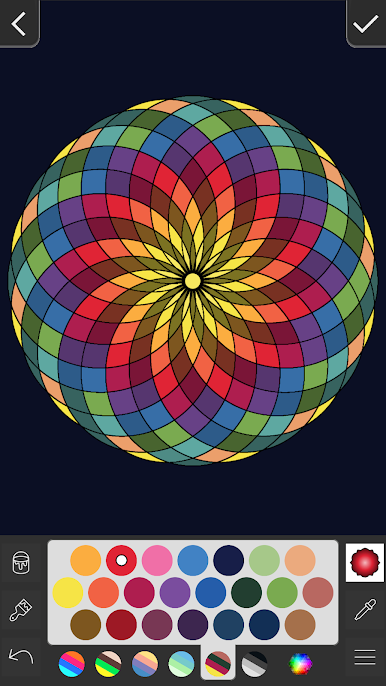

Zagraj w Coloring Mandalas na PC. To takie proste.
-
Pobierz i zainstaluj BlueStacks na PC
-
Zakończ pomyślnie ustawienie Google, aby otrzymać dostęp do sklepu Play, albo zrób to później.
-
Wyszukaj Coloring Mandalas w pasku wyszukiwania w prawym górnym rogu.
-
Kliknij, aby zainstalować Coloring Mandalas z wyników wyszukiwania
-
Ukończ pomyślnie rejestrację Google (jeśli krok 2 został pominięty) aby zainstalować Coloring Mandalas
-
Klinij w ikonę Coloring Mandalas na ekranie startowym, aby zacząć grę

