

Note Me
Graj na PC z BlueStacks – Platforma gamingowa Android, która uzyskała zaufanie ponad 500 milionów graczy!

Strona zmodyfikowana w dniu: Dec 4, 2025
Run Note Me on PC or Mac
Let BlueStacks turn your PC, Mac, or laptop into the perfect home for Note Me, a fun Productivity app from Paramvir Bali.
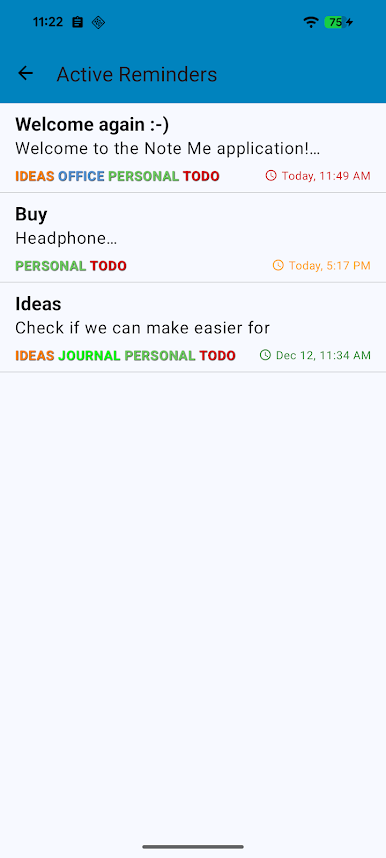
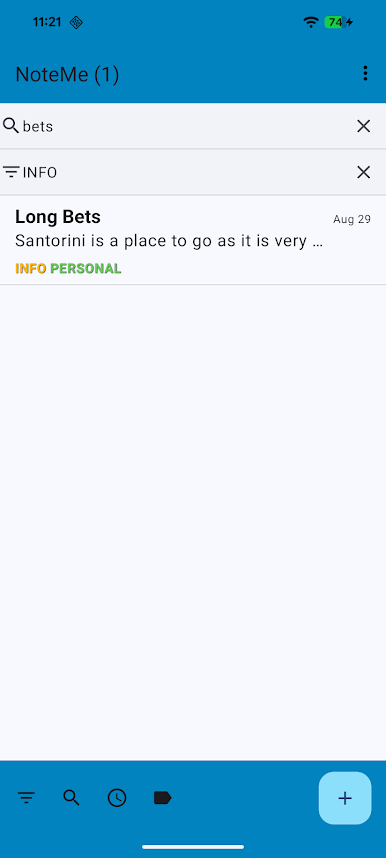
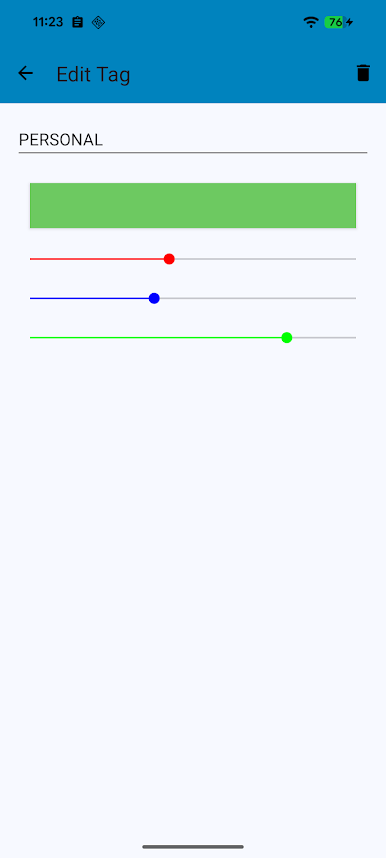
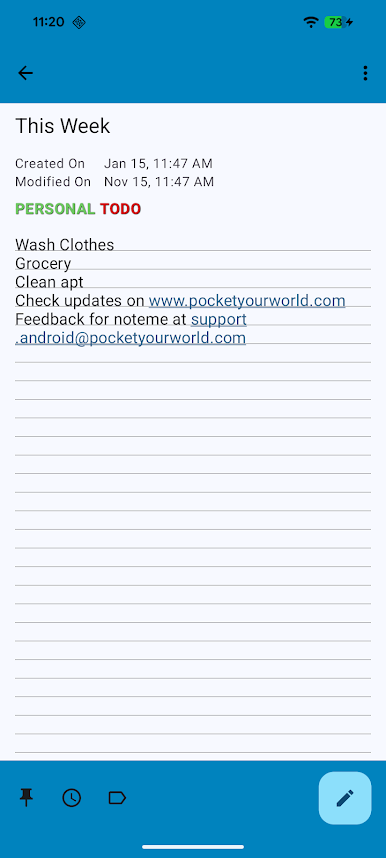
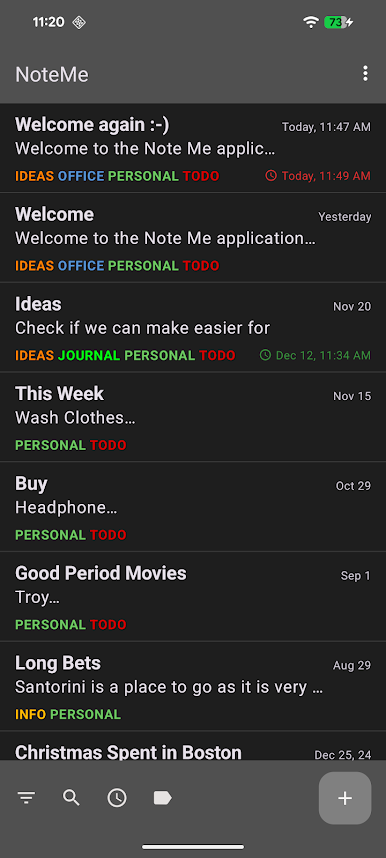
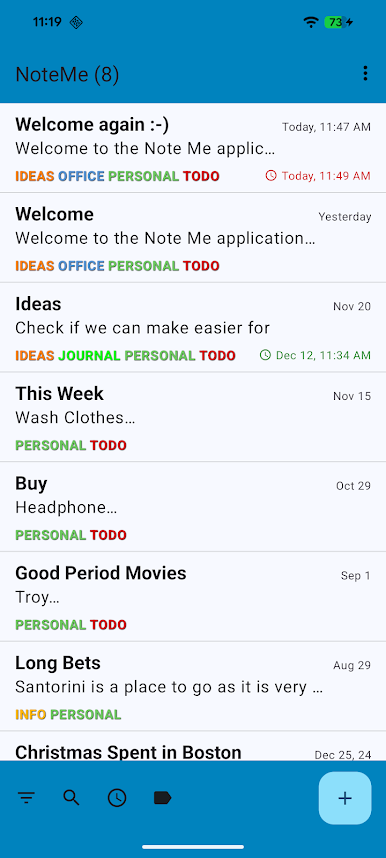
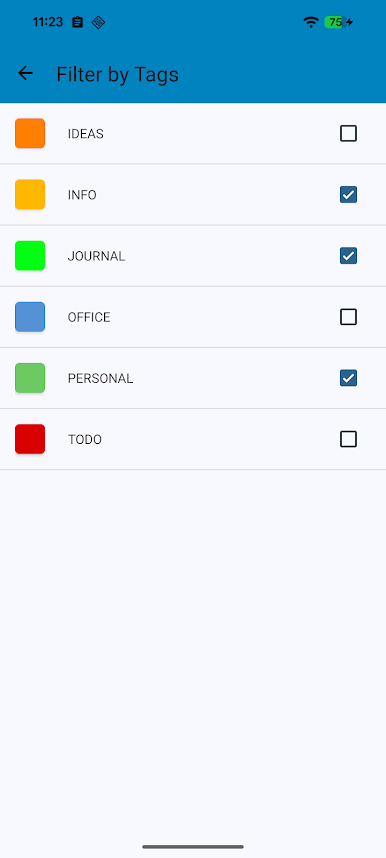
Note Me keeps things simple and fast, and it focuses on something a lot of note apps miss: finding stuff later without hassle. The standout is tags. Each note can carry multiple tags, and the filter lets someone combine tags to zero in on exactly the notes they want. Meeting notes, ideas, personal memos, all show up when searched by tag rather than getting buried. The layout is clean so the list is easy to skim, and typing feels quick enough that it does not get in the way.
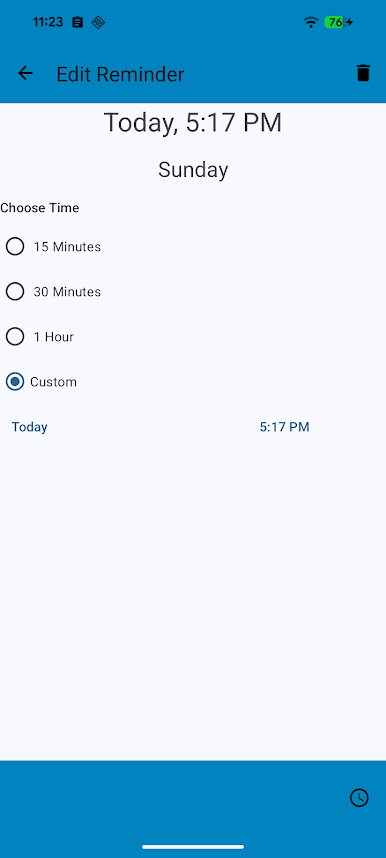
Batch tools are solid. Select a bunch of notes at once, apply a new tag, or delete them in one go. Reminders attach right to a note, so a task or thought can nudge at the right time. Sharing works with other apps and can send details straight to a calendar, which makes turning text into an event less annoying. There are small touches that make it feel flexible day to day, like adding shortcuts for specific notes on the home screen, flipping between light and dark themes, adjusting font size and how many preview lines are visible, and importing or exporting to storage for backups. It has a bit of that old Android feel, with a clear help guide and straightforward icons instead of a lot of hidden gestures. On a PC with BlueStacks, the keyboard makes long notes easier to handle and the bigger screen makes tag filters and multi select quicker.
Big screen. Bigger performance. Use BlueStacks on your PC or Mac to run your favorite apps.
Zagraj w Note Me na PC. To takie proste.
-
Pobierz i zainstaluj BlueStacks na PC
-
Zakończ pomyślnie ustawienie Google, aby otrzymać dostęp do sklepu Play, albo zrób to później.
-
Wyszukaj Note Me w pasku wyszukiwania w prawym górnym rogu.
-
Kliknij, aby zainstalować Note Me z wyników wyszukiwania
-
Ukończ pomyślnie rejestrację Google (jeśli krok 2 został pominięty) aby zainstalować Note Me
-
Klinij w ikonę Note Me na ekranie startowym, aby zacząć grę

