


Blitz - zadania, przypomnienia
Graj na PC z BlueStacks – Platforma gamingowa Android, która uzyskała zaufanie ponad 500 milionów graczy!

Strona zmodyfikowana w dniu: Mar 22, 2024
Play Blitz.do: Tasks Reminders ToDo on PC
For advanced users there are projects, tags and contexts - time management of any productivity methodology is available to you. The app can be used as an organizer or a day planner, or even as a habit tracker!
And, of course, you can make lists - from grocery shopping and simple todo's to step-by-step planning of complex projects. There are also reminders for every task, and most recently, the app has a calendar. You can now see your goals with a convenient breakdown by day.
By the way, all data can be synchronized between devices by creating an account. All changes to tasks and plans happen in real time.
Take control of your life!
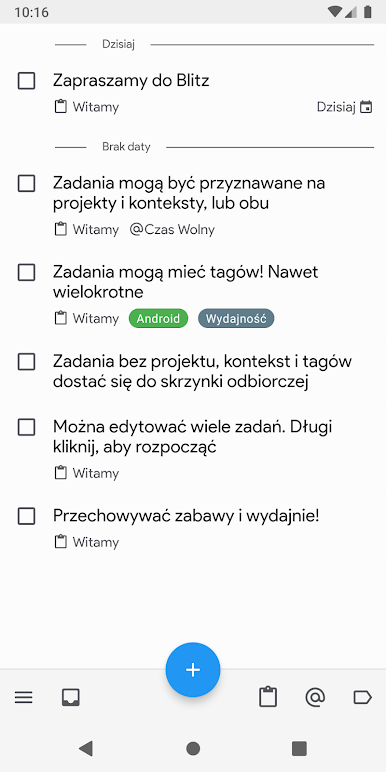
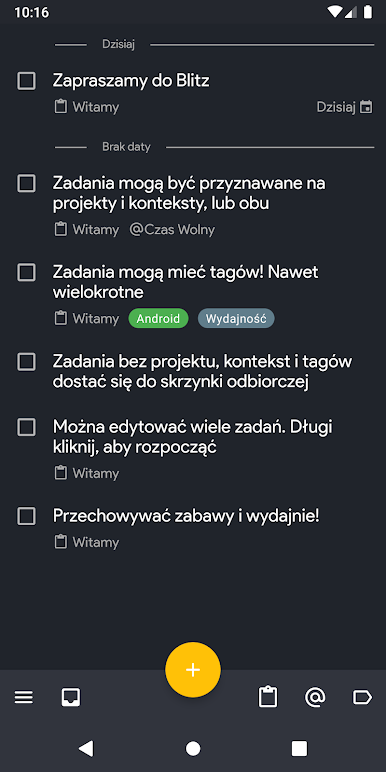
- Collect ideas in your Inbox. Productivity rule - don't keep everything in your head
- Break tasks down into Projects - the big goal you are working on or want to accomplish
- Assign Context - a comfortable condition for when you can get started, such as @Home, @Office, or @Online
- Add unlimited tags with additional information, e.g. Urgent, People, Finance
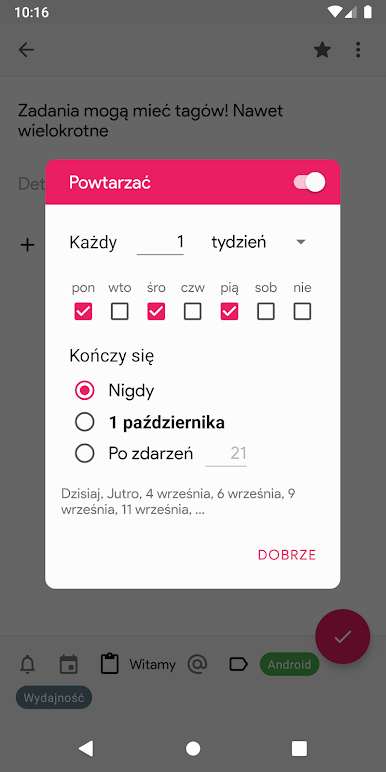
- Repetitive tasks with a flexible schedule: daily, weekly or monthly. Repetition is the basis of productivity!
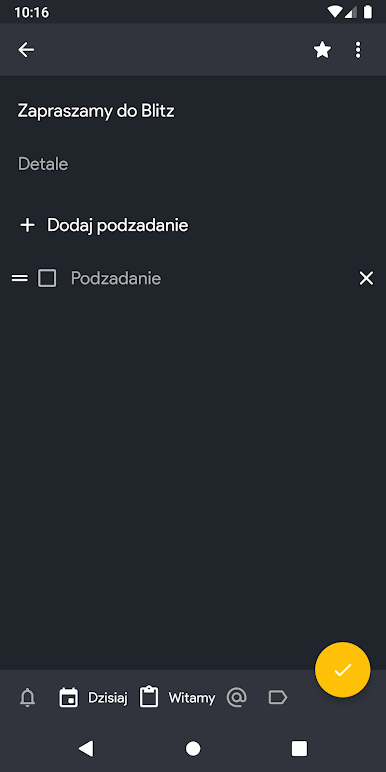
- Use up to 5 reminders for each task.
- Find quickly with a flexible filter.
- instantly search all your data and content
- handy calendar planner: a day planner for quick navigation through your schedule
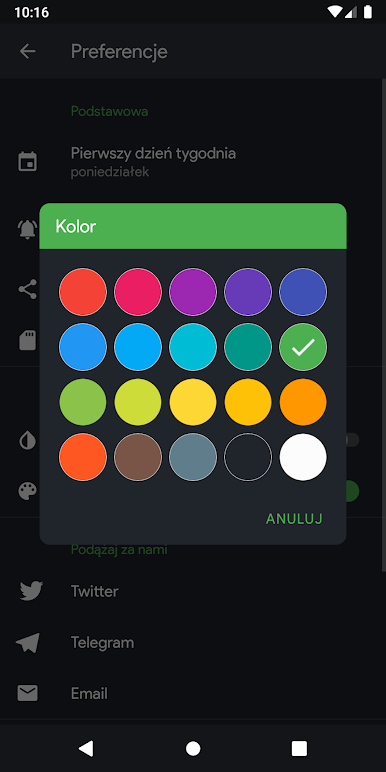
- customizable look and feel: dark and light theme, any accent color
The app has a flexible desktop widget that gives you quick access to your most urgent and important goals. There are other ways to create a task quickly: through the notification bar, an icon on the desktop or directly by sharing data using the standard android tools.
If you find a bug or have a suggestion on how to make the app better, email us at qwertywayapps@gmail.com.
With Blitz.do task manager your productivity and time management will reach a new level!
Zagraj w Blitz - zadania, przypomnienia na PC. To takie proste.
-
Pobierz i zainstaluj BlueStacks na PC
-
Zakończ pomyślnie ustawienie Google, aby otrzymać dostęp do sklepu Play, albo zrób to później.
-
Wyszukaj Blitz - zadania, przypomnienia w pasku wyszukiwania w prawym górnym rogu.
-
Kliknij, aby zainstalować Blitz - zadania, przypomnienia z wyników wyszukiwania
-
Ukończ pomyślnie rejestrację Google (jeśli krok 2 został pominięty) aby zainstalować Blitz - zadania, przypomnienia
-
Klinij w ikonę Blitz - zadania, przypomnienia na ekranie startowym, aby zacząć grę

