


Radio Mołdawia FM online
Graj na PC z BlueStacks – Platforma gamingowa Android, która uzyskała zaufanie ponad 500 milionów graczy!

Strona zmodyfikowana w dniu: Nov 11, 2025
Run Radio Moldova FM online on PC or Mac
Why limit yourself to your small screen on the phone? Run Radio Moldova FM online, an app by Radios Color, best experienced on your PC or Mac with BlueStacks, the world’s #1 Android emulator.
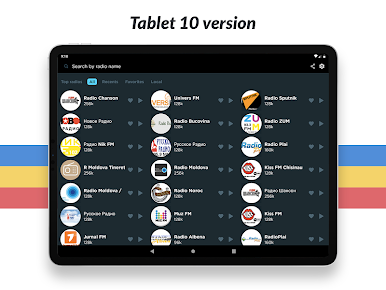
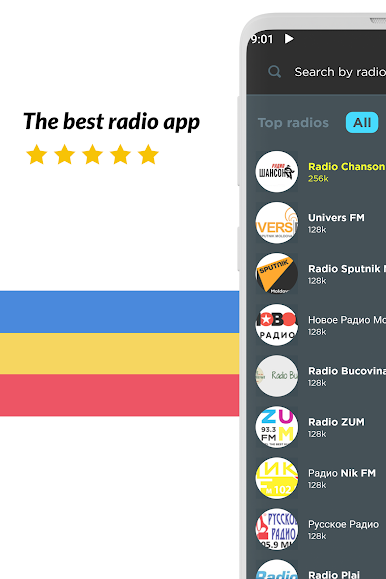
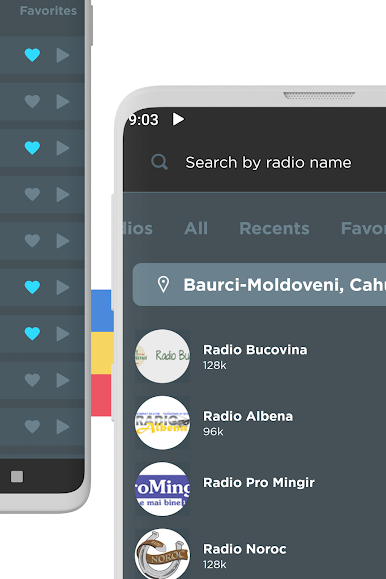
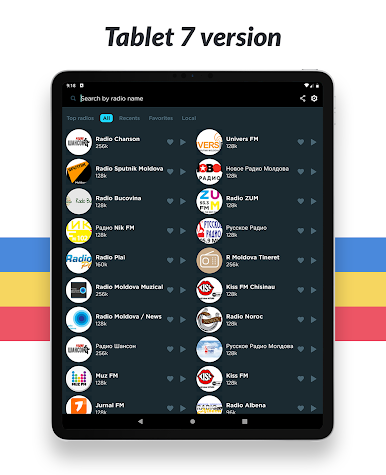
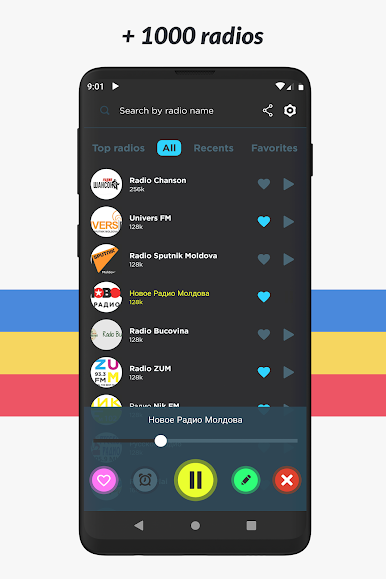
Radio Moldova FM online is basically a clean, no-fuss way to stream Moldovan stations from anywhere. The layout is simple, big play controls, quick station swapping, and it feels light. It pulls a wide mix of channels into one place, music-heavy ones like Kiss 100.9 or PRO Dj, plus talk and regional voices like Vocea Basarabiei or ZUM, even some retro and community picks. Someone can hop between news, sports, or slow background tunes without digging through menus. On a PC with BlueStacks it works nicely in a small window while working, search with a keyboard is convenient, and it just hums along in the background.
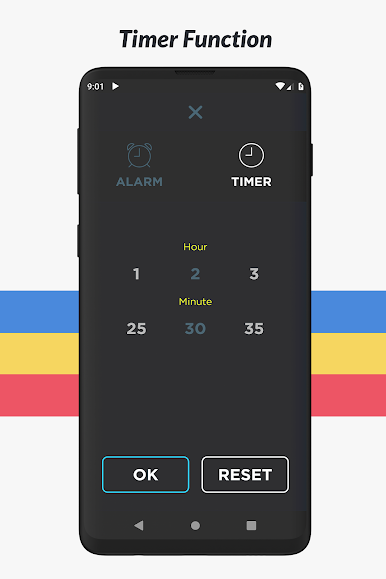
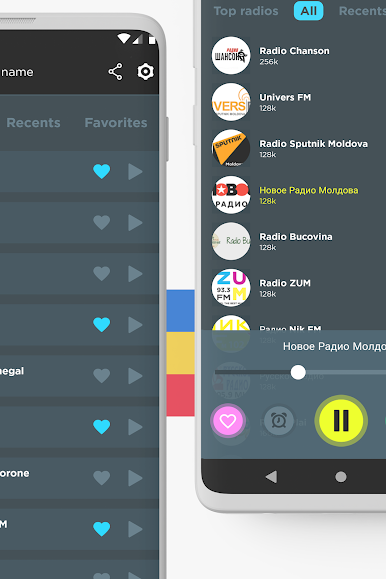
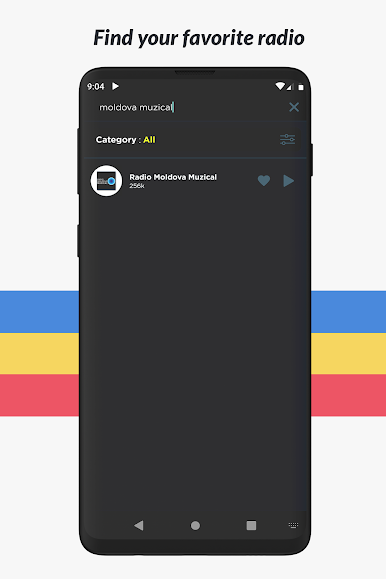
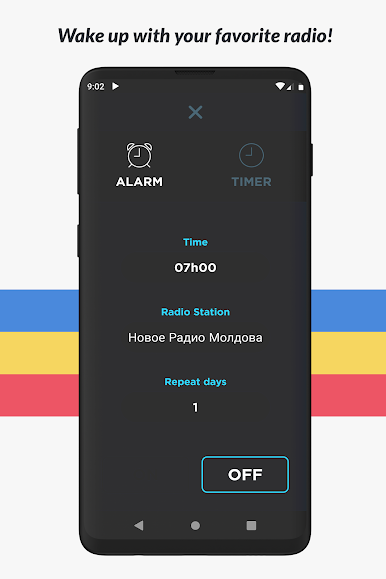
There are helpful touches that make it practical day to day. Stations can be favorited, searches are fast, and filtering by themes helps when the mood changes. There is a sleep timer for winding down and an alarm that wakes with a station instead of a beep. It handles calls without drama, and sharing a live station to friends is built in. Chromecast support is there for sending audio to speakers, and Android Auto is handy if the phone goes to the car later. A widget exists for quick play or pause. It does require internet, so no offline listening. There are ads, nothing shocking, and there is an ad-free option if someone wants a cleaner screen. For anyone abroad or traveling, it still pulls local Moldovan stations fine, which is the whole charm.
Big screen. Bigger performance. Use BlueStacks on your PC or Mac to run your favorite apps.
Zagraj w Radio Mołdawia FM online na PC. To takie proste.
-
Pobierz i zainstaluj BlueStacks na PC
-
Zakończ pomyślnie ustawienie Google, aby otrzymać dostęp do sklepu Play, albo zrób to później.
-
Wyszukaj Radio Mołdawia FM online w pasku wyszukiwania w prawym górnym rogu.
-
Kliknij, aby zainstalować Radio Mołdawia FM online z wyników wyszukiwania
-
Ukończ pomyślnie rejestrację Google (jeśli krok 2 został pominięty) aby zainstalować Radio Mołdawia FM online
-
Klinij w ikonę Radio Mołdawia FM online na ekranie startowym, aby zacząć grę

