


Razer Audio
Chơi trên PC với BlueStacks - Nền tảng chơi game Android, được hơn 500 triệu game thủ tin tưởng.

Trang đã được sửa đổi vào: Oct 21, 2025
Run Razer Audio on PC or Mac
Why limit yourself to your small screen on the phone? Run Razer Audio, an app by Razer Inc., best experienced on your PC or Mac with BlueStacks, the world’s #1 Android emulator.
About the App
Ever wish you could control all your Razer Bluetooth audio gear without jumping between a bunch of different apps? The Razer Audio app brings everything together so you can tweak, update, and manage your sound devices right from your phone. Whether you want a bassy playlist for the gym or crisp voices for gaming, this app keeps it simple, all in one spot.
App Features
-
Central Hub for Razer Devices
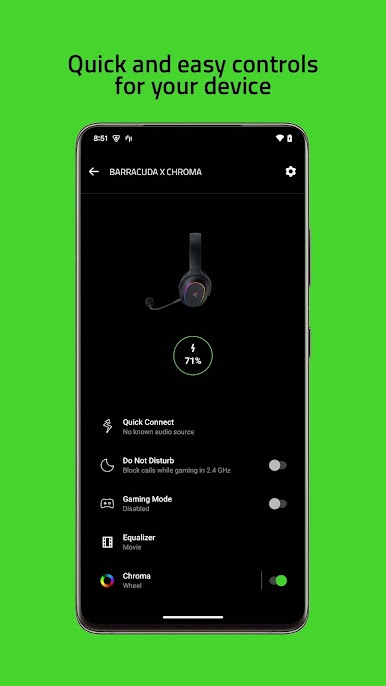
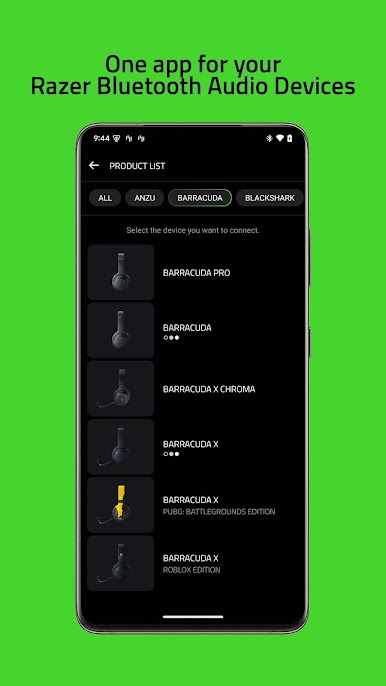
Handle your Bluetooth-enabled Razer audio gear—headphones, speakers, earbuds, and more—from a single dashboard. If you’re juggling multiple devices like the Razer Barracuda X, Hammerhead True Wireless, or even the Leviathan V2 speakers, it’s all organized and quick to reach. -
Custom Audio Controls
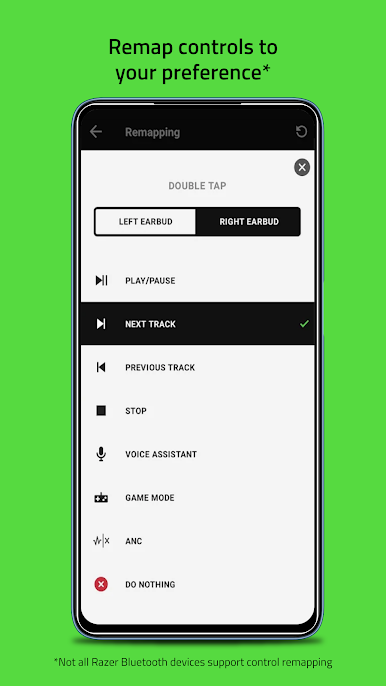
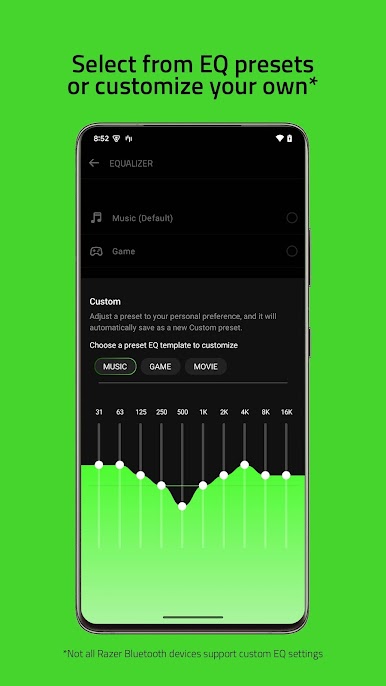
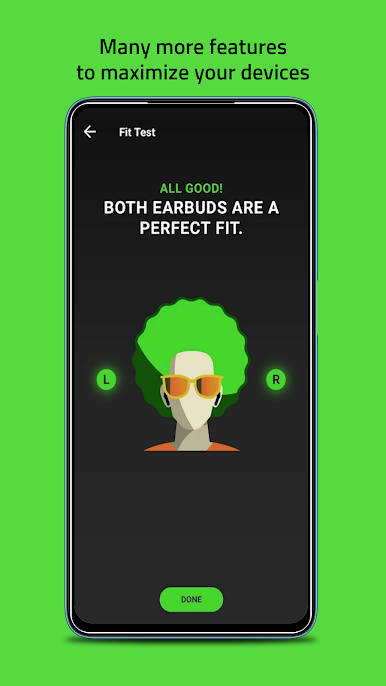
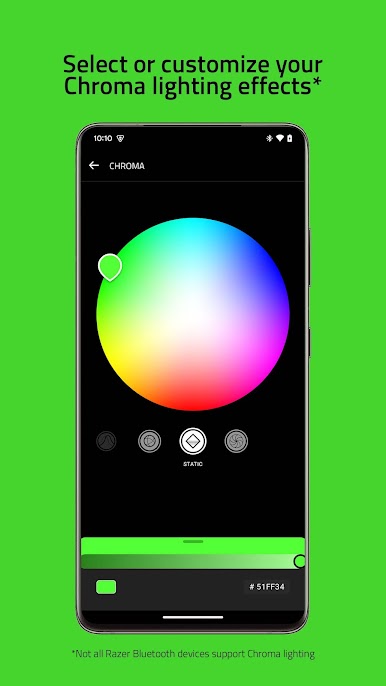
Fine-tune your sound just the way you like it. Adjust EQ, toggle noise cancellation, or play around with presets whether you’re rocking out or zoning in on a call. -
Easy Firmware Updates
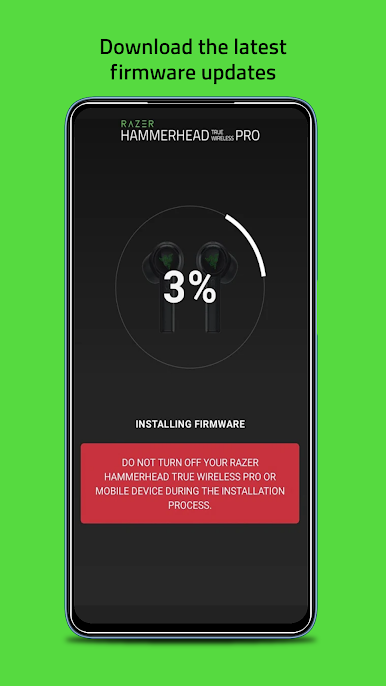
No more wondering if your gadgets are up-to-date. The app lets you check for updates and install them in a tap—making sure your Razer gear gets the latest features and fixes. -
One App, Many Functions
Razer Audio wraps up the best stuff from other Razer sound apps. That means no more switching back and forth if you have different products like the Anzu or Opus headphones—everything’s streamlined into one clean experience. -
On-the-Go Management
Make changes as you need them, wherever you are—just a couple of taps and you’re set. If you happen to use BlueStacks, managing your audio settings on your PC is just as straightforward. -
Compatibility with Special Editions
Got a limited-edition Razer device? From Hello Kitty earphones to Pokémon Pikachu soundbars, you’ll find them all supported, right alongside classic models and the latest launches.
Big screen. Bigger performance. Use BlueStacks on your PC or Mac to run your favorite apps.
Chơi Razer Audio trên PC. Rất dễ để bắt đầu
-
Tải và cài đặt BlueStacks trên máy của bạn
-
Hoàn tất đăng nhập vào Google để đến PlayStore, hoặc thực hiện sau
-
Tìm Razer Audio trên thanh tìm kiếm ở góc phải màn hình
-
Nhấn vào để cài đặt Razer Audio trong danh sách kết quả tìm kiếm
-
Hoàn tất đăng nhập Google (nếu bạn chưa làm bước 2) để cài đặt Razer Audio
-
Nhấn vào icon Razer Audio tại màn hình chính để bắt đầu chơi

