

RESET Collection
Chơi trên PC với BlueStacks - Nền tảng chơi game Android, được hơn 500 triệu game thủ tin tưởng.

Trang đã được sửa đổi vào: Aug 13, 2025
Play RESET Collection on PC or Mac
Bring your A-game to RESET Collection, the Arcade game sensation from Retro Lounge Lab. Give your gameplay the much-needed boost with precise game controls, high FPS graphics, and top-tier features on your PC or Mac with BlueStacks.
About the Game
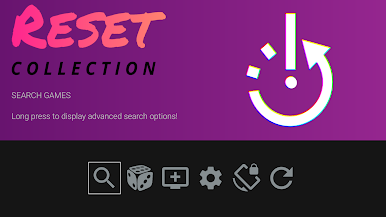
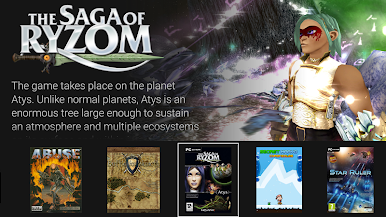
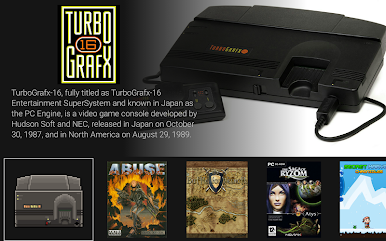
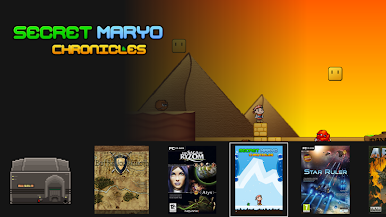
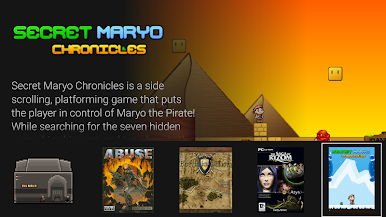
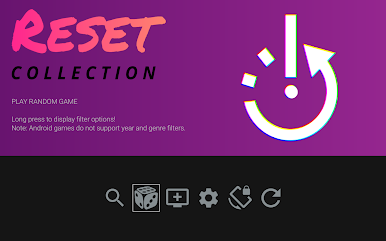
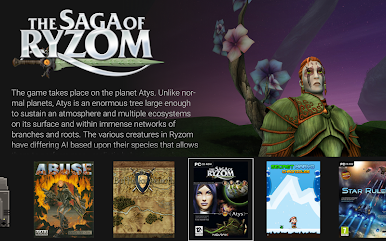
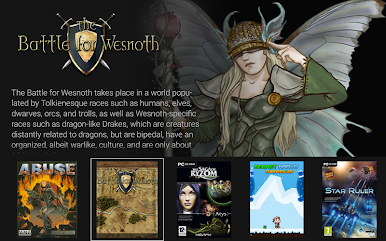
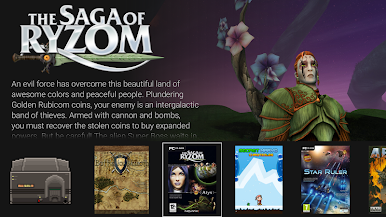
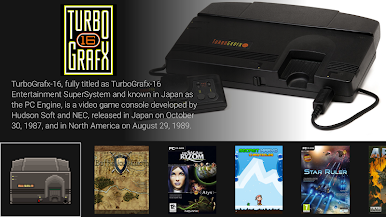
Ever wished you could round up all your favorite retro games and systems into one neat, stylish spot on your Android device or TV? RESET Collection by Retro Lounge Lab is built for that. Think of it as your personal arcade shelf where your ROMs and emulators come together—it’s all about celebrating your collection, tracking down box art, and customizing your library just the way you like it. Whether you’re casually scrolling through memories or showing off to friends, this Arcade game brings a little extra magic to being a retro game fan.
Game Features
-
Unified Game Library:
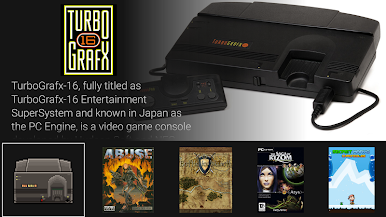
Tired of hopping between emulator apps and folders? RESET Collection gathers your backed-up ROMs in one place, letting you scroll, sort, and select with ease. It’s like your own digital game room. -
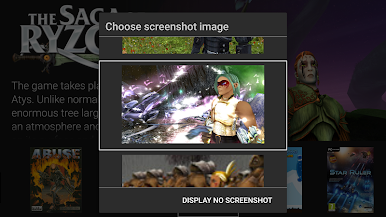
Customizable Art and Screenshots:
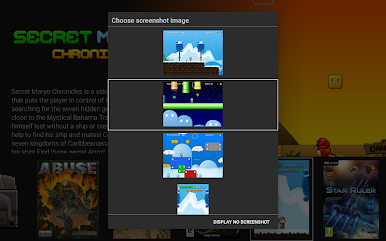
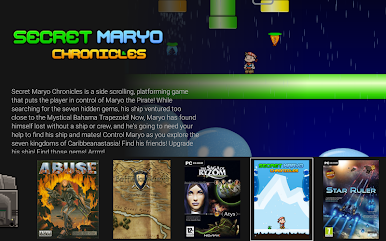
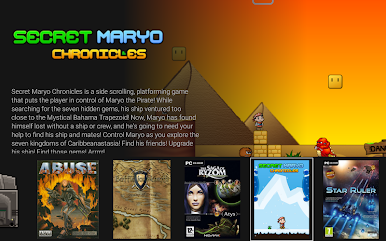
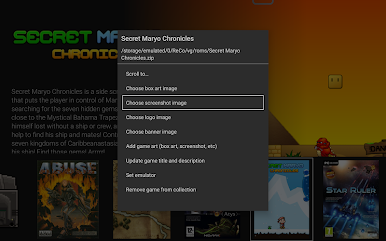
Pick the cover art, screenshots, logos, and box art that you think look coolest. RESET Collection taps into an online database so you can dress up your library perfectly—because your nostalgia deserves the right visuals. -
Seamless Emulator Launching:
Already have favorite emulators on your device? This frontend lets you launch any game right from your collection using your emulator of choice. If you don’t have one installed, RESET Collection points you right to the Play Store listing (with a friendly nudge). -
Touch and Gamepad Friendly:
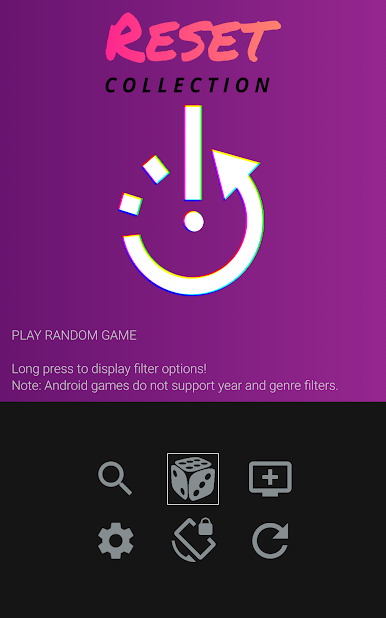
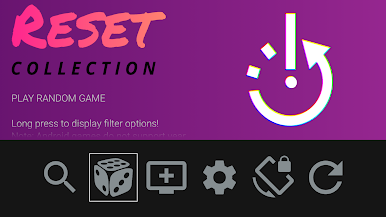
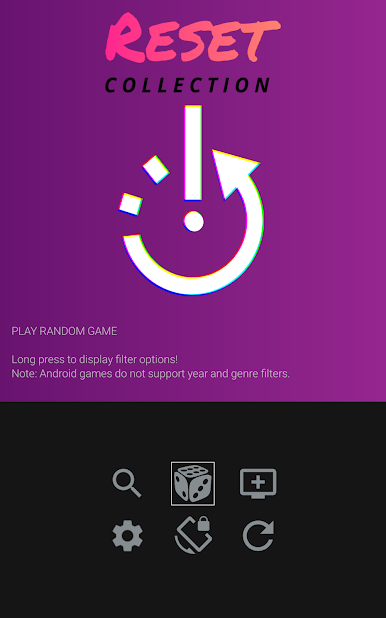
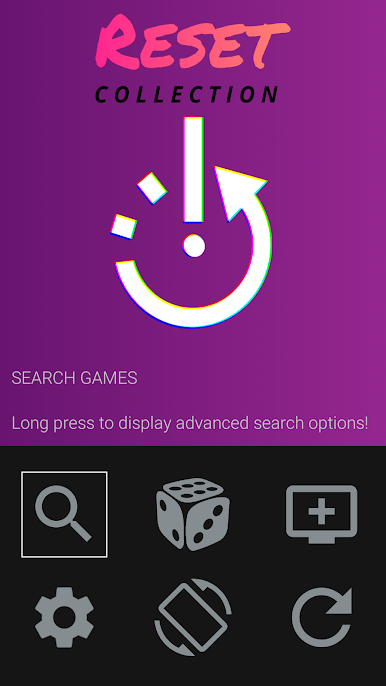
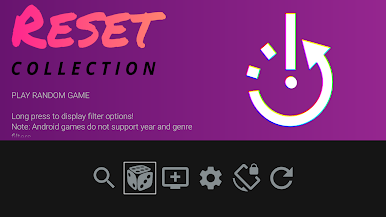
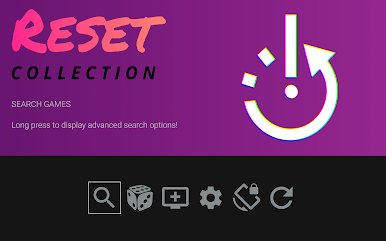
Prefer tapping on a touchscreen or using a gamepad? No problem—navigation supports both. Want to bring up system menus? Long-press or hold the right button, depending on your favorite way to play. -
Effortless Browsing:
Scrolling through your retro treasures is simple—swipe on touchscreens or use gamepad shoulder buttons. Read up on game descriptions, check out those killer cover images, and reminisce at your own pace. -
Easy Updates and Community Input:
The app’s always evolving, with new emulator support and community-requested tweaks rolling in. The interface stays clean and unfussy, but features keep expanding—one update at a time. -
Smooth on BlueStacks:
If you’re the type who likes a bigger screen, RESET Collection plays nicely on BlueStacks too. It’s a handy way to scroll through your collection with the ease of desktop controls.
With RESET Collection, your Arcade nostalgia gets a new home—one that’s colorful, customizable, and totally you.
Get ready for a buttery smooth, high-performance gaming action only on BlueStacks.

Chơi RESET Collection trên PC. Rất dễ để bắt đầu
-
Tải và cài đặt BlueStacks trên máy của bạn
-
Hoàn tất đăng nhập vào Google để đến PlayStore, hoặc thực hiện sau
-
Tìm RESET Collection trên thanh tìm kiếm ở góc phải màn hình
-
Nhấn vào để cài đặt RESET Collection trong danh sách kết quả tìm kiếm
-
Hoàn tất đăng nhập Google (nếu bạn chưa làm bước 2) để cài đặt RESET Collection
-
Nhấn vào icon RESET Collection tại màn hình chính để bắt đầu chơi

