


Car ASMR
Graj na PC z BlueStacks – Platforma gamingowa Android, która uzyskała zaufanie ponad 500 milionów graczy!

Strona zmodyfikowana w dniu: Aug 7, 2025
Podgląd
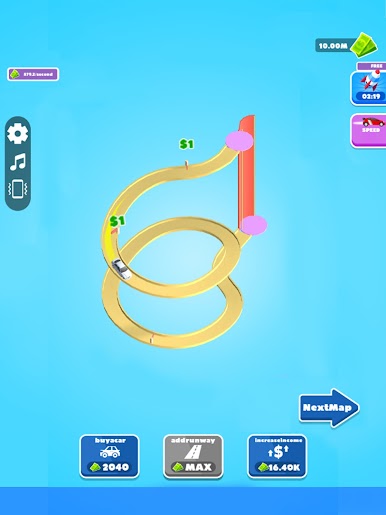
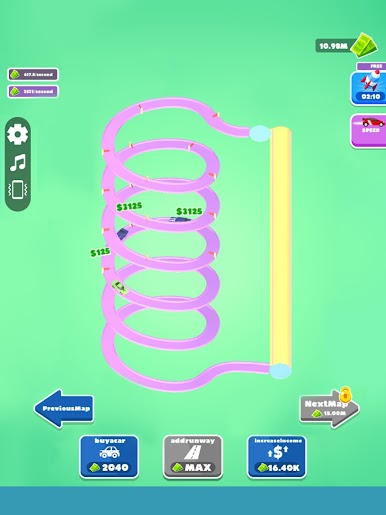
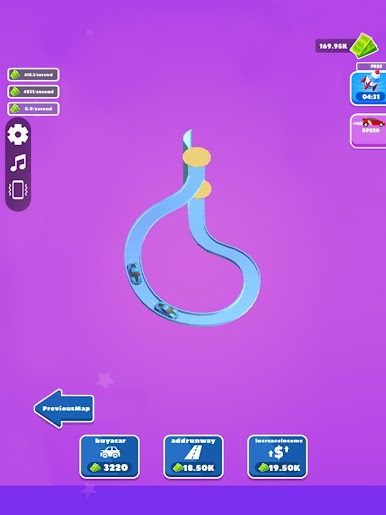
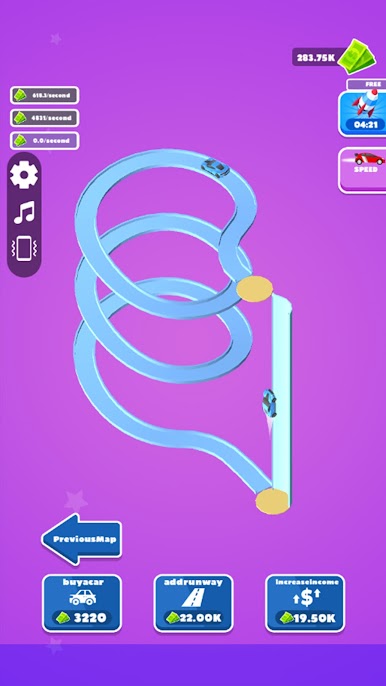
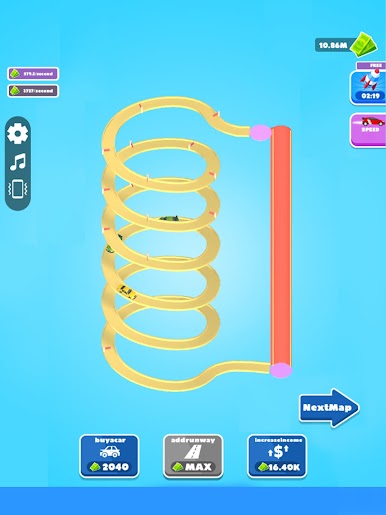
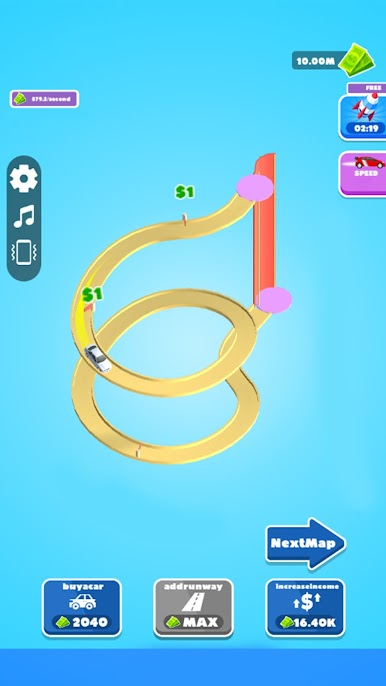
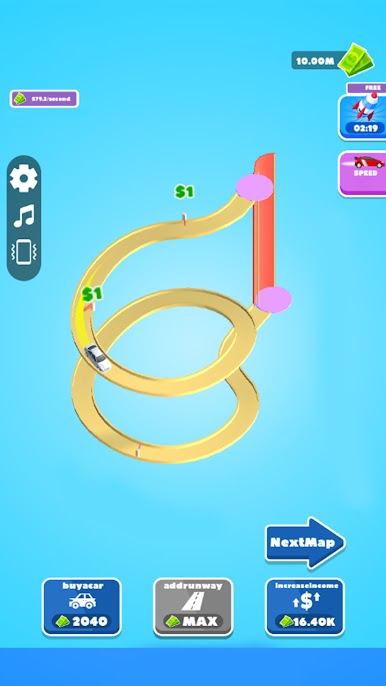
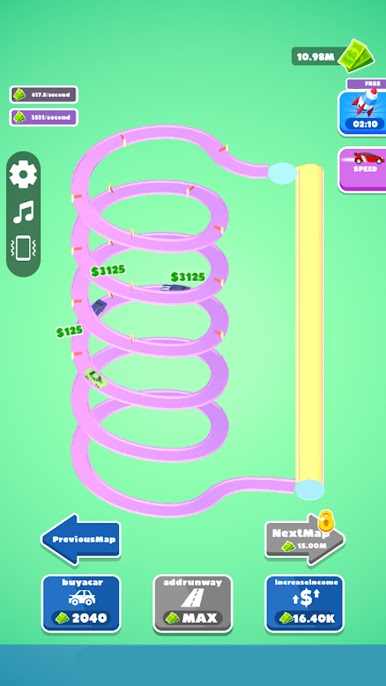
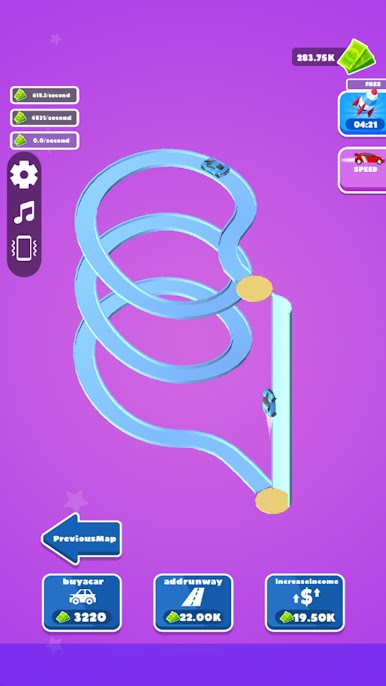
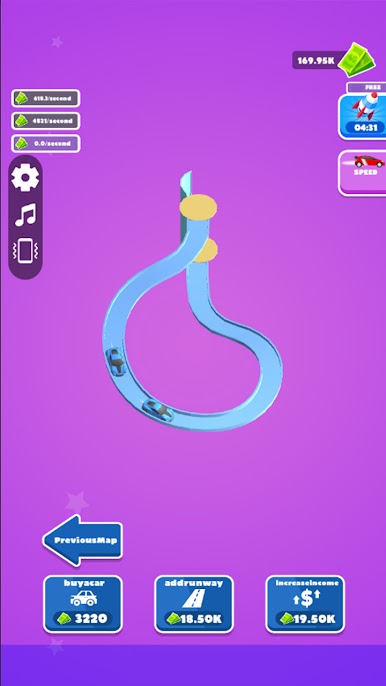
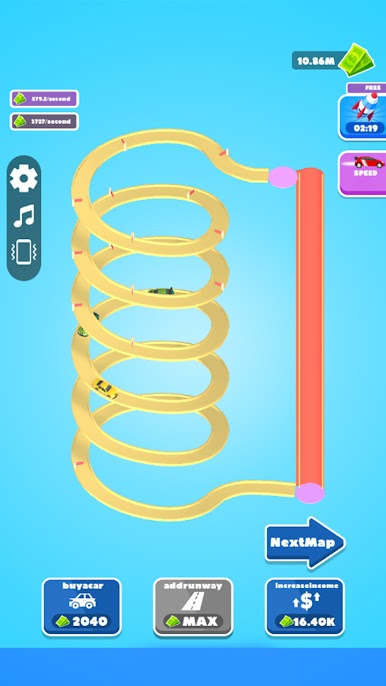
Co więcej, gracze mogą również rozszerzać trasy jazdy w grze, inwestując fundusze, gęsto rozmieszczając punkty zbierania monet, aby zmaksymalizować wydajność pozyskiwania monet, czyniąc ścieżkę do wzrostu bogactwa płynniejszą. Każda inwestycja funduszy jest krokiem w kierunku osiągnięcia szczytu bogactwa, pozwalając graczom cieszyć się radością wzrostu pieniędzy, jednocześnie odczuwając poczucie spełnienia.
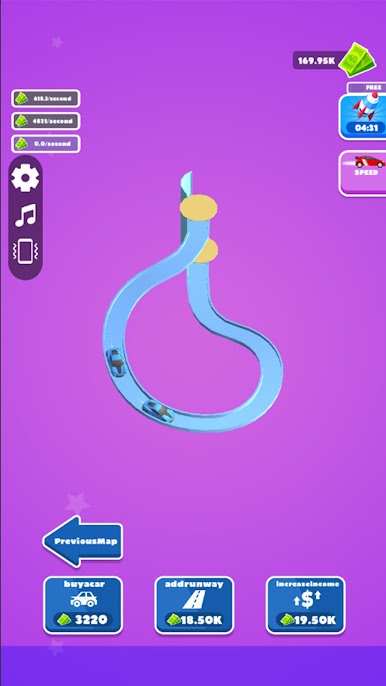
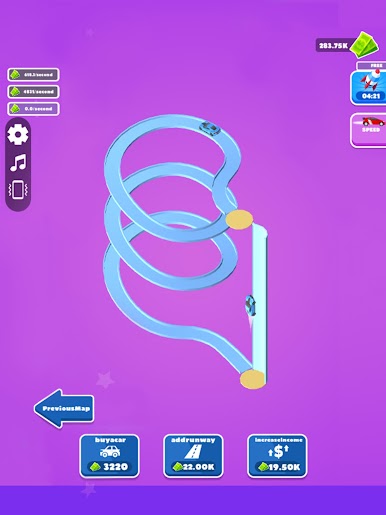
Kiedy gromadzenie bogactwa gracza osiągnie nowy kamień milowy, gra odblokuje szersze obszary mapy, otwierając nowe wyzwania i możliwości dla graczy, dywersyfikując kanały zdobywania monet. W tym świecie, który kładzie nacisk zarówno na strategię, jak i eksplorację, gracze zanurzą się w nieskończonej zabawie związanej z syntezą pojazdów, strategią zarządzania i budowaniem imperium, nieustannie wystawiając na próbę swoją inteligencję i umiejętności podejmowania decyzji, ostatecznie tworząc własne królestwo samochodowego bogactwa i ciesząc się najwyższą chwałą i satysfakcją!

Zagraj w Car ASMR na PC. To takie proste.
-
Pobierz i zainstaluj BlueStacks na PC
-
Zakończ pomyślnie ustawienie Google, aby otrzymać dostęp do sklepu Play, albo zrób to później.
-
Wyszukaj Car ASMR w pasku wyszukiwania w prawym górnym rogu.
-
Kliknij, aby zainstalować Car ASMR z wyników wyszukiwania
-
Ukończ pomyślnie rejestrację Google (jeśli krok 2 został pominięty) aby zainstalować Car ASMR
-
Klinij w ikonę Car ASMR na ekranie startowym, aby zacząć grę

