


Subway Princess Runner
Graj na PC z BlueStacks – Platforma gamingowa Android, która uzyskała zaufanie ponad 500 milionów graczy!

Strona zmodyfikowana w dniu: Sep 14, 2026
Graj Subway Princess Runner na PC
[FEATURES]:
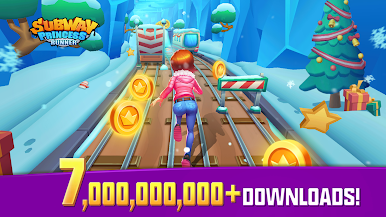
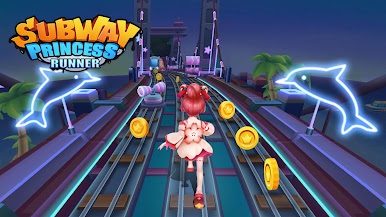
- Subway theme game
- Influent screen touch
- Double tap for skateboard, feeling the special running
- Challenge the highest score with world players
- The higher the level,the higher the score
- Grind trains with your cool crew
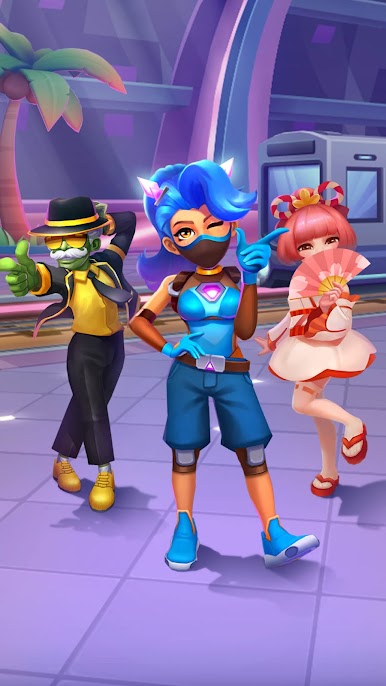
- Colorful and vivid HD graphics
- Upgrade all the properties to get endless power
[HOW TO PLAY]:
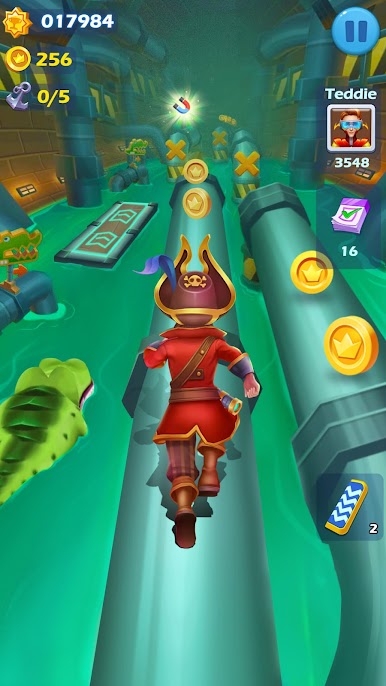
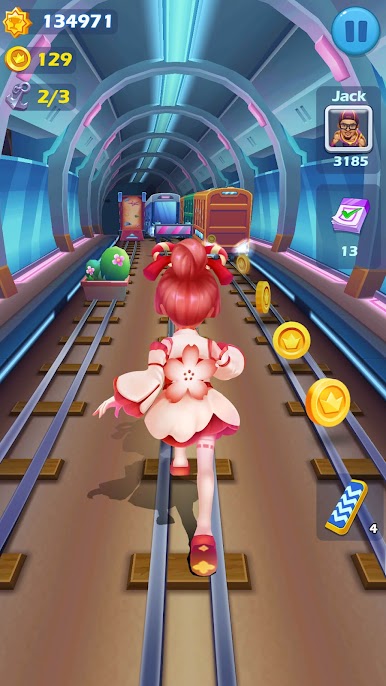
- Jump, slide to avoid obstacle
- Smooth touch your phone
- Run as far as possible to pick up coins and diamonds
- Easy to run left or right
- Use prop of scores, coins
- Upgrade your level by notching tasks
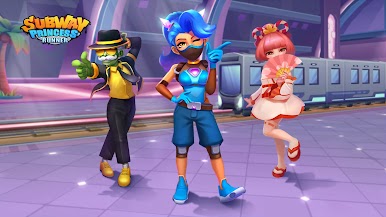
- Choose your liked characters
[EVENTS]:
- Daily Highscore, Challenge high scores to enter the rankings!
- Crazy Runner, Challenge levels, accumulate points and win special characters!
- Team Battle, Unlock more characters and get more exchange coins!
Run as far as you can, Join the most daring chase!
FOLLOW US
If you have any questions, please contact our Facebook Homepage: https://www.facebook.com/SubwayPrincessRunner


Zagraj w Subway Princess Runner na PC. To takie proste.
-
Pobierz i zainstaluj BlueStacks na PC
-
Zakończ pomyślnie ustawienie Google, aby otrzymać dostęp do sklepu Play, albo zrób to później.
-
Wyszukaj Subway Princess Runner w pasku wyszukiwania w prawym górnym rogu.
-
Kliknij, aby zainstalować Subway Princess Runner z wyników wyszukiwania
-
Ukończ pomyślnie rejestrację Google (jeśli krok 2 został pominięty) aby zainstalować Subway Princess Runner
-
Klinij w ikonę Subway Princess Runner na ekranie startowym, aby zacząć grę

