

Sam – Sharing Photos at Events
Graj na PC z BlueStacks – Platforma gamingowa Android, która uzyskała zaufanie ponad 500 milionów graczy!

Strona zmodyfikowana w dniu: Sep 10, 2025
Run SamSaidYes - Share Photos Live on PC or Mac
Why limit yourself to your small screen on the phone? Run SamSaidYes – Share Photos Live, an app by ARTIFY GmbH, best experienced on your PC or Mac with BlueStacks, the world’s #1 Android emulator.
About the App
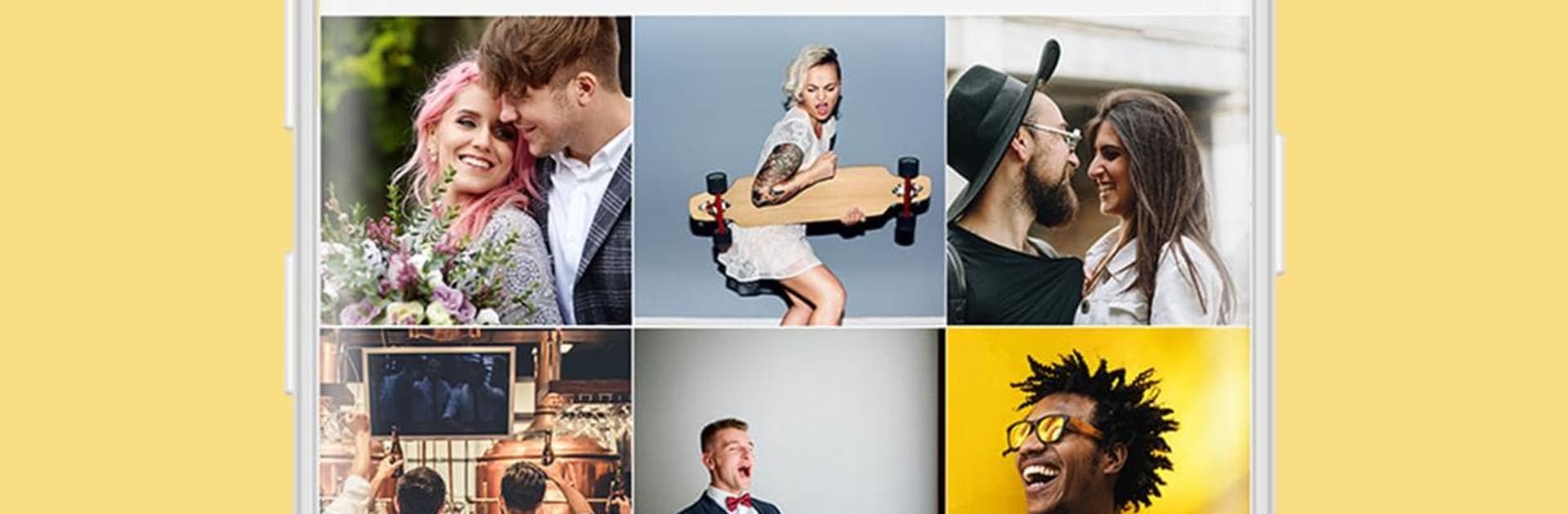
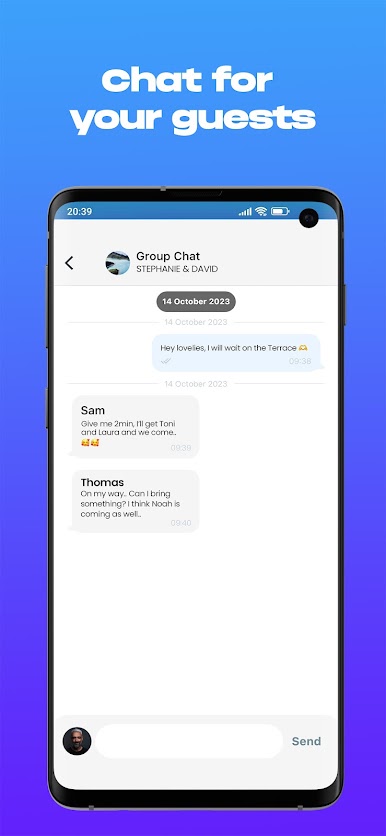
SamSaidYes – Share Photos Live is the kind of social app that makes weddings a whole lot more fun – and way easier to remember. Instead of chasing down everyone’s pics after the party, you just open the app and, bam, every single candid snap from your guests is right there on your phone. It’s super easy to use, built for big celebrations, and the experience feels like one big, happy group chat but with photos instead of texts.
App Features
-
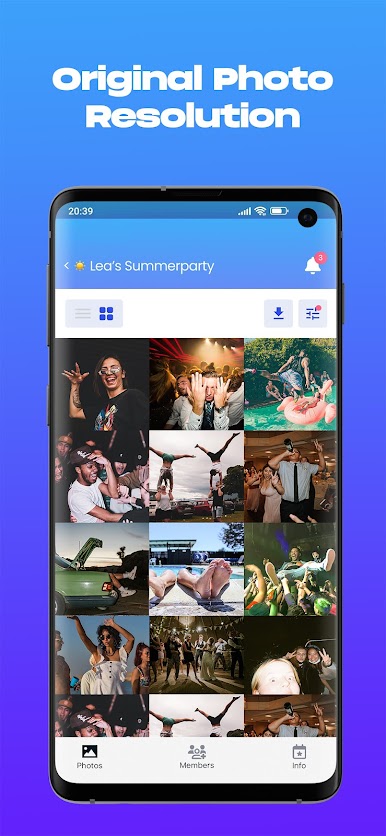
Instant Photo Sharing
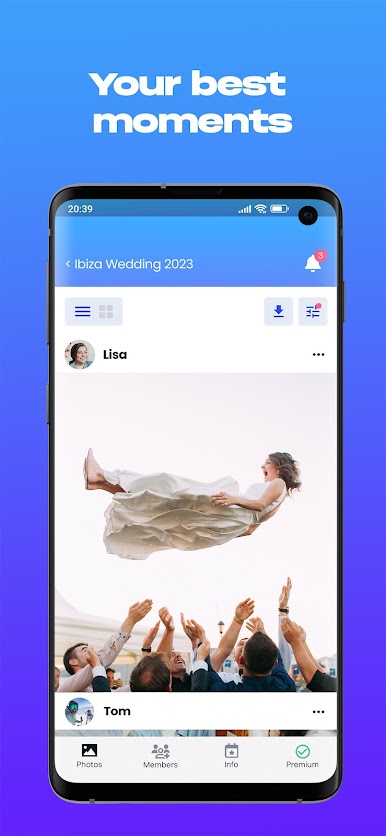
See everyone’s photos in real time, right as the action happens. No more waiting days for someone to finally send you those goofy dance floor shots. -
No Guest Logins Needed
Guests can start snapping and sharing, no account needed, no sign-up process—just open the app and go. -
High-Resolution Images
The app keeps your pictures crisp – way better quality than you’d get on most social platforms. Perfect for printing that wedding album later. -
Privacy for Your Event
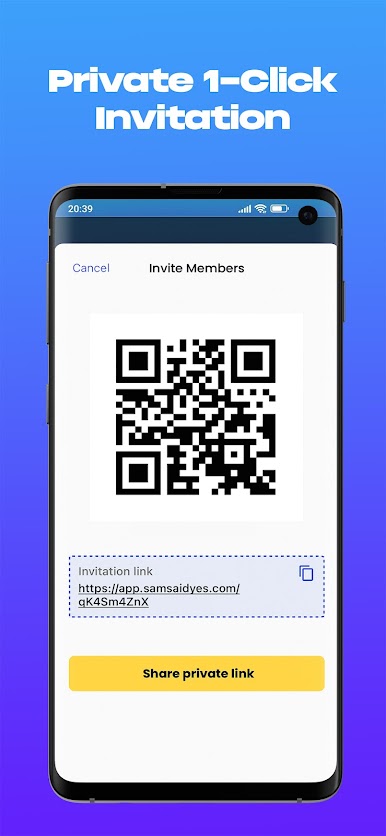
Only folks you invite can see and add photos, so your celebration stays private and off random strangers’ feeds. -
More Genuine Moments
Get the real story of your day—spontaneous, silly, sweet, all from the people who matter most. Way more authentic than polished social media posts. -
Works Seamlessly with BlueStacks
Want a bigger view or just like using your computer? You can run SamSaidYes – Share Photos Live easily on BlueStacks and catch every hilarious moment.
BlueStacks brings your apps to life on a bigger screen—seamless and straightforward.

Zagraj w Sam – Sharing Photos at Events na PC. To takie proste.
-
Pobierz i zainstaluj BlueStacks na PC
-
Zakończ pomyślnie ustawienie Google, aby otrzymać dostęp do sklepu Play, albo zrób to później.
-
Wyszukaj Sam – Sharing Photos at Events w pasku wyszukiwania w prawym górnym rogu.
-
Kliknij, aby zainstalować Sam – Sharing Photos at Events z wyników wyszukiwania
-
Ukończ pomyślnie rejestrację Google (jeśli krok 2 został pominięty) aby zainstalować Sam – Sharing Photos at Events
-
Klinij w ikonę Sam – Sharing Photos at Events na ekranie startowym, aby zacząć grę

