


Gear S Plugin
Graj na PC z BlueStacks – Platforma gamingowa Android, która uzyskała zaufanie ponad 500 milionów graczy!

Strona zmodyfikowana w dniu: Dec 18, 2023
Run Gear S Plugin on PC or Mac
Let BlueStacks turn your PC, Mac, or laptop into the perfect home for Gear S Plugin, a fun Tools app from Samsung Electronics Co., Ltd..
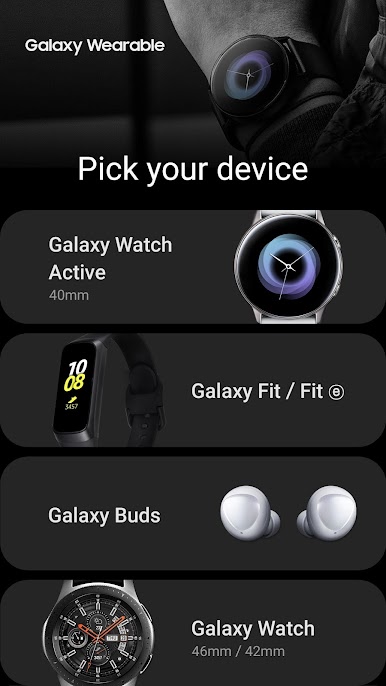
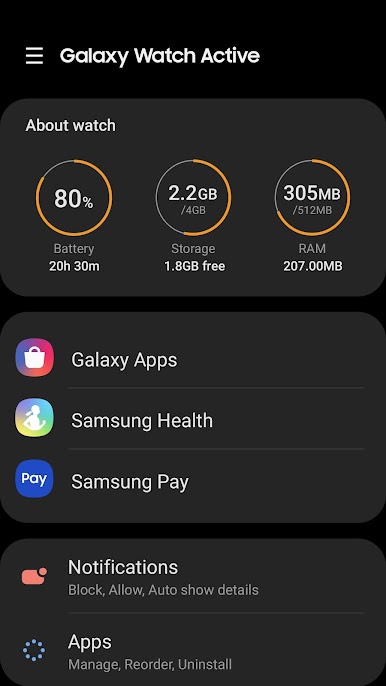
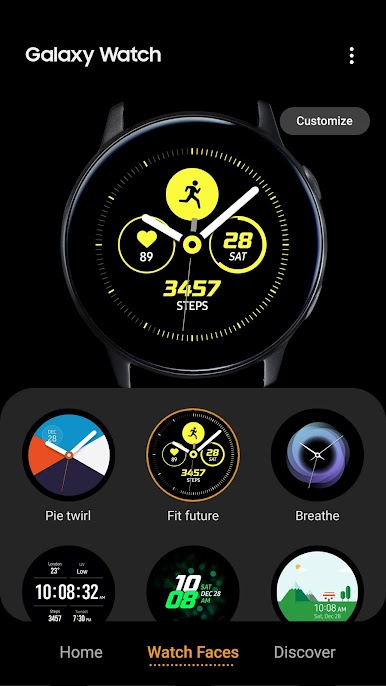
So Gear S Plugin is basically this little helper app for connecting Samsung wearables with a phone—or in this case, if you’re running stuff through BlueStacks, you’re kind of pretending your computer’s the phone. It’s not really something you “play” but more like a must-have if you’re trying to get all the features out of your Samsung Gear watch or something similar. There are a bunch of permissions it asks for, so don’t be surprised if it wants access to your location, storage, contacts, SMS, and even calendar if you want everything synced up. That’s just how it gets your messages, schedule, and contacts over to your Gear device.
The setup sometimes takes a minute—making sure everything’s allowed, especially with newer Android versions—but once that’s sorted, things run smoothly. It’s one of those apps that mostly does its work behind the scenes. If you want to use your Samsung watch for notifications, calls, texts, or even syncing events, this plugin is what ties it all together. Running it on PC with BlueStacks is kind of niche, but for testing or managing the watch from a bigger screen, it actually works. Not a flashy app, but if you’re in the Samsung ecosystem, it’s kind of essential.
BlueStacks brings your apps to life on a bigger screen—seamless and straightforward.
Zagraj w Gear S Plugin na PC. To takie proste.
-
Pobierz i zainstaluj BlueStacks na PC
-
Zakończ pomyślnie ustawienie Google, aby otrzymać dostęp do sklepu Play, albo zrób to później.
-
Wyszukaj Gear S Plugin w pasku wyszukiwania w prawym górnym rogu.
-
Kliknij, aby zainstalować Gear S Plugin z wyników wyszukiwania
-
Ukończ pomyślnie rejestrację Google (jeśli krok 2 został pominięty) aby zainstalować Gear S Plugin
-
Klinij w ikonę Gear S Plugin na ekranie startowym, aby zacząć grę

