


Pros & Cons: Decision-Maker
Graj na PC z BlueStacks – Platforma gamingowa Android, która uzyskała zaufanie ponad 500 milionów graczy!

Strona zmodyfikowana w dniu: Nov 9, 2024
Play Pros & Cons: Decision-Maker on PC
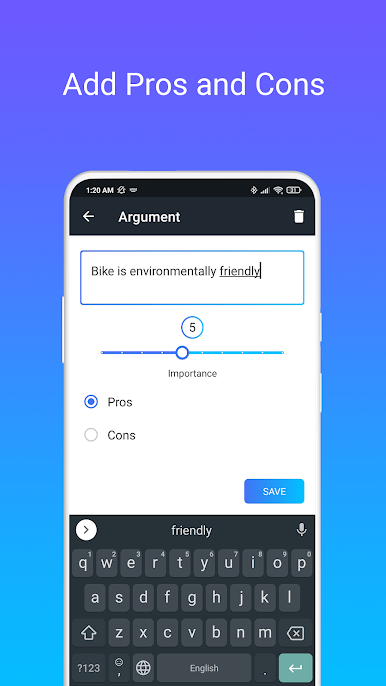
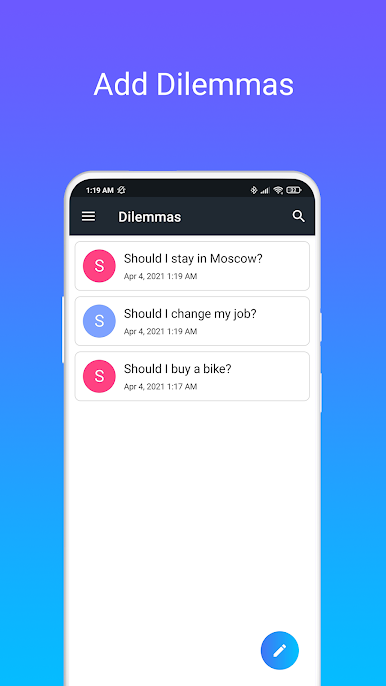
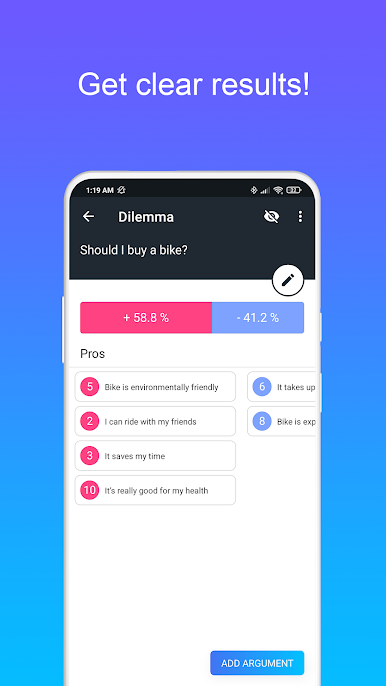
With our app, decision-making has never been simpler or more accurate. Just type in your question-dilemma and list the pros and cons, and our powerful algorithm will calculate the best course of action for you – with results accurate to a percentage.
What sets our app apart is our unique weighting system. Each argument is assigned a level of importance, allowing for precise calculations that take into account what truly matters to you. No more agonizing over minor details or feeling unsure about the best way forward.
While the basic version of our app is free, it does contain some limitations. These can be easily removed by purchasing the Pro version of the app, which includes additional features and removes all restrictions. If you prefer not to make a purchase, you can also remove the limitations by watching ads – this helps support us as developers, and we greatly appreciate your support!
Whether you're making a big life decision, or simply trying to prioritize your to-do list, our app is here to help. Stop wasting time and start making progress towards your goals. Try it now and see for yourself why our users love it!
Zagraj w Pros & Cons: Decision-Maker na PC. To takie proste.
-
Pobierz i zainstaluj BlueStacks na PC
-
Zakończ pomyślnie ustawienie Google, aby otrzymać dostęp do sklepu Play, albo zrób to później.
-
Wyszukaj Pros & Cons: Decision-Maker w pasku wyszukiwania w prawym górnym rogu.
-
Kliknij, aby zainstalować Pros & Cons: Decision-Maker z wyników wyszukiwania
-
Ukończ pomyślnie rejestrację Google (jeśli krok 2 został pominięty) aby zainstalować Pros & Cons: Decision-Maker
-
Klinij w ikonę Pros & Cons: Decision-Maker na ekranie startowym, aby zacząć grę

