

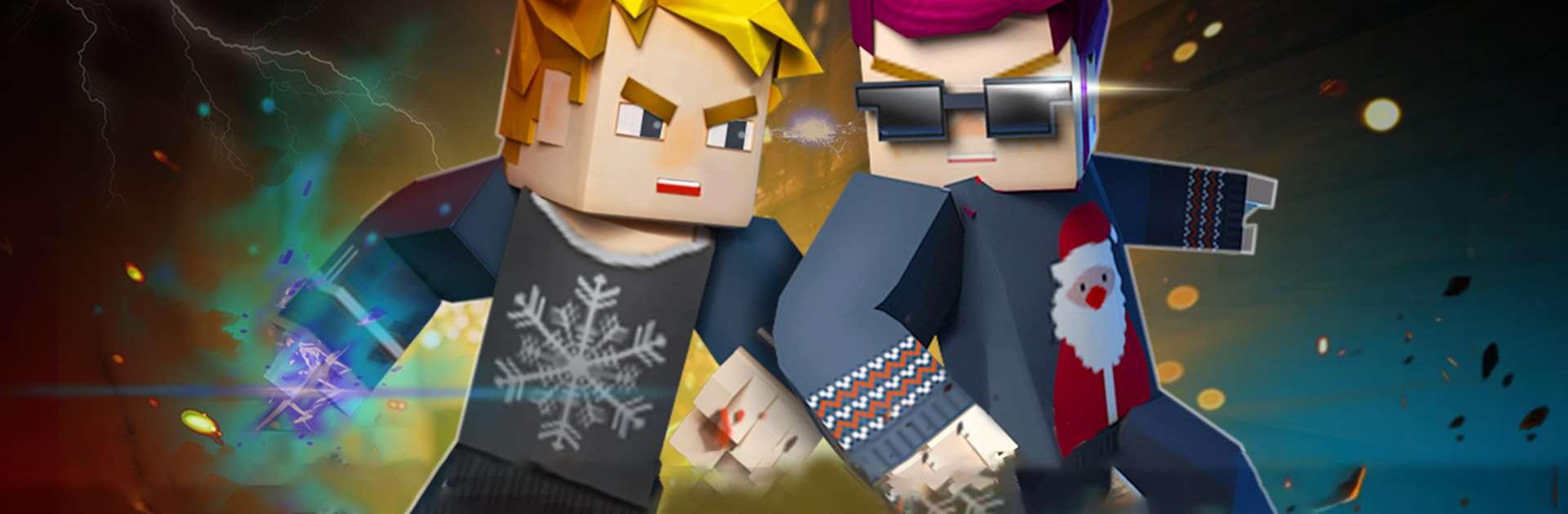
Blockman Go
Graj na PC z BlueStacks – Platforma gamingowa Android, która uzyskała zaufanie ponad 500 milionów graczy!

Strona zmodyfikowana w dniu: Sep 3, 2026
Graj w Blockman Go na PC lub Mac
Blockman GO to gra zręcznościowa opracowana przez Blockman GO Studio. Odtwarzacz aplikacji BlueStacks to najlepsza platforma do grania w tę grę dla systemu Android na komputerze stacjonarnym lub laptopie, zapewniająca doskonałe wrażenia z rozgrywki.\
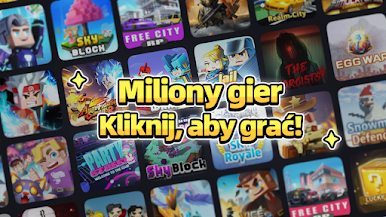
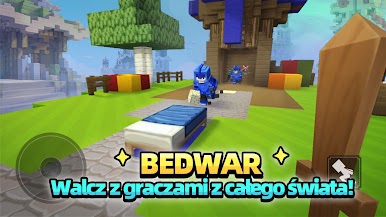
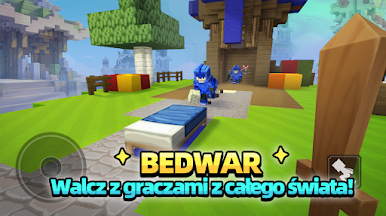
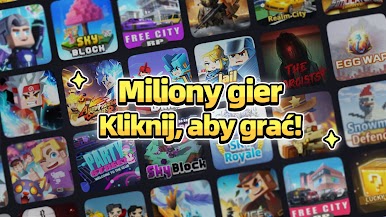
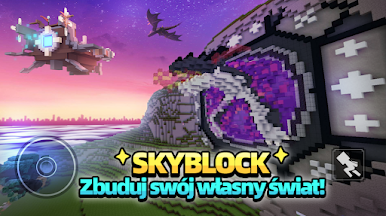
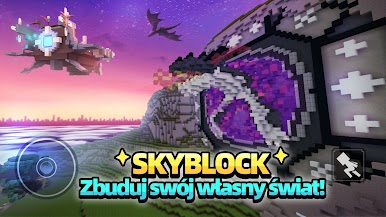
Pobierz Blockman GO na PC z BlueStacks i graj razem ze znajomymi w fajne minigry. Duży katalog minigier jest stale aktualizowany, aby zapewnić użytkownikom nowe, świeże wrażenia. Dołącz do dowolnej minigry jednym kliknięciem!
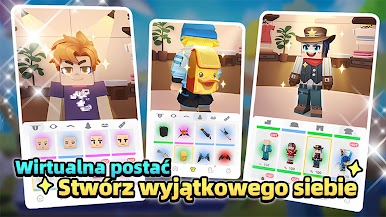
Stwórz wirtualnego awatara, którego możesz dowolnie konfigurować. Eksperymentuj z różnorodnymi dekoracjami, akcesoriami i kostiumami, aby stworzyć strój i wygląd, który całkowicie Ci odpowiada. Zostań najwspanialszą gwiazdą!
Im więcej grasz, tym więcej zdobywasz nagród. Za każdym razem, gdy dołączysz do minigry, zdobędziesz trochę złota, które możesz wykorzystać na zakup dekoracji domu i ubrań dla swojego awatara!
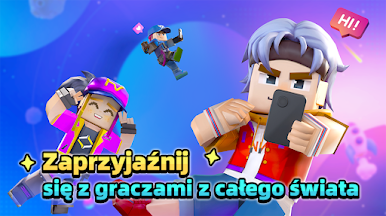
Wchodź w interakcję z graczami i dziel się z nimi najlepszymi momentami, korzystając z funkcji czatu i prywatnych wiadomości. Pobierz Blockman GO na PC z BlueStacks i dołącz do milionów użytkowników z całego świata!
Możesz teraz grać w Blockman GO w przeglądarce na Twoim PC bez konieczności pobierania. Po prostu kliknij i graj!


Zagraj w Blockman Go na PC. To takie proste.
-
Pobierz i zainstaluj BlueStacks na PC
-
Zakończ pomyślnie ustawienie Google, aby otrzymać dostęp do sklepu Play, albo zrób to później.
-
Wyszukaj Blockman Go w pasku wyszukiwania w prawym górnym rogu.
-
Kliknij, aby zainstalować Blockman Go z wyników wyszukiwania
-
Ukończ pomyślnie rejestrację Google (jeśli krok 2 został pominięty) aby zainstalować Blockman Go
-
Klinij w ikonę Blockman Go na ekranie startowym, aby zacząć grę

