


Easy Note: learn music
Graj na PC z BlueStacks – Platforma gamingowa Android, która uzyskała zaufanie ponad 500 milionów graczy!

Strona zmodyfikowana w dniu: May 26, 2025
Play Easy Note: learn music on PC
The app is very useful for people who're learning to play music instrument. For example, if you would like to learn guitar, learn violin, cello, trumpet, ..., you'll find the app a great tool. With this app, you no longer need to use flashcards or other similar things just to learn how to read music notes.
* FEATURES:
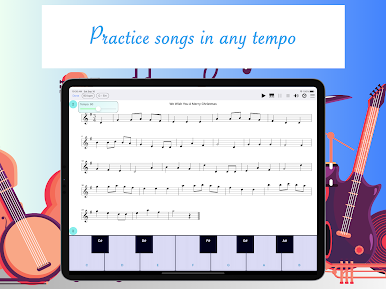
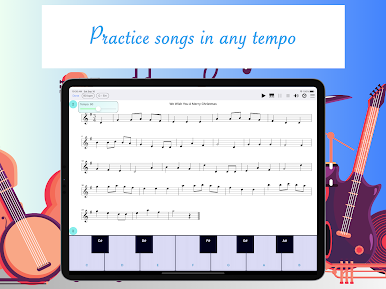
- Practice in different tempos. You can adjust the tempo of the songs to the speed that are suitable with you.
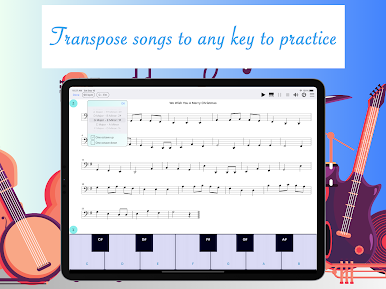
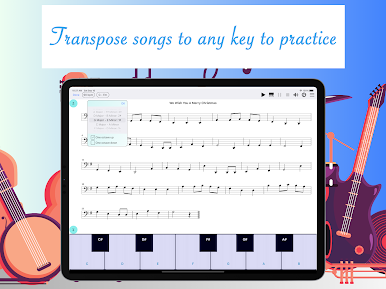
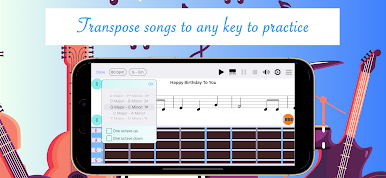
- Practice in different key signatures. You can transpose each song into different keys to practice.
- Background music that makes it more interesting to practice.
- Metronome that helps you play in time.
- Two practice modes: practice note by note separately, or practice playing the song at the correct tempo.
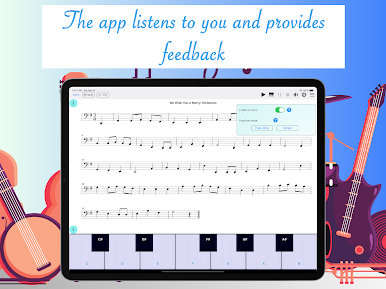
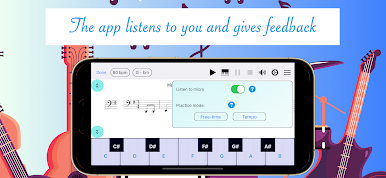
- Note recognition by microphone. You play the notes with your instrument then the app checks if you play correctly or not and provides detailed feedback.
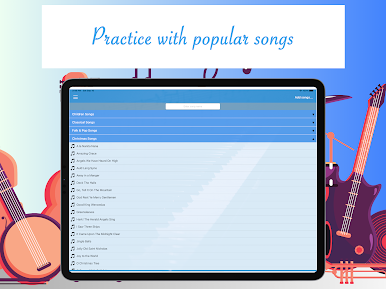
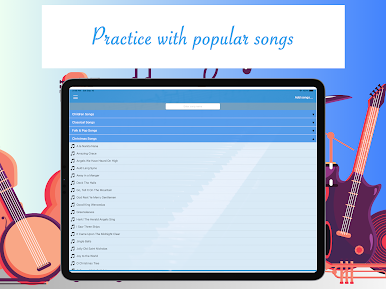
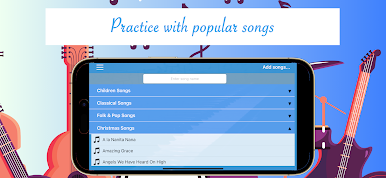
- Song library with many popular songs.
- Import more songs. You can import MusicXML, MIDI, Score Creator files into the app for further practice.
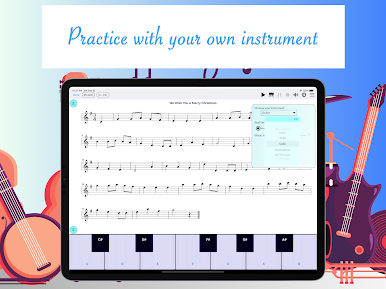
- Support for many music instruments: guitar, violin, cello, contrabass, trumpet, trombone, tuba, English horn, French horn, saxophone, bassoon, clarinet, piccolo, flute.





Zagraj w Easy Note: learn music na PC. To takie proste.
-
Pobierz i zainstaluj BlueStacks na PC
-
Zakończ pomyślnie ustawienie Google, aby otrzymać dostęp do sklepu Play, albo zrób to później.
-
Wyszukaj Easy Note: learn music w pasku wyszukiwania w prawym górnym rogu.
-
Kliknij, aby zainstalować Easy Note: learn music z wyników wyszukiwania
-
Ukończ pomyślnie rejestrację Google (jeśli krok 2 został pominięty) aby zainstalować Easy Note: learn music
-
Klinij w ikonę Easy Note: learn music na ekranie startowym, aby zacząć grę

