

FeedMe (RSS Reader | Podcast)
Chơi trên PC với BlueStacks - Nền tảng chơi game Android, được hơn 500 triệu game thủ tin tưởng.

Trang đã được sửa đổi vào: Dec 18, 2025
Run FeedMe (RSS Reader | Podcast) on PC or Mac
Get freedom from your phone’s obvious limitations. Use FeedMe (RSS Reader | Podcast), made by dataegg, a Tools app on your PC or Mac with BlueStacks, and level up your experience.
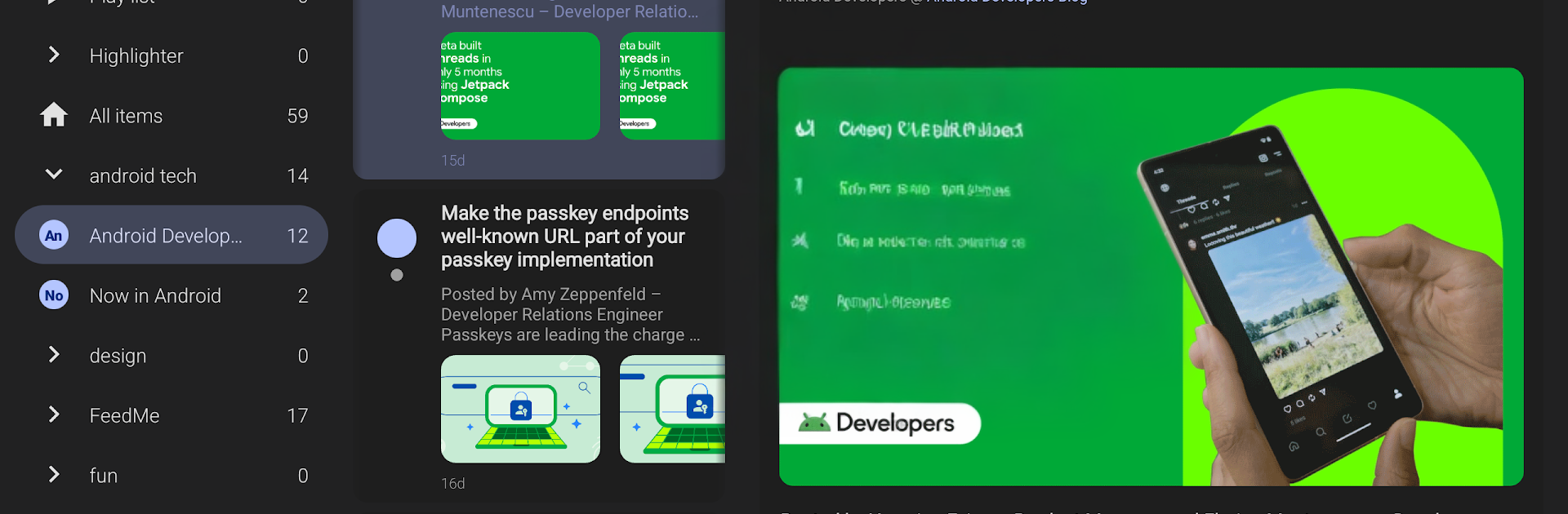
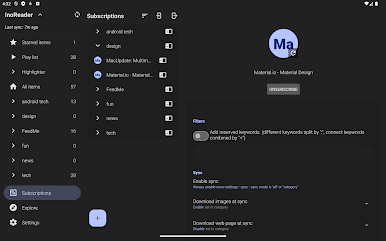
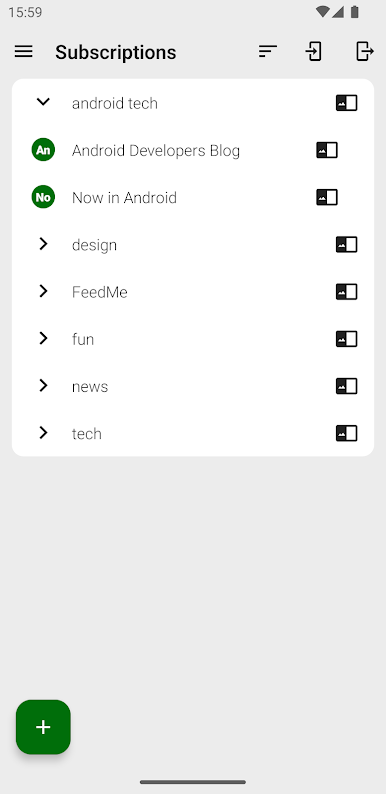
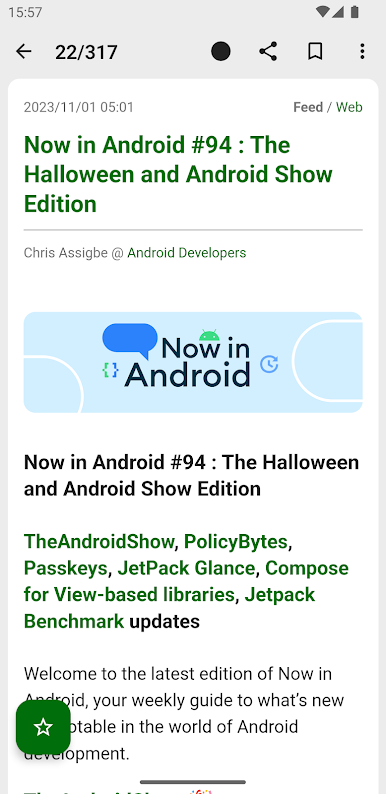
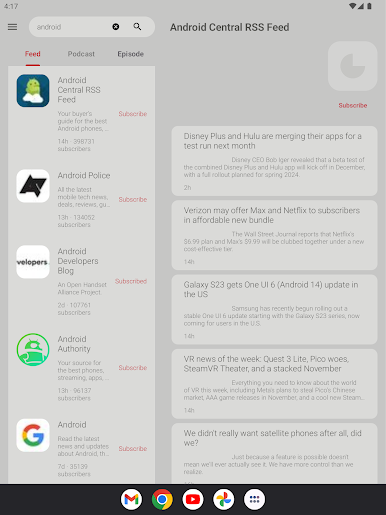
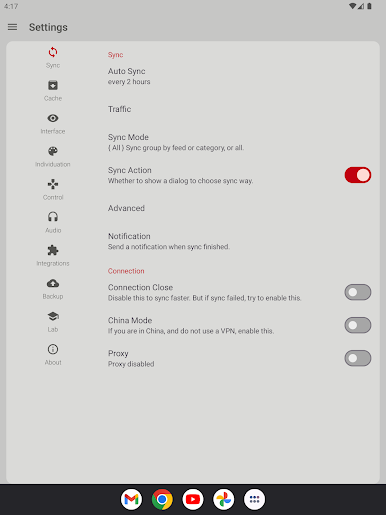
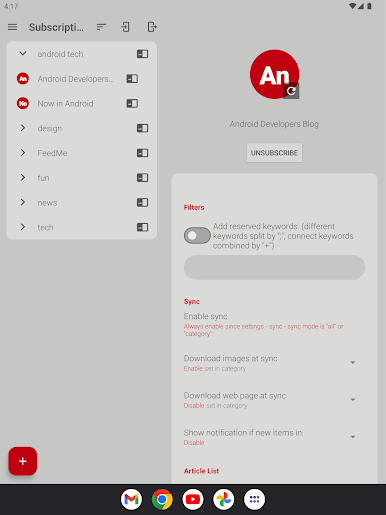
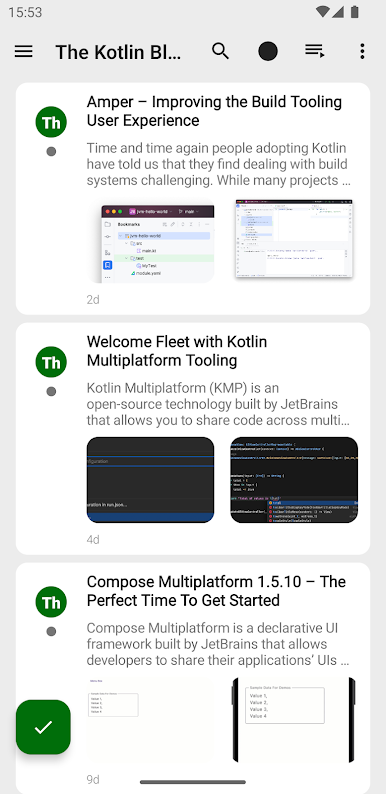
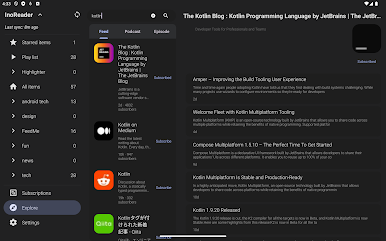
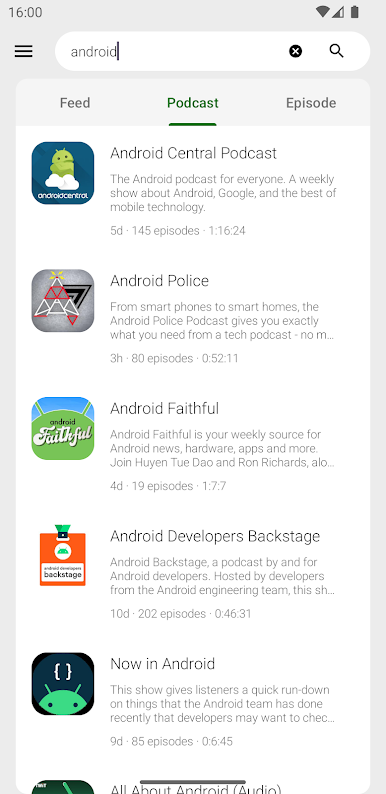
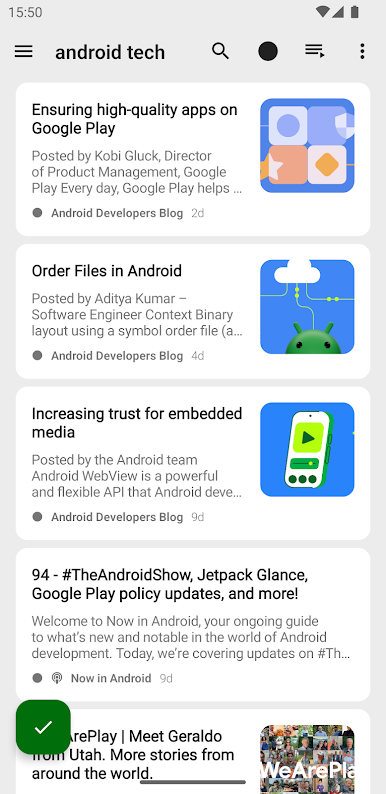
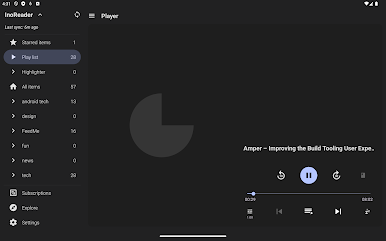
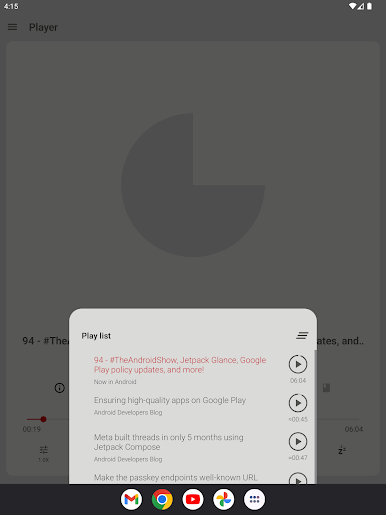
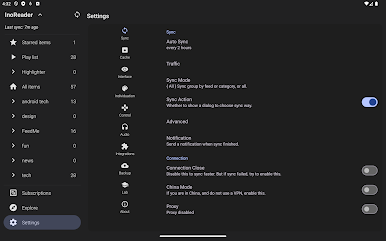
FeedMe feels like a clean, old school RSS reader that actually respects time. Someone adds a service like Feedly, Inoreader, Feedbin, Tiny Tiny RSS, FreshRSS, Bazqux, or a Fever or Google Reader style server, and it just syncs without fuss. It works fully offline, with images and full text, and there are zero ads, so the reading flow stays calm. There is support for podcasts and text to speech, which is great when eyes need a break. Quick saves to Pocket, Evernote, Instapaper, or Readability are built in, and sharing out by email or other apps is simple. It has AI summaries and translation for skimming long posts or handling foreign sources, plus stars, tags, and custom feeds to keep everything tidy.
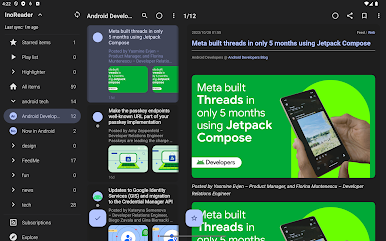
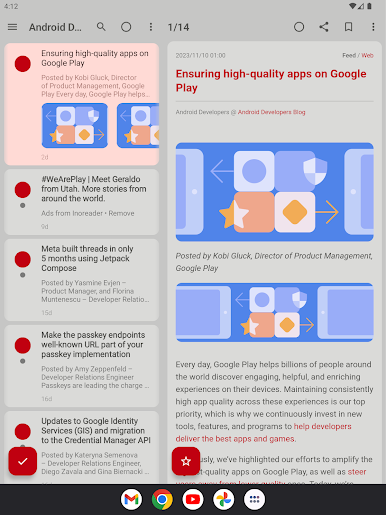
The interface is straight to the point. Multiple list styles exist depending on mood, from minimal to card or a bigger vision layout. Swipes on the article list, auto mark read while scrolling, and a built in browser and picture viewer that handles GIFs make it feel fast. Themes help a lot, including paper, dark, night, and even e ink, and accent colors are adjustable. There is an unread count widget and volume button navigation, which maps nicely to keys when running on BlueStacks, so paging through a long queue on a big monitor feels easy. Automatic sync and instant state sync keep articles aligned across devices, and the uniform fonts and formatting make messy feeds look surprisingly neat.
Big screen. Bigger performance. Use BlueStacks on your PC or Mac to run your favorite apps.
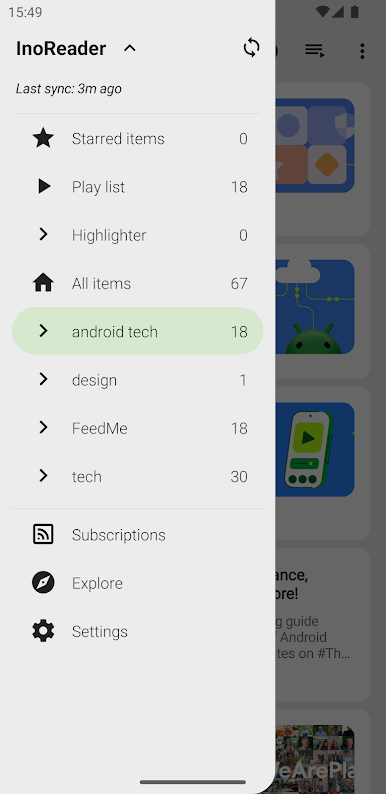
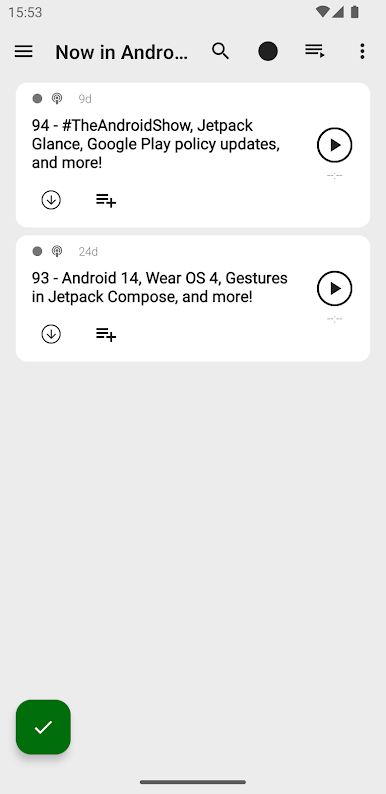
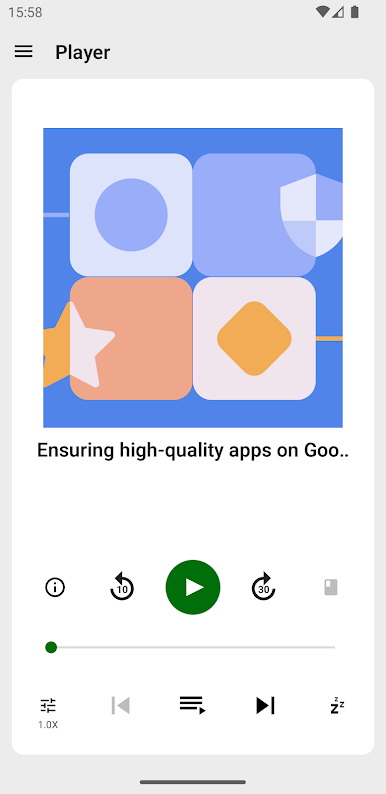
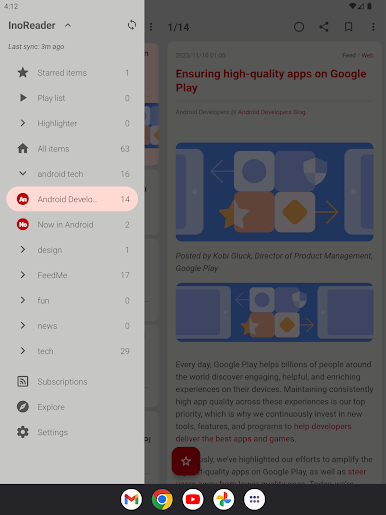
Chơi FeedMe (RSS Reader | Podcast) trên PC. Rất dễ để bắt đầu
-
Tải và cài đặt BlueStacks trên máy của bạn
-
Hoàn tất đăng nhập vào Google để đến PlayStore, hoặc thực hiện sau
-
Tìm FeedMe (RSS Reader | Podcast) trên thanh tìm kiếm ở góc phải màn hình
-
Nhấn vào để cài đặt FeedMe (RSS Reader | Podcast) trong danh sách kết quả tìm kiếm
-
Hoàn tất đăng nhập Google (nếu bạn chưa làm bước 2) để cài đặt FeedMe (RSS Reader | Podcast)
-
Nhấn vào icon FeedMe (RSS Reader | Podcast) tại màn hình chính để bắt đầu chơi

