


Voice Recorder
Graj na PC z BlueStacks – Platforma gamingowa Android, która uzyskała zaufanie ponad 500 milionów graczy!

Strona zmodyfikowana w dniu: Aug 27, 2025
Play Voice Recorder on PC
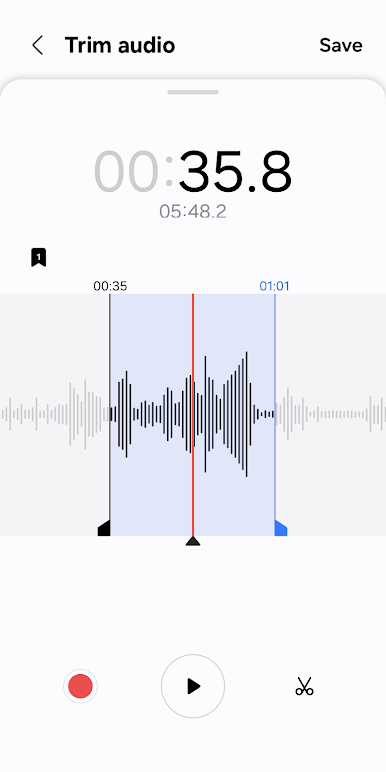
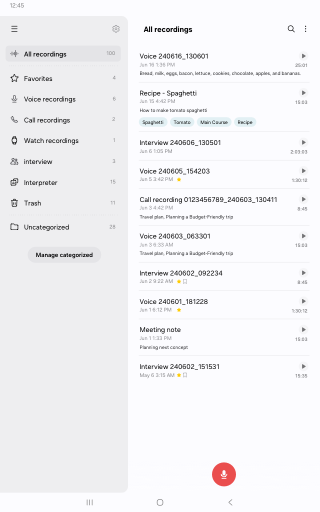
• Record easily anytime, anywhere
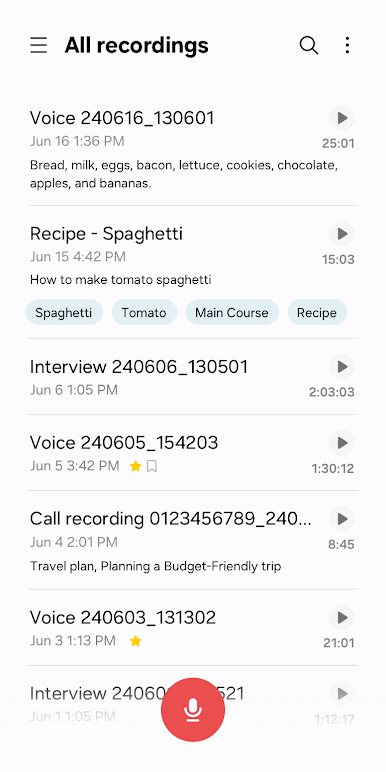
Start recording quickly and easily from anywhere, including from your Galaxy smartphone, tablet, or watch.
Record through the built-in microphone, a Bluetooth headset, or a compatible external microphone.
• Record in various recording modes
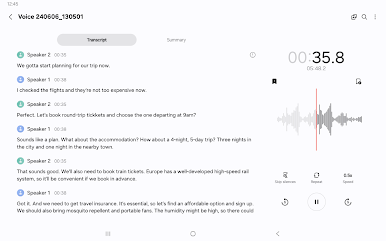
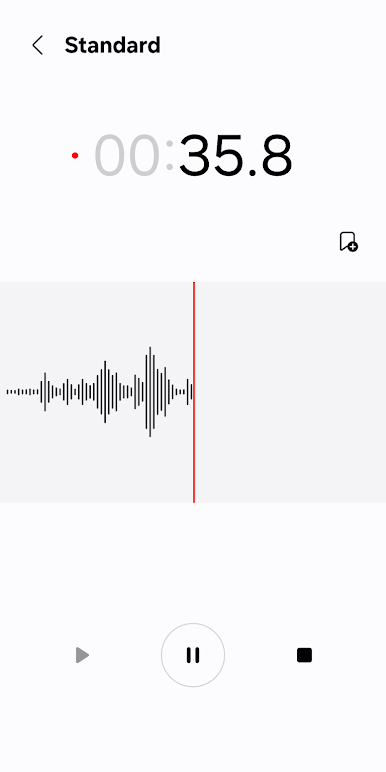
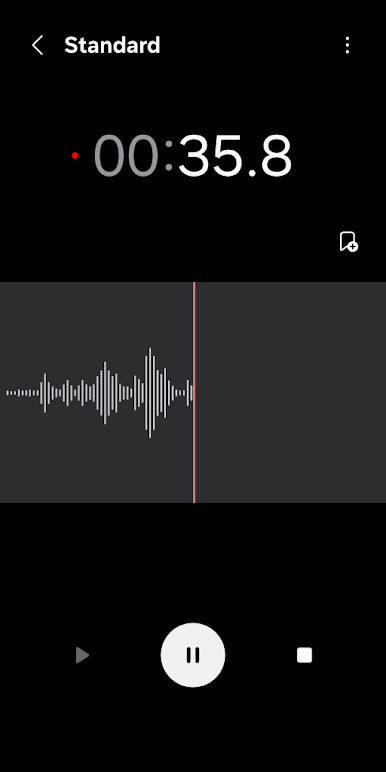
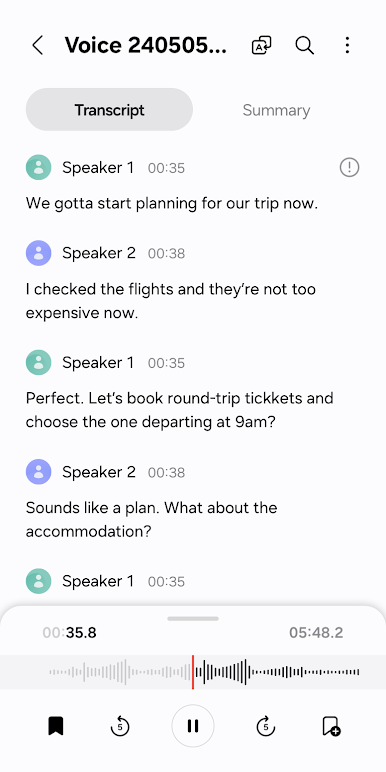
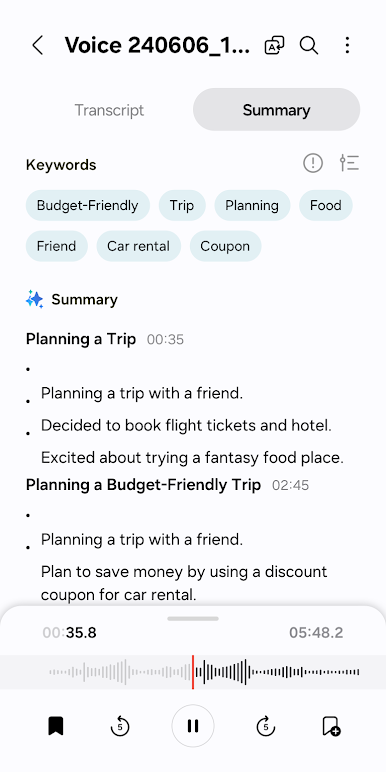
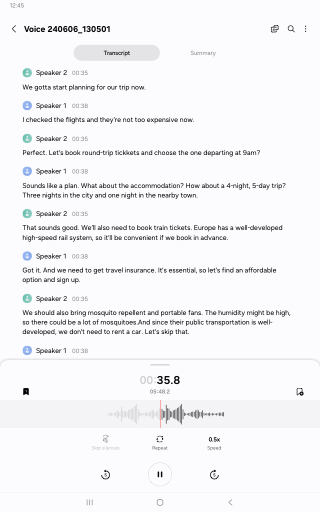
[General] It allows you to record easily. It shows the waveform of the audio.
[Interview] Record yourself and another person’s voice using the microphones on the top and bottom of your phone. It shows the waveform for each voice, which you can play back separately.
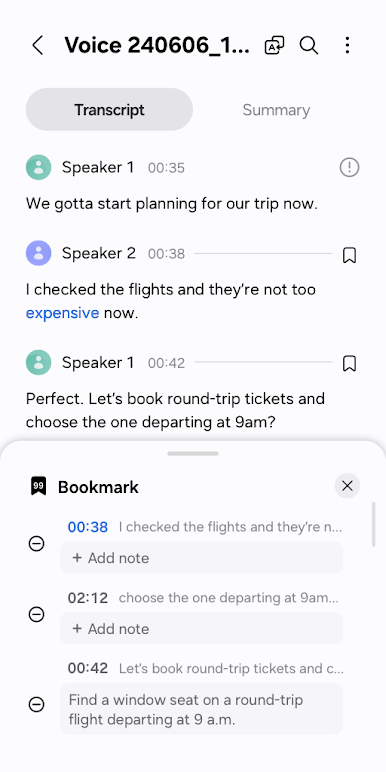
• Bookmark important moments
You can add bookmarks to easily find important content.
You can also collect only the snippets you bookmarked or play them right away.
• Block calls while recording
When you get a call while you’re recording, you can continue recording without answering.
• Share only the data you need
Share your recorded audio or transcribed text by selecting only the data you want to share.
※ Supported features may vary depending on the device.
To use this app, the following permissions are required. You can use the basic features of the app without giving the optional permissions.
Required permissions
• Microphone: To record voices and other sounds
• Music and audio: To save the recorded files
Optional permissions
• Nearby devices: To check Bluetooth headset information to allow the Bluetooth microphone recording feature
• Notifications: To notify the user when recording or playing
• Contacts: To block calls while recording
• Call log: To import call recording files
Zagraj w Voice Recorder na PC. To takie proste.
-
Pobierz i zainstaluj BlueStacks na PC
-
Zakończ pomyślnie ustawienie Google, aby otrzymać dostęp do sklepu Play, albo zrób to później.
-
Wyszukaj Voice Recorder w pasku wyszukiwania w prawym górnym rogu.
-
Kliknij, aby zainstalować Voice Recorder z wyników wyszukiwania
-
Ukończ pomyślnie rejestrację Google (jeśli krok 2 został pominięty) aby zainstalować Voice Recorder
-
Klinij w ikonę Voice Recorder na ekranie startowym, aby zacząć grę

