


Stick Dynasty
Graj na PC z BlueStacks – Platforma gamingowa Android, która uzyskała zaufanie ponad 500 milionów graczy!

Strona zmodyfikowana w dniu: Dec 17, 2025
Play Stick Dynasty 2024 on PC or Mac
Explore a whole new adventure with Stick Dynasty 2024, a Strategy game created by SENSPARK. Experience great gameplay with BlueStacks, the most popular gaming platform to play Android games on your PC or Mac.
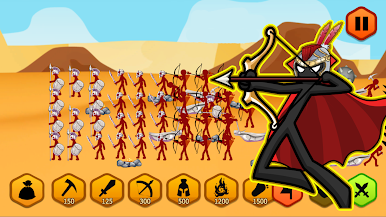
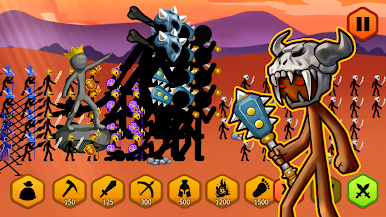
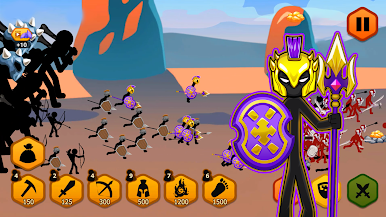
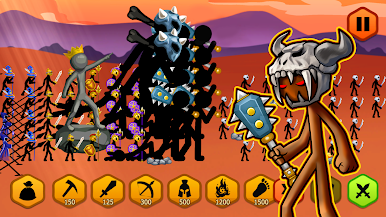
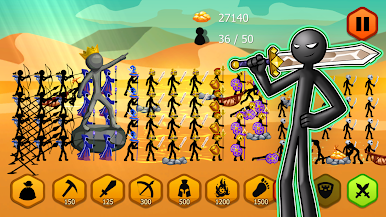
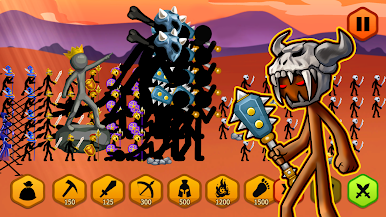
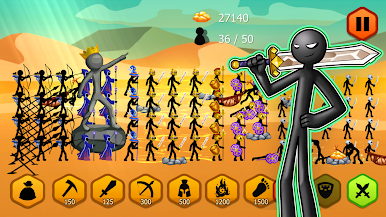
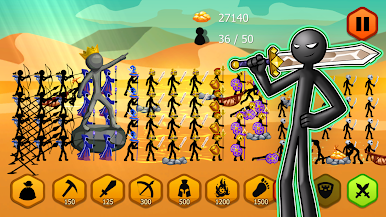
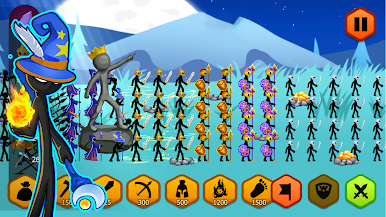
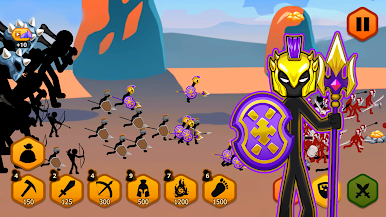
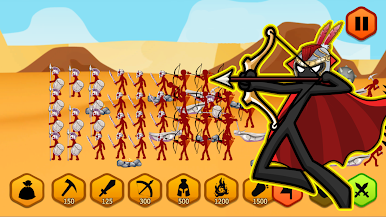
Stick Dynasty 2024 is one of those games that’s both simple to get into and weirdly satisfying once you’re a few rounds in. The whole thing is about building up a bunch of stick figure armies, mining for gold, and then marching out to destroy your opponent’s statue while defending your own. Players can train up different types of units — there’s miners, sword guys, spear throwers, archers, wizards, and these gigantic tanky ones that really change the flow when they hit the field. There’s also a bunch of upgrades and ways to power up your squad, so stuff never really gets stale. The strategy isn’t just about having the most units, either — it comes down to timing, mixing what units you send out, and knowing when to pile everything in or pull back to defend.
The game throws enough challenges at you to keep things interesting, with hundreds of levels and a bunch of different modes and difficulty settings. It has a ton of little upgrades, special powers, and even gifts and skins you collect as you play, which all add layers. What really stands out is how smooth it feels, especially if you play on PC with BlueStacks — everything’s just a bit cleaner and snappier than on a phone. The 3D look and the sound effects give even the silliest stick figure fights a surprising amount of crunch. So, if someone likes games that mix strategy, quick thinking, and a bit of cartoon chaos, this is easy to pick up but hard to put down.
Slay your opponents with your epic moves. Play it your way on BlueStacks and dominate the battlefield.

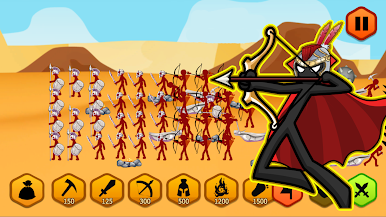
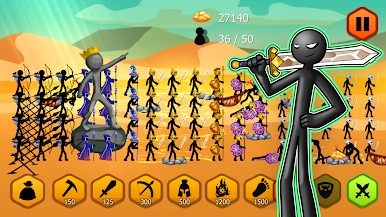
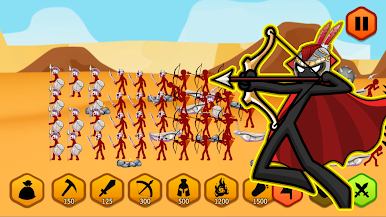
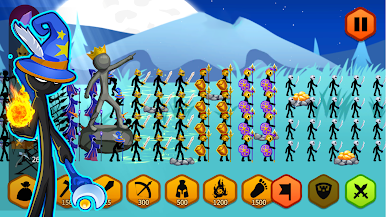
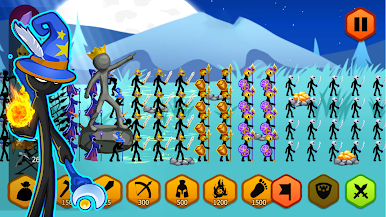

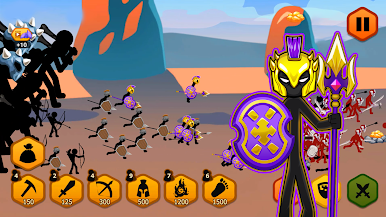
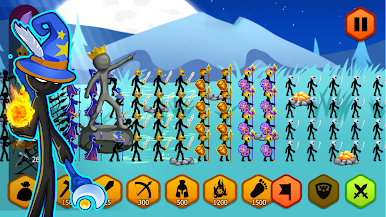
Zagraj w Stick Dynasty na PC. To takie proste.
-
Pobierz i zainstaluj BlueStacks na PC
-
Zakończ pomyślnie ustawienie Google, aby otrzymać dostęp do sklepu Play, albo zrób to później.
-
Wyszukaj Stick Dynasty w pasku wyszukiwania w prawym górnym rogu.
-
Kliknij, aby zainstalować Stick Dynasty z wyników wyszukiwania
-
Ukończ pomyślnie rejestrację Google (jeśli krok 2 został pominięty) aby zainstalować Stick Dynasty
-
Klinij w ikonę Stick Dynasty na ekranie startowym, aby zacząć grę

