

Service Report
Chơi trên PC với BlueStacks - Nền tảng chơi game Android, được hơn 500 triệu game thủ tin tưởng.

Trang đã được sửa đổi vào: Oct 22, 2025
Run Service Report on PC or Mac
Upgrade your experience. Try Service Report, the fantastic Tools app from Simão Lúcio, from the comfort of your laptop, PC, or Mac, only on BlueStacks.
About the App
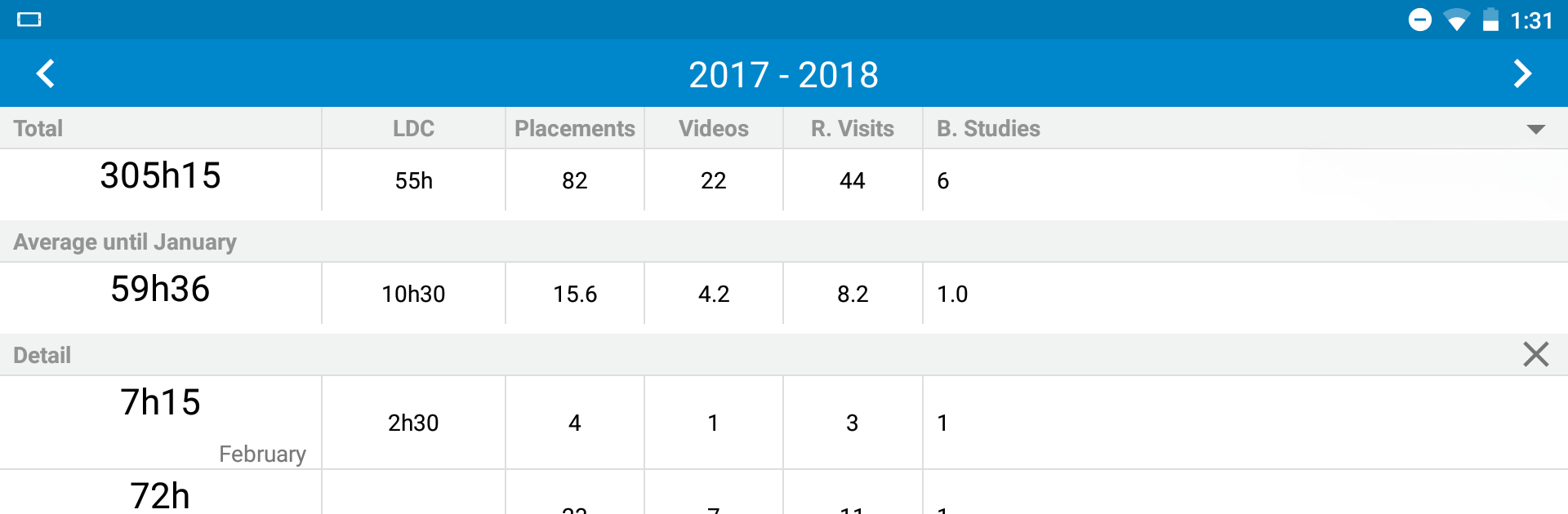
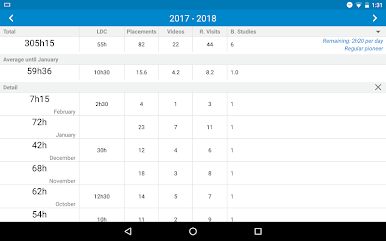
Service Report, created by Simão Lúcio, is a no-fuss tool that helps Jehovah’s Witnesses keep track of their ministry time, without any headache. If you’re looking for a lightweight way to log and send your field service reports, this app really keeps things easy. Everything you need is right at your fingertips, so you can focus less on paperwork and more on what matters.
App Features
-
Easy Reporting
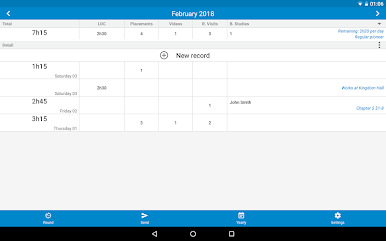
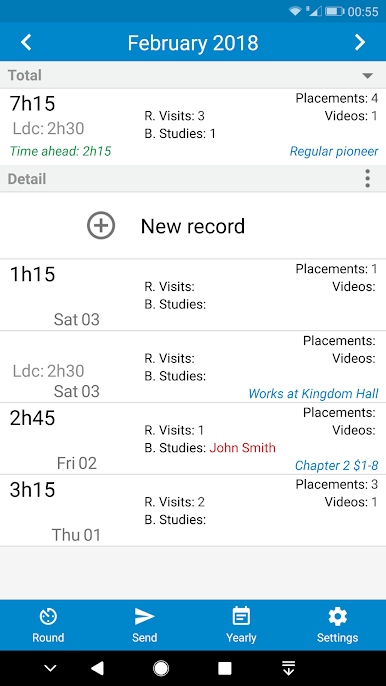
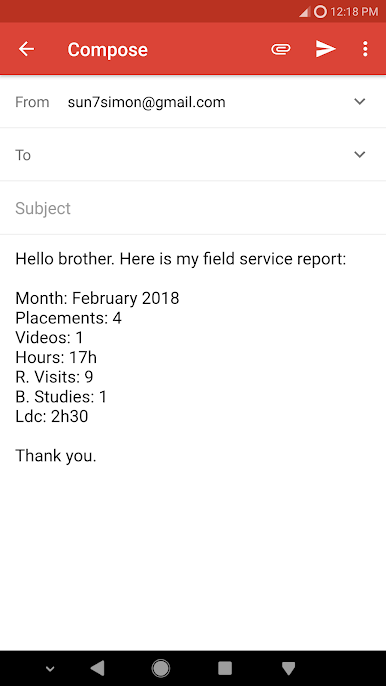
Send in your ministry hours straight from the app—use SMS, email, or even WhatsApp. It’s quick, and you don’t have to juggle different apps to get your report out. -
Built-In Stopwatch
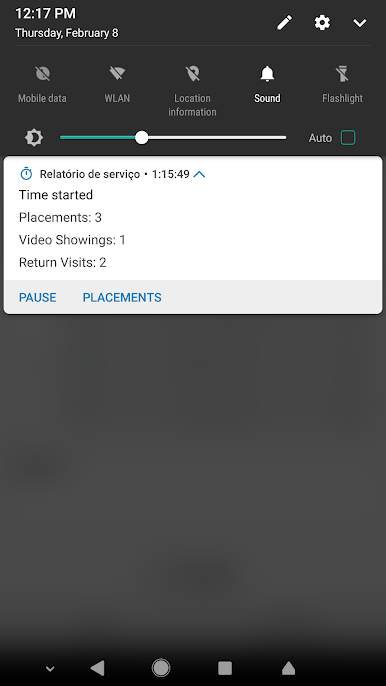
Want to keep a precise tally? There’s a handy stopwatch included, just tap to start and stop as you need throughout your day. -
Goal Tracking
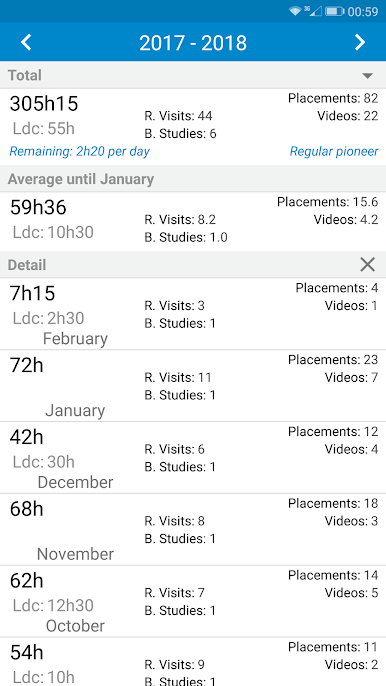
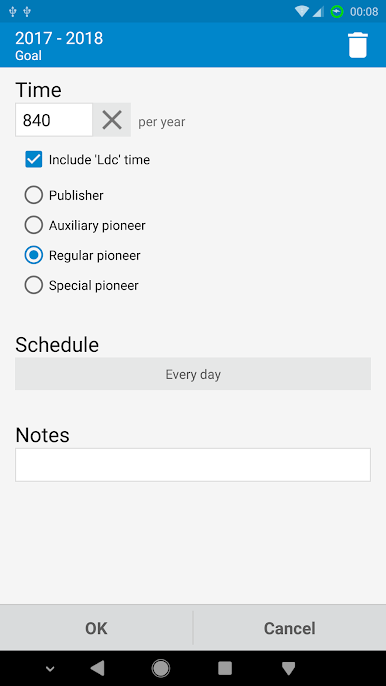
Set your monthly or yearly goals, especially helpful for pioneers who like to see their progress at a glance. There’s no need for extra spreadsheets or messy notebooks. -
LDC Time Support
LDC time can be tracked separately depending on your needs, just a quick tweak in the settings and you’re set. -
Automatic Study Counting
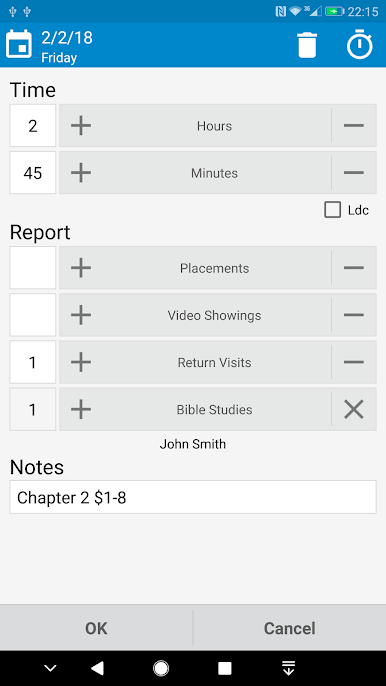
The app will automatically count your Bible studies every month, so you never have to guess or go back and check. -
Hour Rounding
At the end of the month, you can have your total hours automatically rounded up or down—whatever works for your reporting requirements. -
Offline Functionality
No need for an internet connection. The whole thing works offline, so if you’re out and about, you can still update your progress without relying on Wi-Fi or data. -
Minimal Size & Battery Impact
Service Report barely takes up any space and won’t drain your battery—great if you’ve already got a lot of apps installed. -
Multiple Languages
Got friends or family who prefer another language? Service Report is available in 25, so it feels familiar, whichever you choose.
And if you want, you can also use this app smoothly on BlueStacks for a more comfortable desktop experience.
Eager to take your app experience to the next level? Start right away by downloading BlueStacks on your PC or Mac.

Chơi Service Report trên PC. Rất dễ để bắt đầu
-
Tải và cài đặt BlueStacks trên máy của bạn
-
Hoàn tất đăng nhập vào Google để đến PlayStore, hoặc thực hiện sau
-
Tìm Service Report trên thanh tìm kiếm ở góc phải màn hình
-
Nhấn vào để cài đặt Service Report trong danh sách kết quả tìm kiếm
-
Hoàn tất đăng nhập Google (nếu bạn chưa làm bước 2) để cài đặt Service Report
-
Nhấn vào icon Service Report tại màn hình chính để bắt đầu chơi

