


WiFi Monitor: network analyzer
Chơi trên PC với BlueStacks - Nền tảng chơi game Android, được hơn 500 triệu game thủ tin tưởng.

Trang đã được sửa đổi vào: Feb 16, 2026
Chơi WiFi Monitor: network analyzer on PC
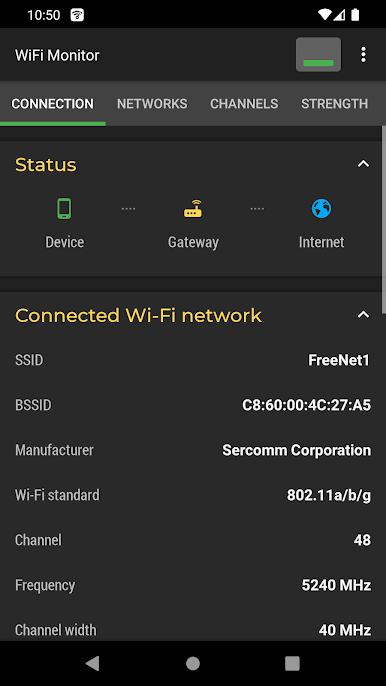
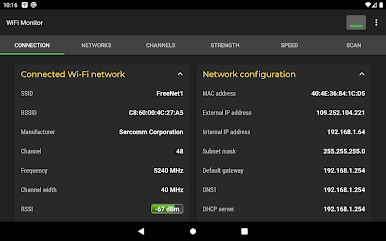
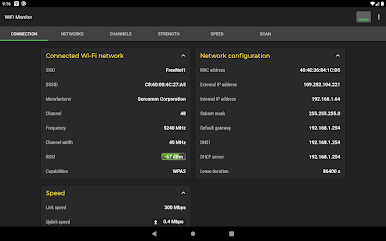
Tab “Kết nối” giúp theo dõi thông tin về điểm phát WiFi đã kết nối:
• tên (SSID) và mã định danh (BSSID)
• nhà sản xuất bộ định tuyến
• tốc độ kết nối
• cường độ tín hiệu của bộ định tuyến
• tần số và số kênh
• thông tin ping
• tùy chọn bảo mật điểm phát sóng
• Địa chỉ MAC và địa chỉ IP của điện thoại thông minh
• Mặt nạ mạng con, cổng mặc định và địa chỉ DNS.
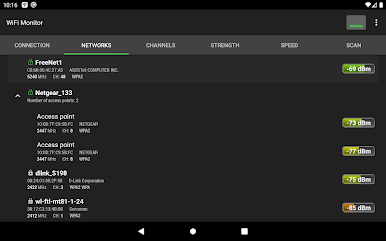
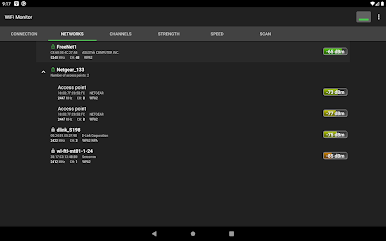
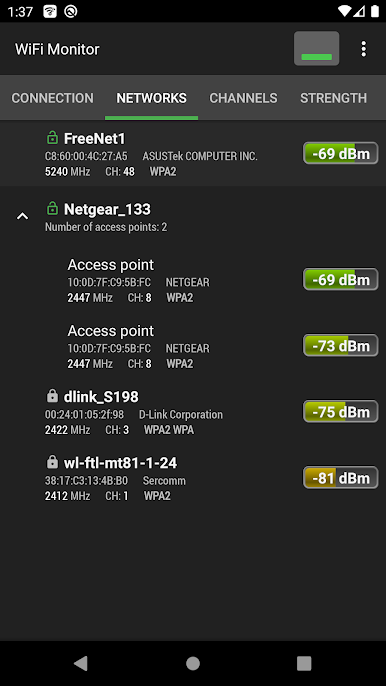
Tab "Mạng" cho phép phân tích tất cả các mạng WiFi hiện có theo các thông số sau: loại, nhà sản xuất thiết bị, mức tín hiệu, giao thức bảo mật. Các điểm truy cập có cùng tên (SSID) được nhóm lại với nhau.
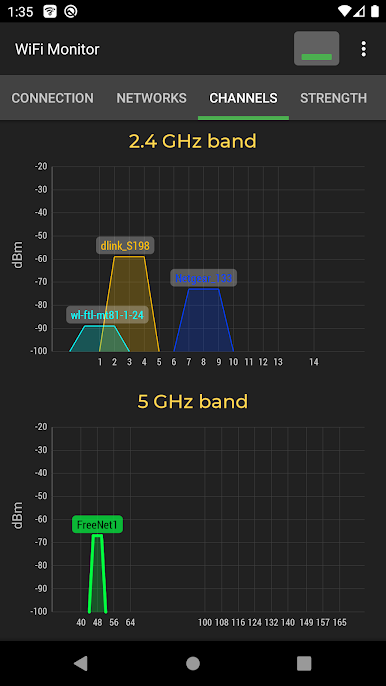
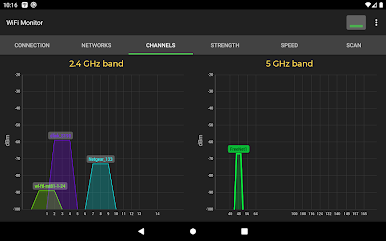
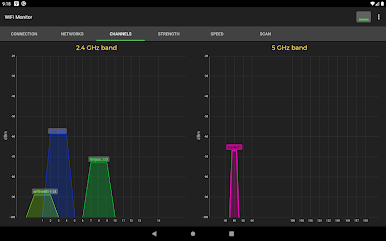
Tab "Kênh" hiển thị mức tín hiệu của điểm phát sóng tùy thuộc vào tần số của nó. Bộ định tuyến sử dụng cùng tần số sẽ cung cấp chất lượng kết nối Wi-Fi kém.
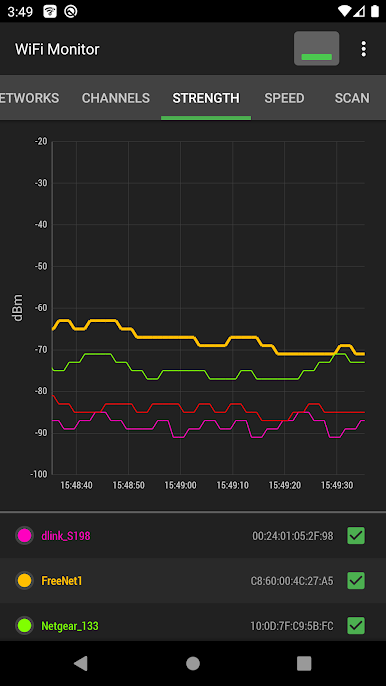
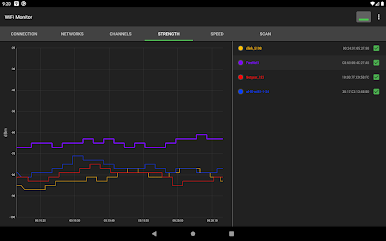
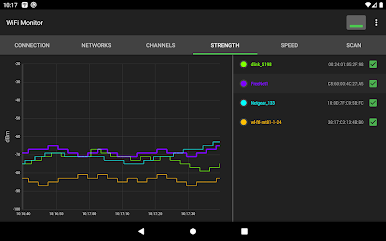
Biểu đồ "Sức mạnh" giúp so sánh mức năng lượng nhận được của các điểm truy cập WiFi có sẵn và theo dõi động thái của nó. Cường độ tín hiệu của bộ định tuyến càng cao thì chất lượng kết nối không dây càng tốt.
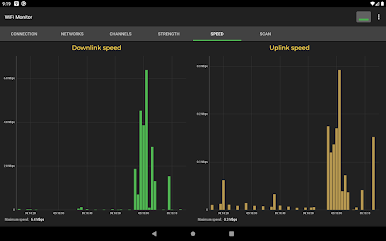
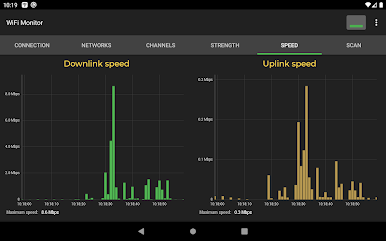
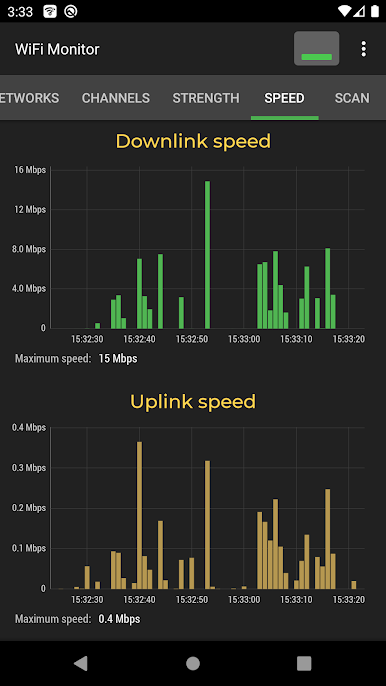
Biểu đồ "Tốc độ" hiển thị lượng dữ liệu được truyền và nhận thực tế trong mạng được kết nối. Điều này sẽ giúp phân tích việc sử dụng điểm phát sóng.
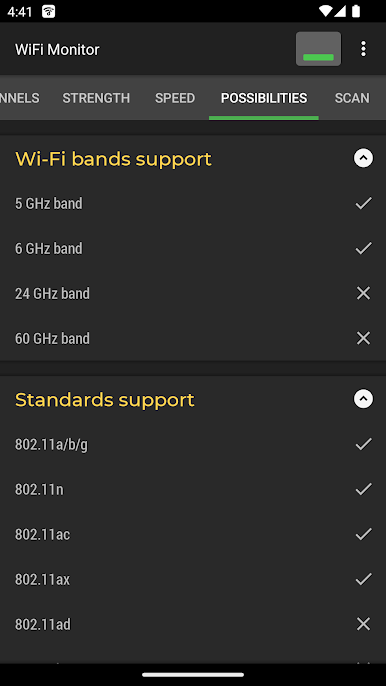
Tab "Khả năng" chứa thông tin về các tiêu chuẩn Wi-Fi, dải tần và công nghệ được thiết bị hỗ trợ.
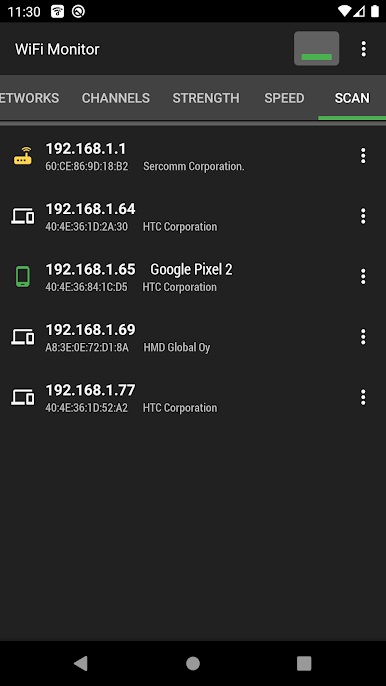
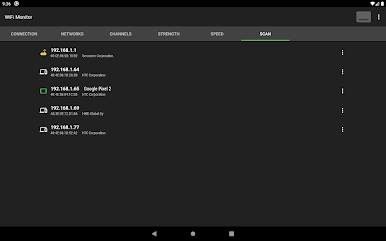
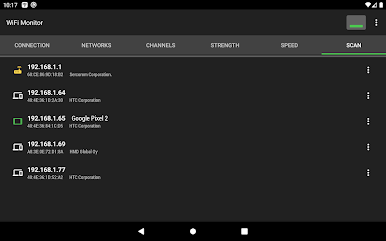
Phần "Quét" thực hiện tìm kiếm các thiết bị trong mạng được kết nối và hiển thị các thông số của nó. Nếu máy quét báo cáo về các thiết bị lạ trong mạng WLAN của bạn, hãy chặn chúng trong cài đặt bộ định tuyến.
Dữ liệu đã thu thập có thể được lưu vào tệp nhật ký và xuất sang các ứng dụng khác.
https://signalmonitoring.com/en/wifi-monitoring-description
Chơi WiFi Monitor: network analyzer trên PC. Rất dễ để bắt đầu
-
Tải và cài đặt BlueStacks trên máy của bạn
-
Hoàn tất đăng nhập vào Google để đến PlayStore, hoặc thực hiện sau
-
Tìm WiFi Monitor: network analyzer trên thanh tìm kiếm ở góc phải màn hình
-
Nhấn vào để cài đặt WiFi Monitor: network analyzer trong danh sách kết quả tìm kiếm
-
Hoàn tất đăng nhập Google (nếu bạn chưa làm bước 2) để cài đặt WiFi Monitor: network analyzer
-
Nhấn vào icon WiFi Monitor: network analyzer tại màn hình chính để bắt đầu chơi

