


Alert Bridge
Graj na PC z BlueStacks – Platforma gamingowa Android, która uzyskała zaufanie ponad 500 milionów graczy!

Strona zmodyfikowana w dniu: Aug 17, 2025
Play Alert Bridge on PC
Functionality in app at the moment:
* Full content of messages from instant messengers
* Smilies replaced with their text names
* Replacement of Ukrainian letters with understandable "analogs"
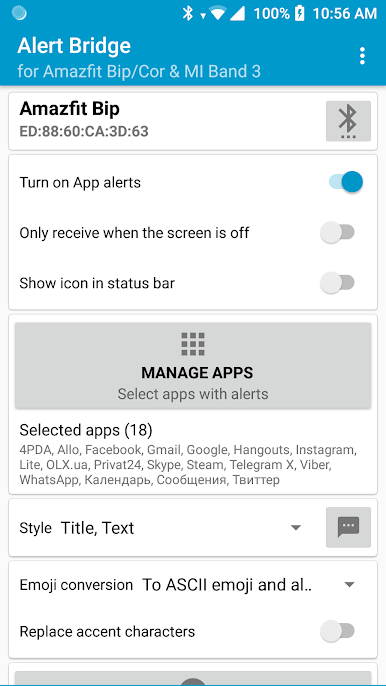
* Customize the style of messages (3 styles to choose from)
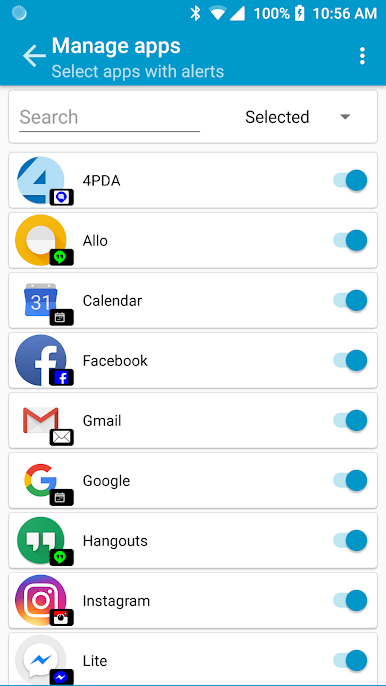
* Any number of apps
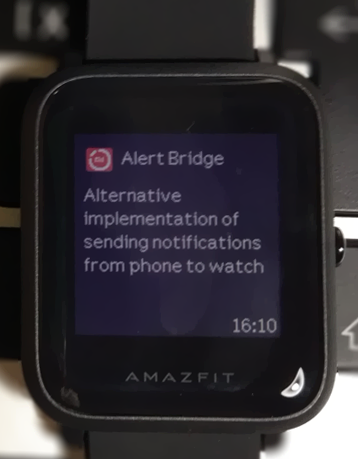
* Sending text to the clock
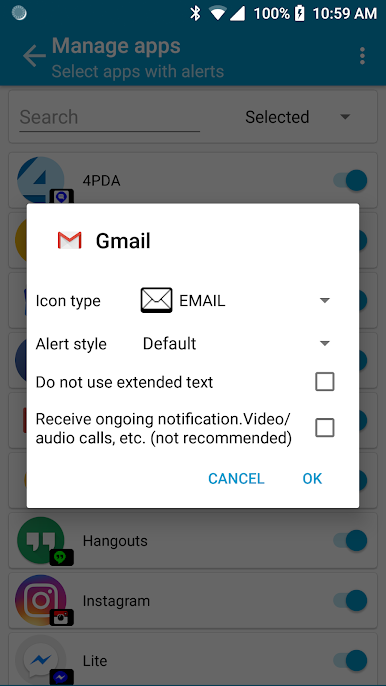
* Selection of icons and style for apps
Before using you must bind your device into system in Bluetooth setting, give access to Alert Bridge for reading notifications, select needed application.
If you do not find your device, try manually entering the bluetooth address (the lowest position in the list of devices).
If you have problems with displaying accent characters, try turning on "Replace problematic characters".
Zagraj w Alert Bridge na PC. To takie proste.
-
Pobierz i zainstaluj BlueStacks na PC
-
Zakończ pomyślnie ustawienie Google, aby otrzymać dostęp do sklepu Play, albo zrób to później.
-
Wyszukaj Alert Bridge w pasku wyszukiwania w prawym górnym rogu.
-
Kliknij, aby zainstalować Alert Bridge z wyników wyszukiwania
-
Ukończ pomyślnie rejestrację Google (jeśli krok 2 został pominięty) aby zainstalować Alert Bridge
-
Klinij w ikonę Alert Bridge na ekranie startowym, aby zacząć grę

