


Tập Viết Bảng Chữ Cái tiếng Hà
Chơi trên PC với BlueStacks - Nền tảng chơi game Android, được hơn 500 triệu game thủ tin tưởng.

Trang đã được sửa đổi vào: May 12, 2021
Run Learn To Write Korean Characters (Hangul) on PC or Mac
Let BlueStacks turn your PC, Mac, or laptop into the perfect home for Learn To Write Korean Characters (Hangul), a fun Education app from Simya Solutions Ltd..
So, Learn To Write Korean Characters (Hangul) is basically a relaxed, game-style way to pick up the Korean alphabet, especially if the idea of memorizing a whole new script seems overwhelming. The format is really friendly — you don’t have to read a bunch of dry lessons. Instead, there are a bunch of little activities like matching, flashcards, and short quizzes that help you remember the letters without much pressure. The writing practice is especially cool, since the app checks your strokes, and lets you “draw” out the characters, which feels more natural than just staring at them on a page. There’s even this hummingbird theme going on: as you practice, you get to fill a garden with lily flowers and feed your bird, so it’s not just about getting things right — there’s something visual and satisfying about seeing the progress.
The interface is nice and simple, so moving between sections is quick and not confusing. For people who are just starting out and might not know any Korean at all, it’s easy enough to follow, but there are some more challenging things mixed in too, for anyone who already knows the basics. The audio goes along with the letters, so if anyone gets stuck, there’s help with pronunciation from a native speaker. It’s also kind of nice to have it on BlueStacks on a bigger screen — tracing the characters with a mouse actually feels less clumsy compared to using your finger on a small phone sometimes, especially if you want to see all the details of how each letter is written. There’s plenty to do, so if someone just wants to dip in and practice a few minutes every day, or play through a bunch of mini-games at once, it works either way.
Big screen. Bigger performance. Use BlueStacks on your PC or Mac to run your favorite apps.


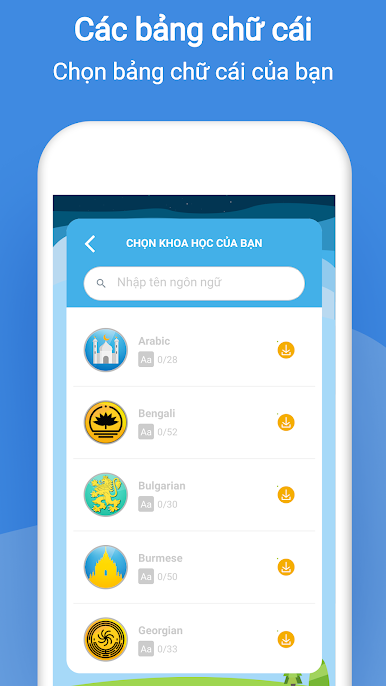
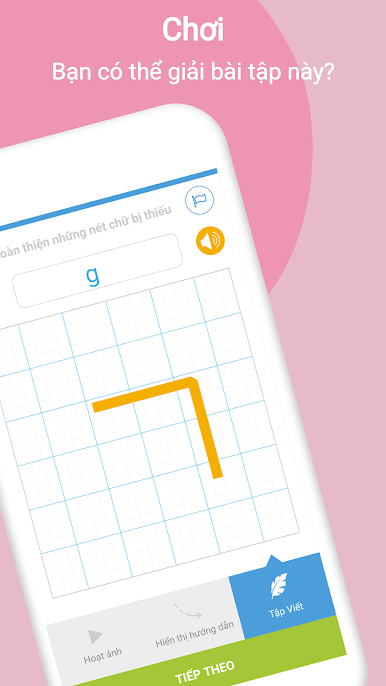
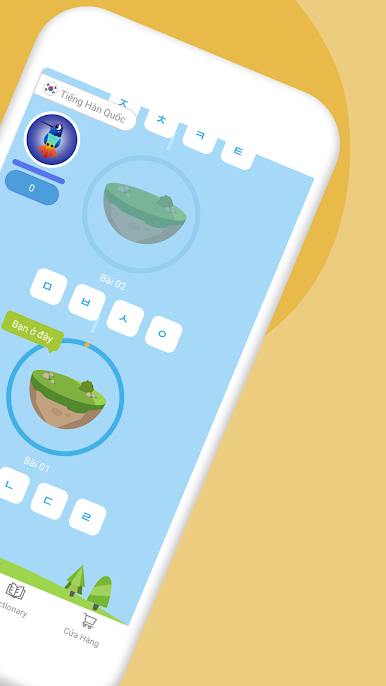

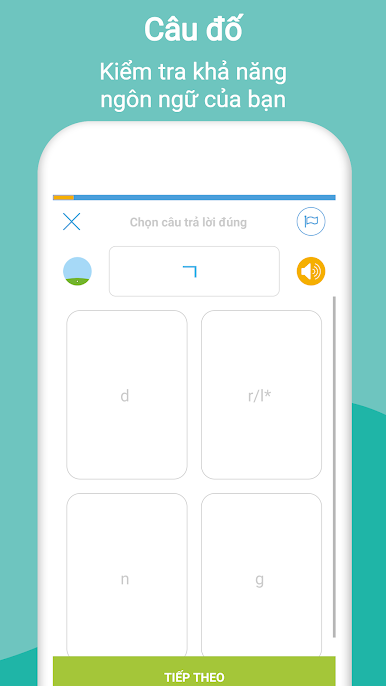

Chơi Tập Viết Bảng Chữ Cái tiếng Hà trên PC. Rất dễ để bắt đầu
-
Tải và cài đặt BlueStacks trên máy của bạn
-
Hoàn tất đăng nhập vào Google để đến PlayStore, hoặc thực hiện sau
-
Tìm Tập Viết Bảng Chữ Cái tiếng Hà trên thanh tìm kiếm ở góc phải màn hình
-
Nhấn vào để cài đặt Tập Viết Bảng Chữ Cái tiếng Hà trong danh sách kết quả tìm kiếm
-
Hoàn tất đăng nhập Google (nếu bạn chưa làm bước 2) để cài đặt Tập Viết Bảng Chữ Cái tiếng Hà
-
Nhấn vào icon Tập Viết Bảng Chữ Cái tiếng Hà tại màn hình chính để bắt đầu chơi

