

EDS
Graj na PC z BlueStacks – Platforma gamingowa Android, która uzyskała zaufanie ponad 500 milionów graczy!

Strona zmodyfikowana w dniu: Jun 1, 2024
Run EDS on PC or Mac
Multitask effortlessly on your PC or Mac as you try out EDS, a Tools app by sovworks on BlueStacks.
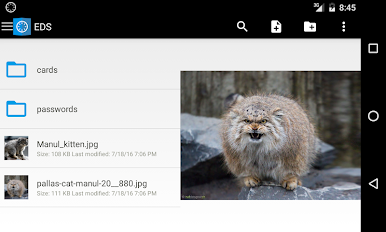
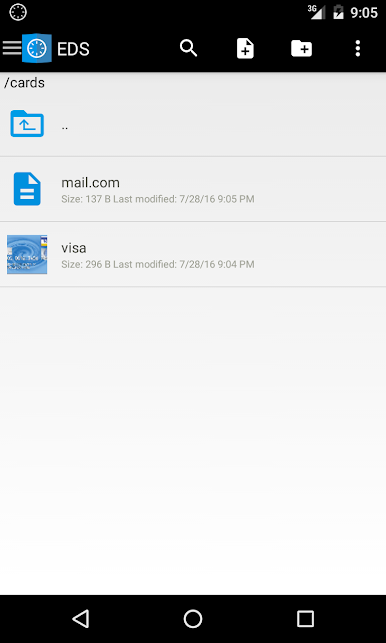
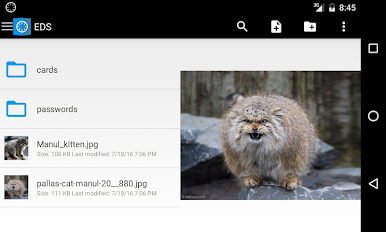
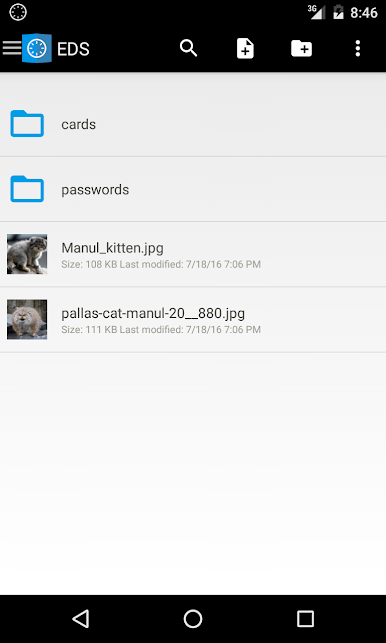
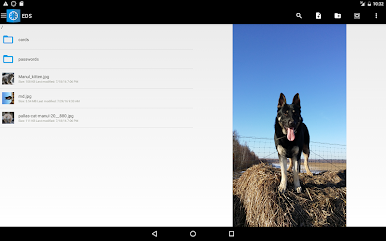
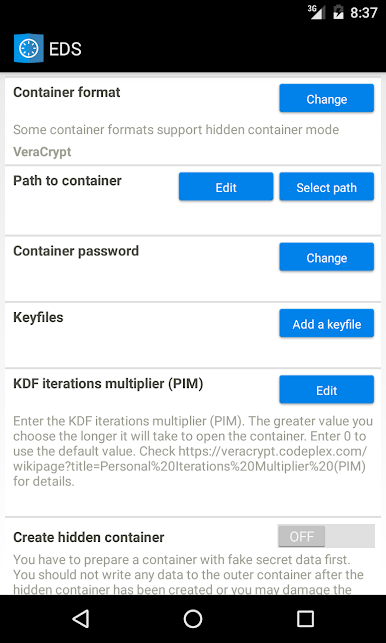
EDS is basically a secure vault for Android that works with real container formats like VeraCrypt, TrueCrypt, LUKS, EncFs, and CyberSafe. Think of it as carrying an encrypted drive around on the phone, then opening it when needed. It can either open containers inside the app for browsing, or mount them to the file system if the Android environment has root. On a PC through BlueStacks, the big screen and keyboard make long passphrases, keyfiles, and file moves a lot less annoying, though the mount feature still depends on having root in that Android setup.
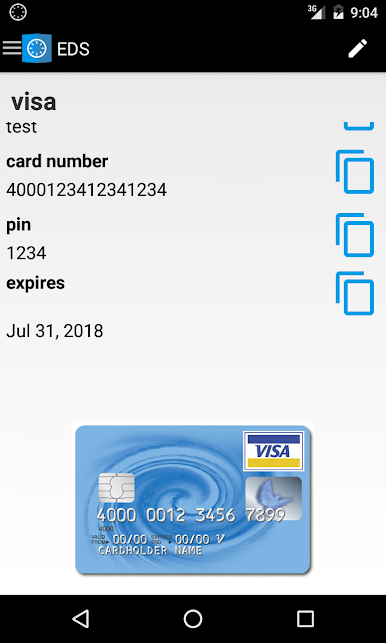
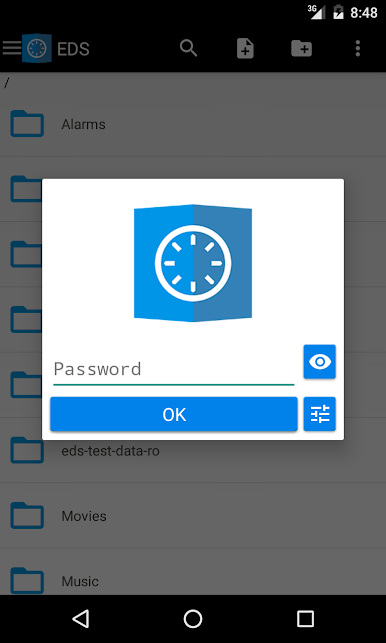
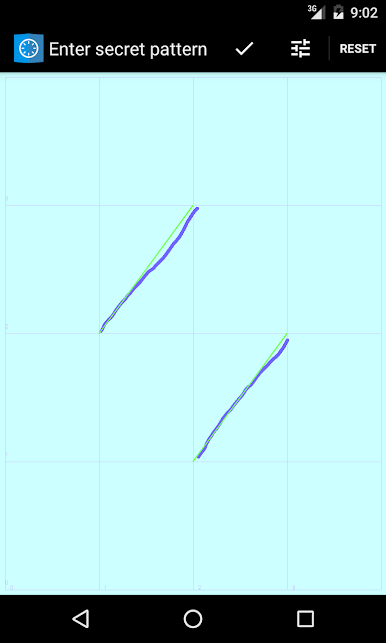
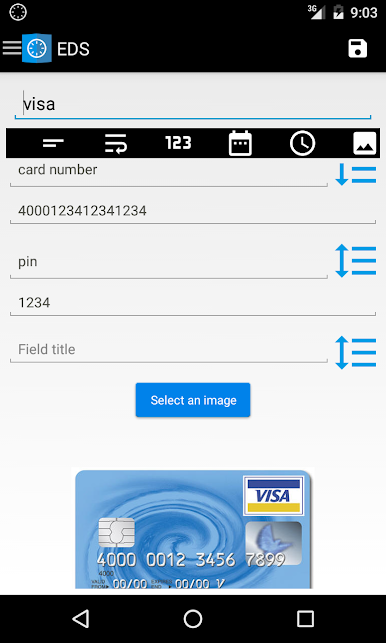
What stands out is how flexible it is. Containers can use several ciphers, even layered together, plus there is support for hidden containers and keyfiles. Files can be streamed right from the container, so music and videos play without extracting. There is an indexed search that actually finds stuff fast. It can open a container straight off a network share, and it can auto mount or dismount those shares based on Wi‑Fi. EncFs is here too, so setting up an encrypted Dropbox folder and syncing containers across devices is part of the deal. For quick unlocks on touch screens there is a hand drawn pattern that can sit alongside a password, not instead of it. There is even a simple database inside the vault for logins, PIN codes, and the boring important bits. Permissions make sense for what it does, like storage access and keeping the device awake during long copies. Worth noting, this is the older EDS build aimed at previous users and older phones, and new folks are nudged toward EDS NG.
Eager to take your app experience to the next level? Start right away by downloading BlueStacks on your PC or Mac.
Zagraj w EDS na PC. To takie proste.
-
Pobierz i zainstaluj BlueStacks na PC
-
Zakończ pomyślnie ustawienie Google, aby otrzymać dostęp do sklepu Play, albo zrób to później.
-
Wyszukaj EDS w pasku wyszukiwania w prawym górnym rogu.
-
Kliknij, aby zainstalować EDS z wyników wyszukiwania
-
Ukończ pomyślnie rejestrację Google (jeśli krok 2 został pominięty) aby zainstalować EDS
-
Klinij w ikonę EDS na ekranie startowym, aby zacząć grę

