


Tap the Blocks
Graj na PC z BlueStacks – Platforma gamingowa Android, która uzyskała zaufanie ponad 500 milionów graczy!

Strona zmodyfikowana w dniu: Oct 23, 2025
Play Tap the Blocks on PC
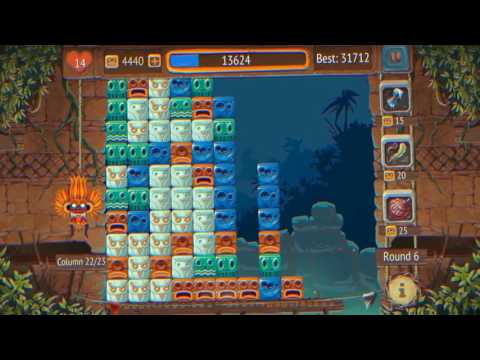
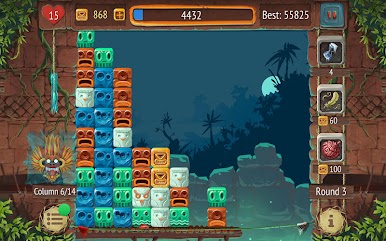
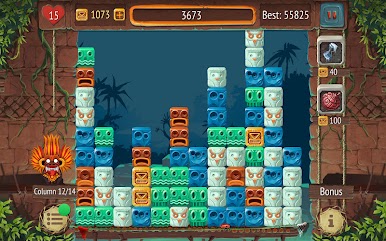
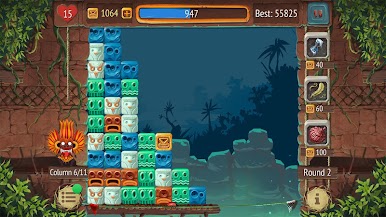
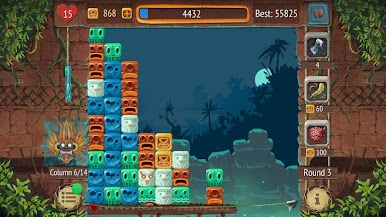
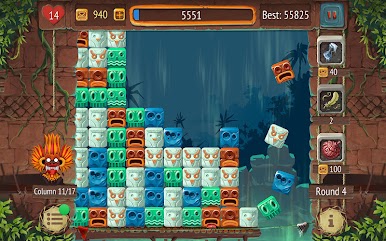
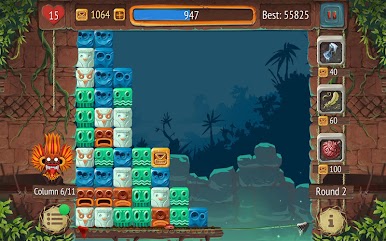
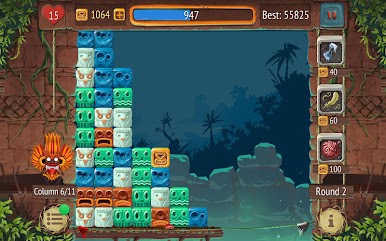
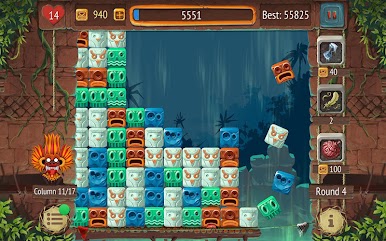
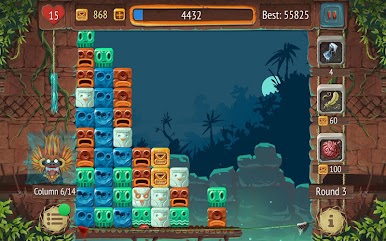
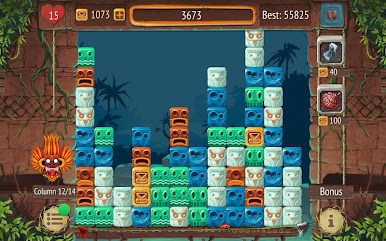
Think you have what it takes to master the tap? This easy-to-learn, hard-to-master game will test your reflexes and strategy. Feel the rhythm as the sounds adapt to your gameplay, and unlock achievements to prove your tapping prowess. Compete against friends and climb the leaderboards to become the ultimate Block Master!
Looking for a tapping game that doesn't require an internet connection? Tap the Blocks is a completely free offline game you can enjoy anytime, anywhere.
Features:
* Addictive endless gameplay - Tap, tap, tap your way to the top!
* Simple but challenging - Easy to pick up, but mastering the tap takes skill!
* Reactive sound design - Feel the rhythm of the blocks!
* Engaging achievements - Unlockable rewards for your tapping mastery.
* Leaderboard competition - Challenge friends and tap your way to victory!
* Offline play - Tap away even without internet access.
* In-app purchases available (optional)
Download Tap the Blocks now and experience the satisfying thrill of perfect taps!
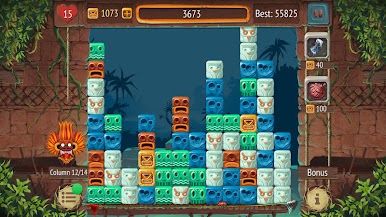
Zagraj w Tap the Blocks na PC. To takie proste.
-
Pobierz i zainstaluj BlueStacks na PC
-
Zakończ pomyślnie ustawienie Google, aby otrzymać dostęp do sklepu Play, albo zrób to później.
-
Wyszukaj Tap the Blocks w pasku wyszukiwania w prawym górnym rogu.
-
Kliknij, aby zainstalować Tap the Blocks z wyników wyszukiwania
-
Ukończ pomyślnie rejestrację Google (jeśli krok 2 został pominięty) aby zainstalować Tap the Blocks
-
Klinij w ikonę Tap the Blocks na ekranie startowym, aby zacząć grę

