


Splice: Make music now
Chơi trên PC với BlueStacks - Nền tảng chơi game Android, được hơn 500 triệu game thủ tin tưởng.

Trang đã được sửa đổi vào: Dec 15, 2025
Run Splice: Make music now on PC or Mac
Upgrade your experience. Try Splice: Make music now, the fantastic Music & Audio app from Splice Music, from the comfort of your laptop, PC, or Mac, only on BlueStacks.
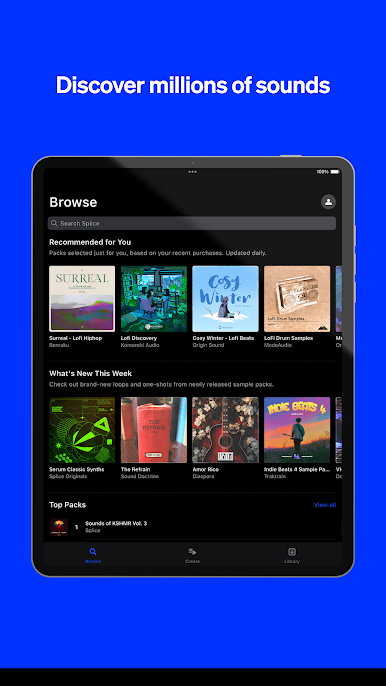
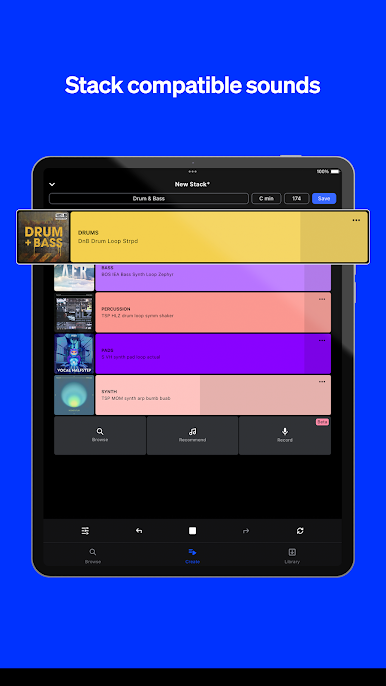
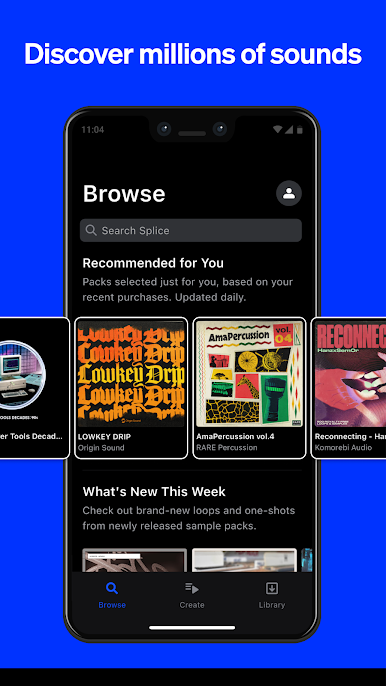
Splice: Make music now kind of feels like having a whole recording studio’s worth of sounds and samples right in your pocket, but it’s surprisingly easy to use on a PC with BlueStacks too. It’s got this huge library of royalty-free samples and loops—you can scroll through tons of different genres, packs, and sounds, and whenever something stands out, just hit the heart to save it for later. Searching is quick, too. Need something specific for a project? Filter by tags or keywords and it’ll narrow things down super fast.
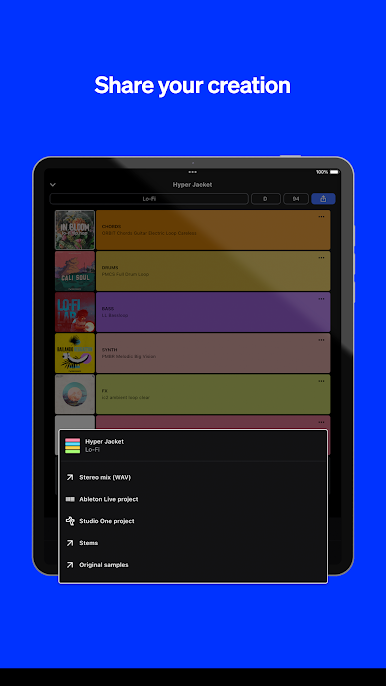
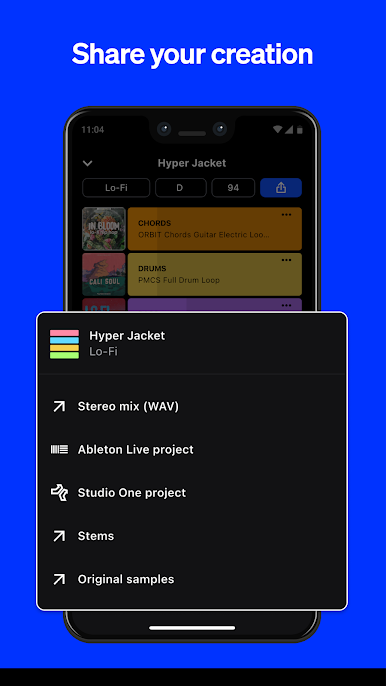
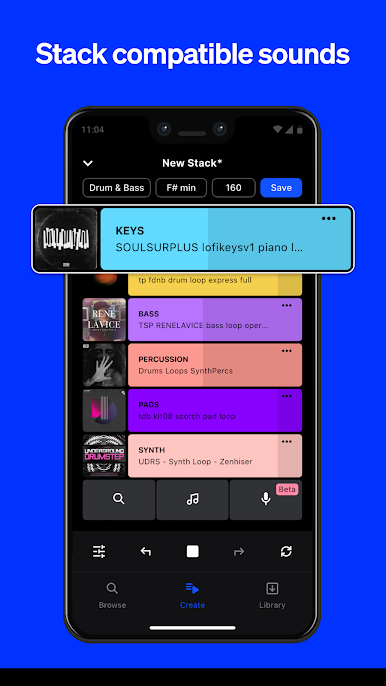
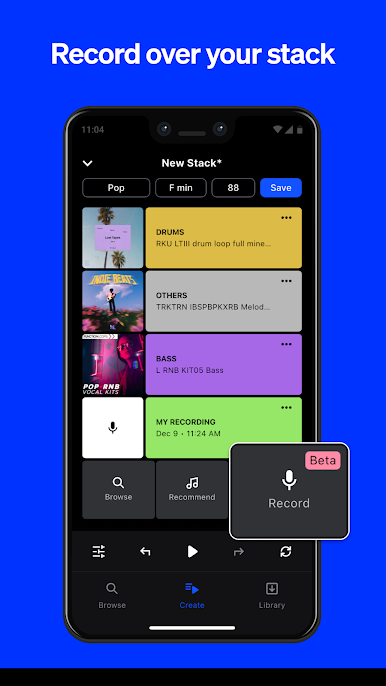
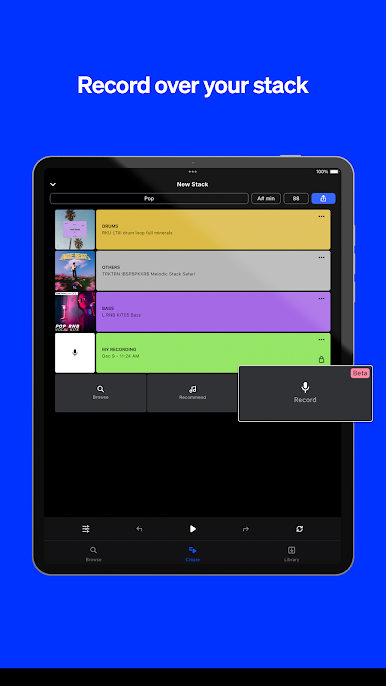
One thing that sticks out is how you can record your own stuff with the Splice Mic feature. So if someone has a melody or a lyric idea out of nowhere, the app lets you record right away and hear it played back with actual loops from the Splice library. It’s not just recording in a vacuum—everything gets put into context, and you can experiment by adding or swapping new loops. There’s a mode called Create, which is fun for quickly starting beats—pick a genre, hit shuffle, and it’ll give a stack of loops that actually sounds legit, not cheesy. From there, it’s easy to tweak, switch out layers, mute things, or even solo tracks, and everything’s adjustable so the end result actually feels like your own. If you’re collaborating or just want to share a work in progress, saving and sending what you make is simple, plus there’s exporting for DAWs like Ableton. No annoying paywalls locking up your sounds, and anything downloaded with a subscription stays usable after cancelling, so you don’t have to worry about losing your stuff. All in all, it makes it much easier to experiment with music ideas wherever, whether sitting at a computer or using a phone.
Switch to BlueStacks and make the most of your apps on your PC or Mac.

Chơi Splice: Make music now trên PC. Rất dễ để bắt đầu
-
Tải và cài đặt BlueStacks trên máy của bạn
-
Hoàn tất đăng nhập vào Google để đến PlayStore, hoặc thực hiện sau
-
Tìm Splice: Make music now trên thanh tìm kiếm ở góc phải màn hình
-
Nhấn vào để cài đặt Splice: Make music now trong danh sách kết quả tìm kiếm
-
Hoàn tất đăng nhập Google (nếu bạn chưa làm bước 2) để cài đặt Splice: Make music now
-
Nhấn vào icon Splice: Make music now tại màn hình chính để bắt đầu chơi

