


Cuto Wallpaper
Graj na PC z BlueStacks – Platforma gamingowa Android, która uzyskała zaufanie ponad 500 milionów graczy!

Strona zmodyfikowana w dniu: Dec 14, 2025
Play Cuto Wallpaper on PC
▲ Choose your own wallpapers ▲
Instead of providing you with cropped images, Cuto gives you the options. Simply sliding around the image, you can choose your favourite part and set as your wallpaper.
▲ Pick wallpapers from Unsplash ▲
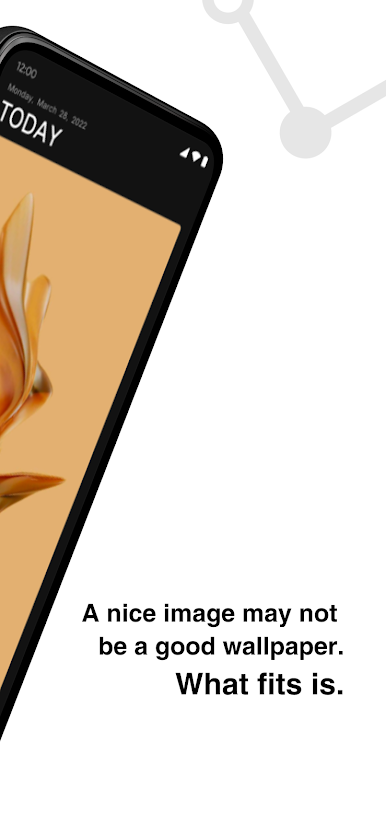
Although there are tons of high-quality images on Unsplah, not all of them are the best-fit wallpapers. Therefore, we’ve hand-picked from the Unsplash, and provide you with the most suitable once.
▲ Less is more ▲
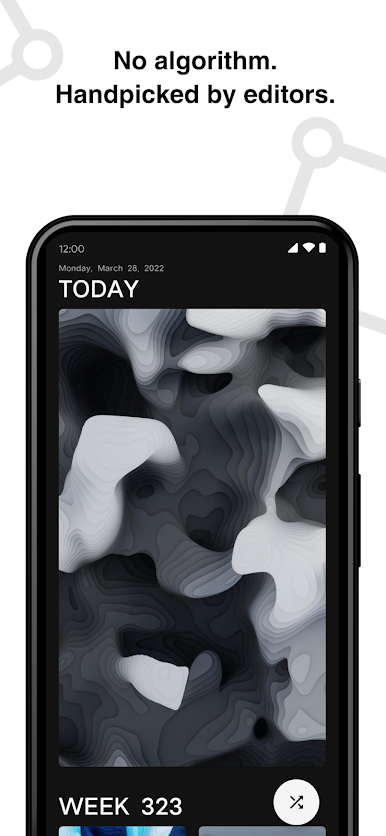
Cuto updates once a week on Friday with 6-9 new wallpapers. You may not change your wallpaper too often. Comparing to the quantity, we care more about the quality. When you want to change your wallpaper, just open Cuto, choose one you like quickly and easily.
----
Cuto is totally FREE, NO Ads. If you like it, pay with your comment!
You are welcome to email us if you have any advice or feedback.
You can find Cuto on iTunes App Store as well.
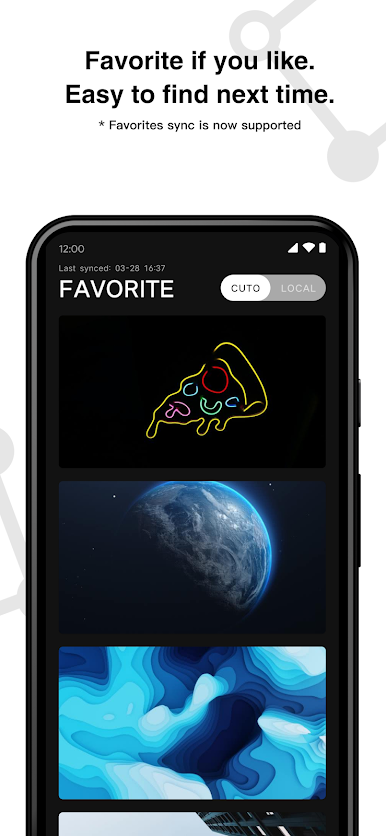
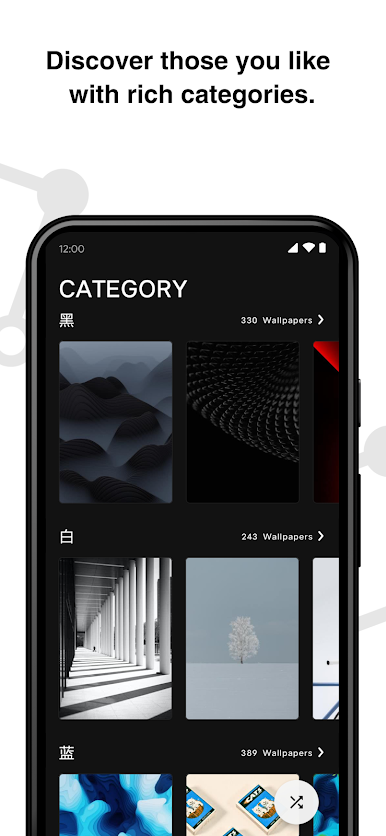
Zagraj w Cuto Wallpaper na PC. To takie proste.
-
Pobierz i zainstaluj BlueStacks na PC
-
Zakończ pomyślnie ustawienie Google, aby otrzymać dostęp do sklepu Play, albo zrób to później.
-
Wyszukaj Cuto Wallpaper w pasku wyszukiwania w prawym górnym rogu.
-
Kliknij, aby zainstalować Cuto Wallpaper z wyników wyszukiwania
-
Ukończ pomyślnie rejestrację Google (jeśli krok 2 został pominięty) aby zainstalować Cuto Wallpaper
-
Klinij w ikonę Cuto Wallpaper na ekranie startowym, aby zacząć grę

