


StarMaker:hát ứng dụng karaoke
Chơi trên PC với BlueStacks - Nền tảng chơi game Android, được hơn 500 triệu game thủ tin tưởng.

Trang đã được sửa đổi vào: Dec 1, 2025
Run StarMaker: Sing Karaoke Songs on PC or Mac
Get freedom from your phone’s obvious limitations. Use StarMaker: Sing Karaoke Songs, made by SKYWORK AI PTE. LTD., a Music & Audio app on your PC or Mac with BlueStacks, and level up your experience.
StarMaker feels like a giant karaoke room that lives on your screen, and running it on BlueStacks makes it feel closer to a little home studio. It pulls in a huge library, from pop and hip hop to R and B and folk, and the backing tracks and rolling lyrics are solid, so keeping up is not stressful. Pick a song, sing the whole thing or just the best part, and it records both audio and video if a webcam is handy. There are a bunch of sound effects and pitch tools that actually help clean things up, plus fun video filters like vintage or sunset if someone is making a clip. The templates make those quick music videos look less awkward, which is nice.
The social side is where it turns sticky. There are open rooms where people sing together, play little singing games, and there is always a leaderboard or a “who did it best” feel going on. Duets with other users are easy, and it suggests pairings for trending songs, so finding a partner is not a pain. Families are basically fan groups for certain tastes, good for feedback or just hanging out. On PC the bigger screen helps with lyrics and comments at the same time, and using a USB mic or Bluetooth headphones smooths things out. Anyone who likes picking from fresh hits and old favorites, tinkering with effects, and trading covers with a friendly crowd would get why this one sticks.
Switch to BlueStacks and make the most of your apps on your PC or Mac.



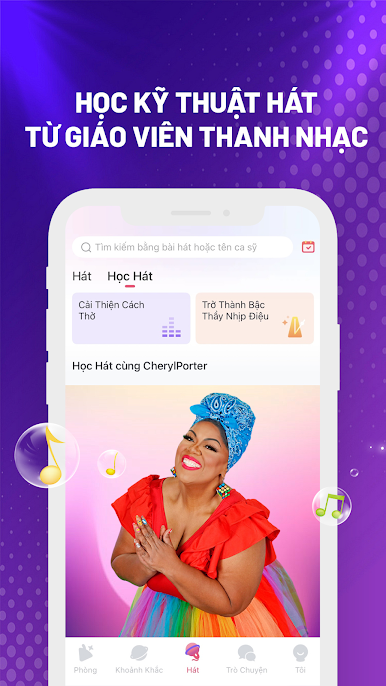
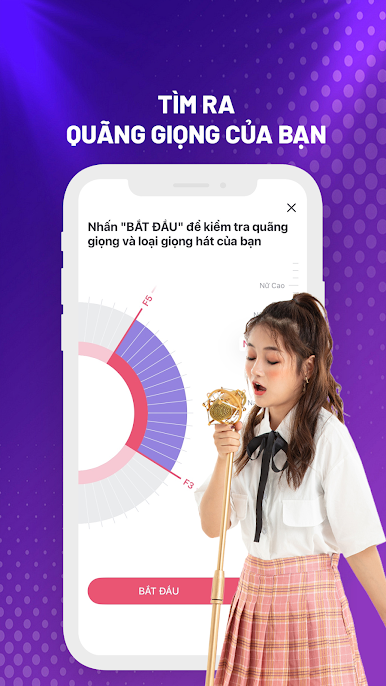


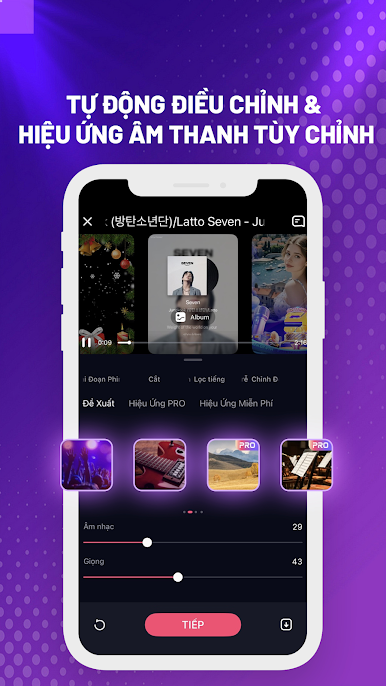
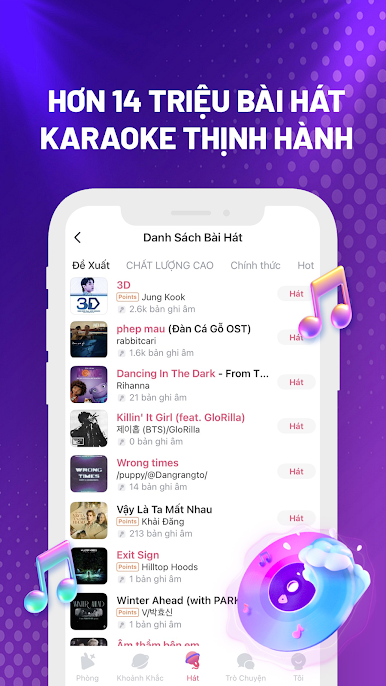
Chơi StarMaker:hát ứng dụng karaoke trên PC. Rất dễ để bắt đầu
-
Tải và cài đặt BlueStacks trên máy của bạn
-
Hoàn tất đăng nhập vào Google để đến PlayStore, hoặc thực hiện sau
-
Tìm StarMaker:hát ứng dụng karaoke trên thanh tìm kiếm ở góc phải màn hình
-
Nhấn vào để cài đặt StarMaker:hát ứng dụng karaoke trong danh sách kết quả tìm kiếm
-
Hoàn tất đăng nhập Google (nếu bạn chưa làm bước 2) để cài đặt StarMaker:hát ứng dụng karaoke
-
Nhấn vào icon StarMaker:hát ứng dụng karaoke tại màn hình chính để bắt đầu chơi

