


Stay Focused: Site/App Blocker
Chơi trên PC với BlueStacks - Nền tảng chơi game Android, được hơn 500 triệu game thủ tin tưởng.

Trang đã được sửa đổi vào: Dec 8, 2025
Run Stay Focused: Site/App Blocker on PC or Mac
What’s better than using Stay Focused: Site/App Blocker by INNOXAPPS LLP? Well, try it on a big screen, on your PC or Mac, with BlueStacks to see the difference.
About the App
If you’ve ever found yourself checking your phone every few minutes when you should be working or studying, Stay Focused: Site/App Blocker was made for you. This handy productivity tool from INNOXAPPS LLP helps you cut through digital distractions, so you can actually get things done—and maybe even reclaim some of your day. Whether it’s social media, games, or just endless news feeds, Stay Focused lets you take control of your screen time without fuss.
App Features
-
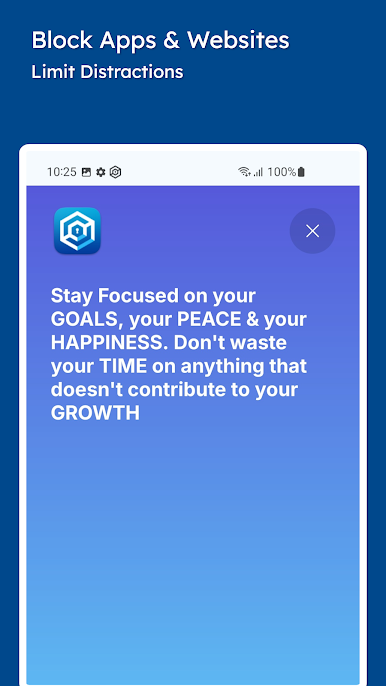
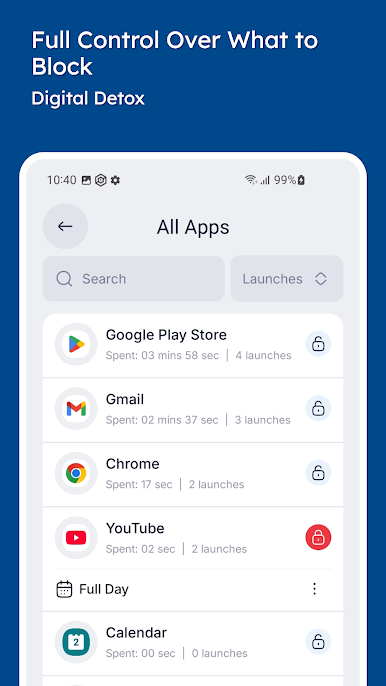
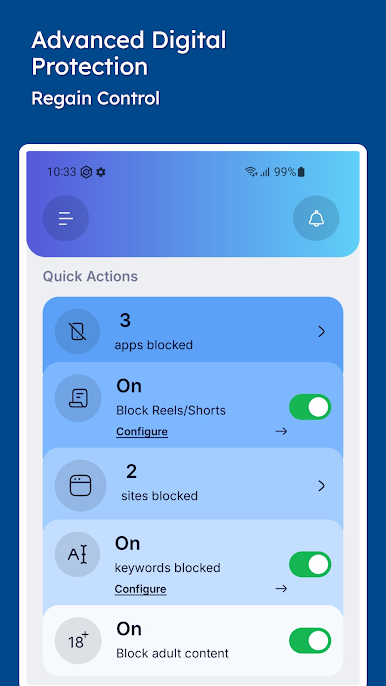
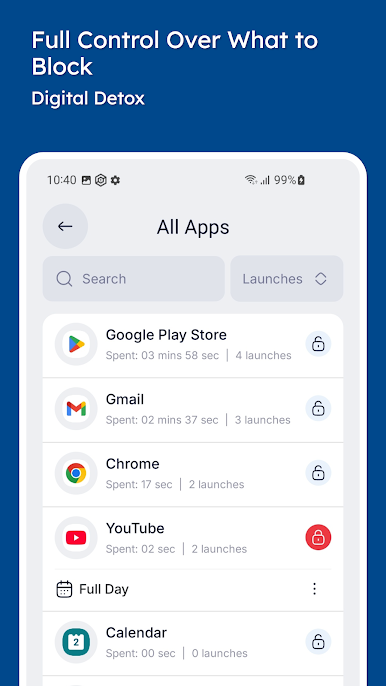
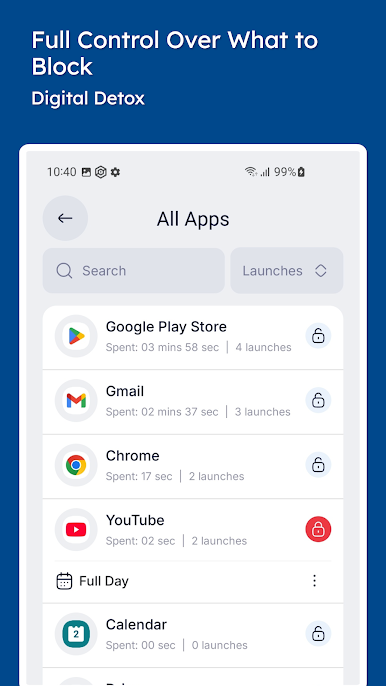
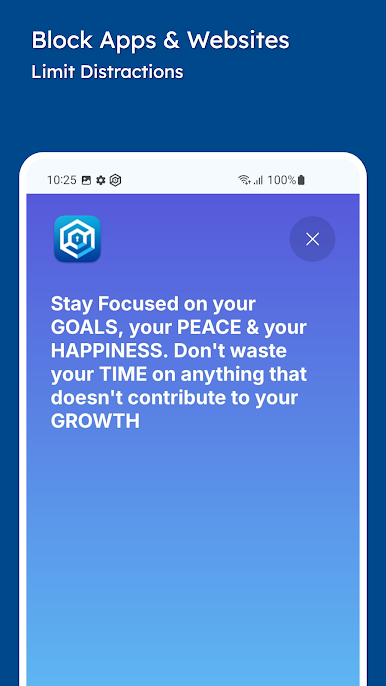
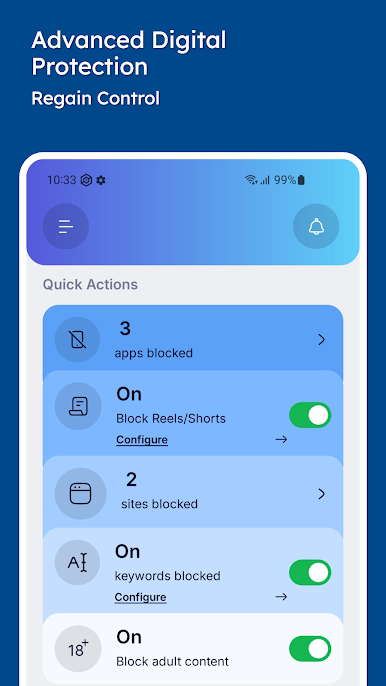
Block Apps & Websites
Tired of losing time on certain apps or websites? You can block any app or site that keeps stealing your attention, including social media and games. -
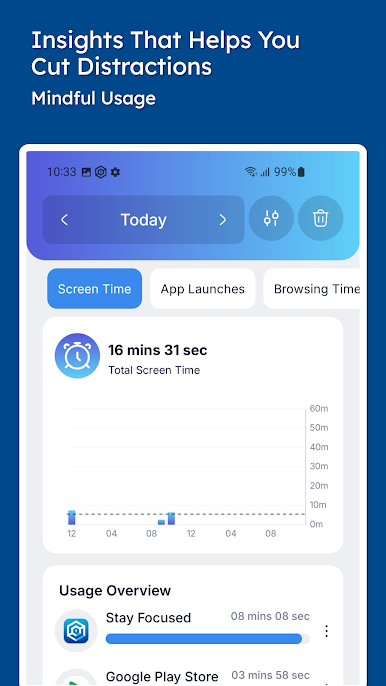
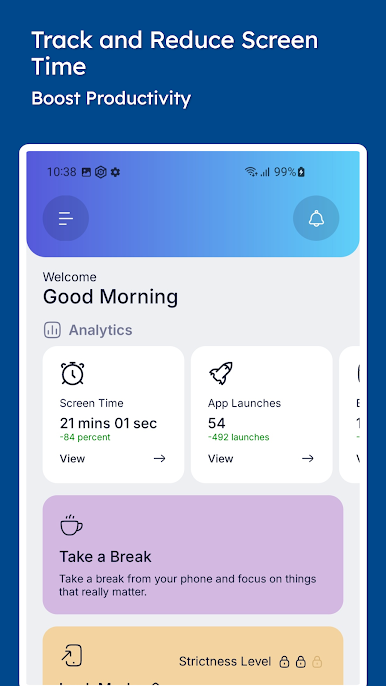
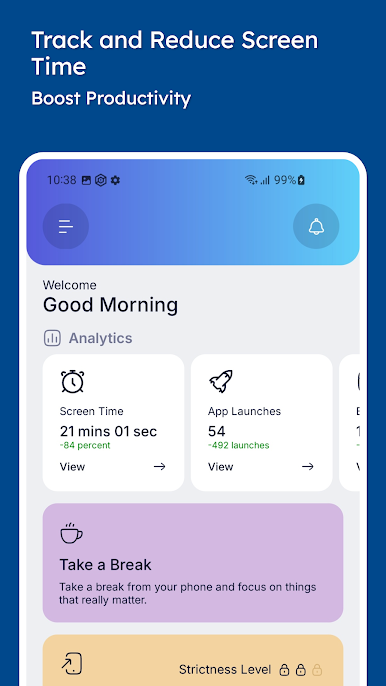
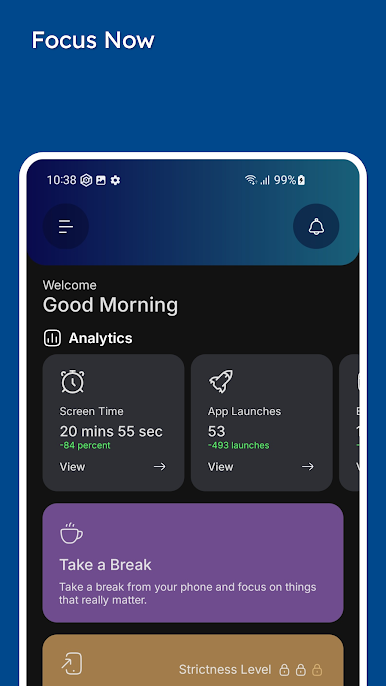
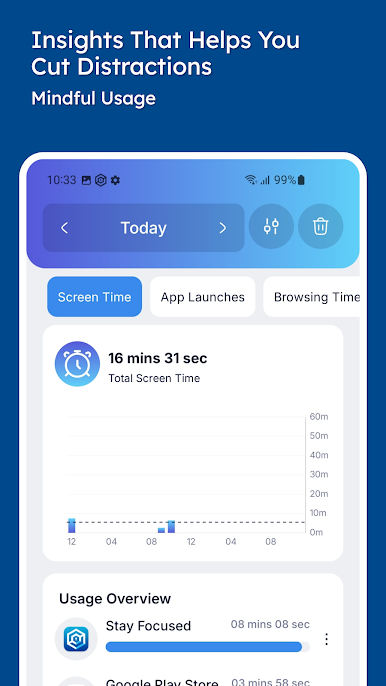
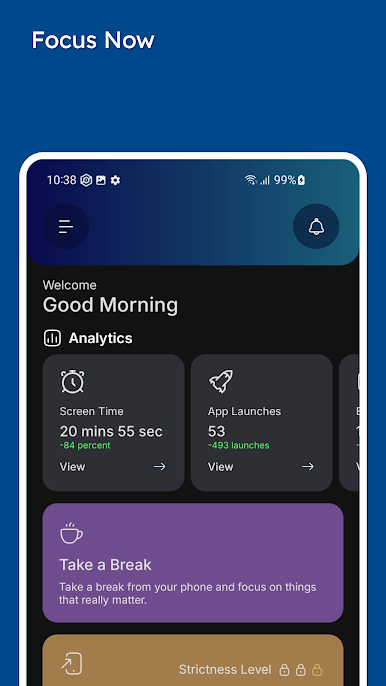
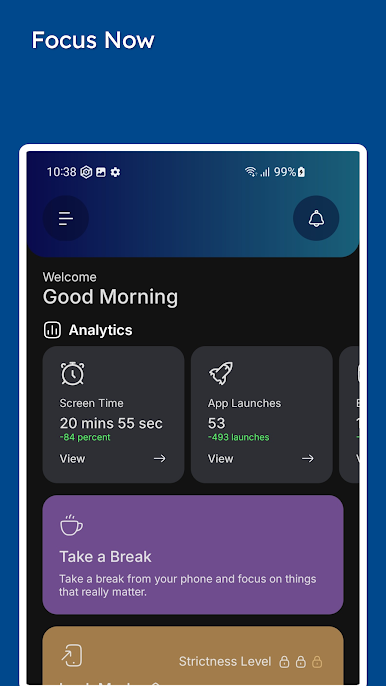
Screen Time Tracking
Want to know where your time goes? The app monitors how long you spend on different apps and websites, making it a lot easier to spot bad habits—or just see how many hours you scroll. -
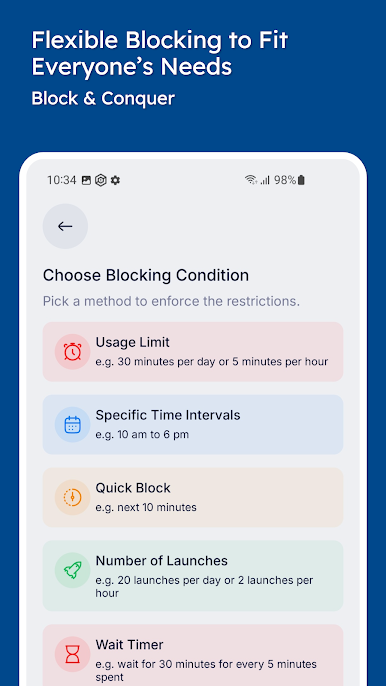
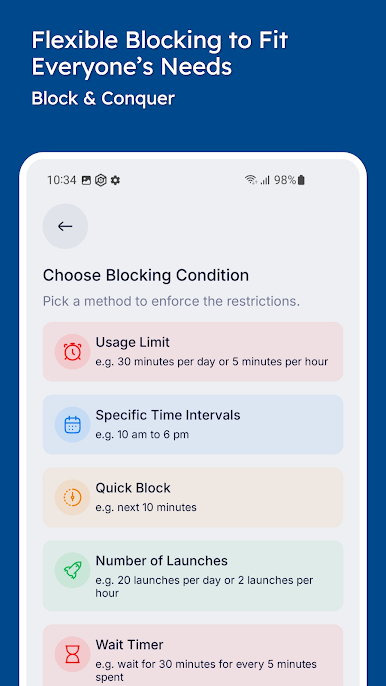
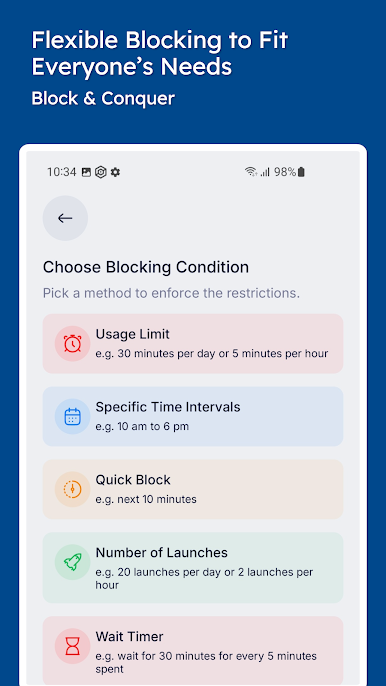
Custom Blocking Schedules
You set the rules—choose which apps and sites to block and when. From work hours to family evenings, you decide when you want a break from distractions. -
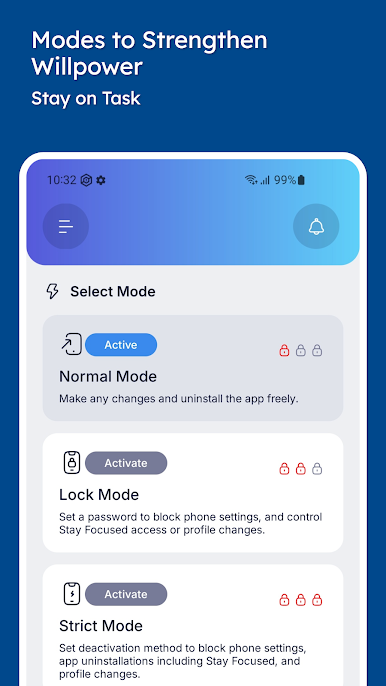
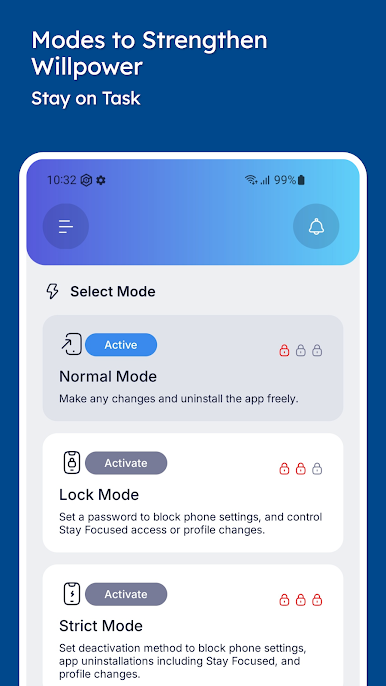
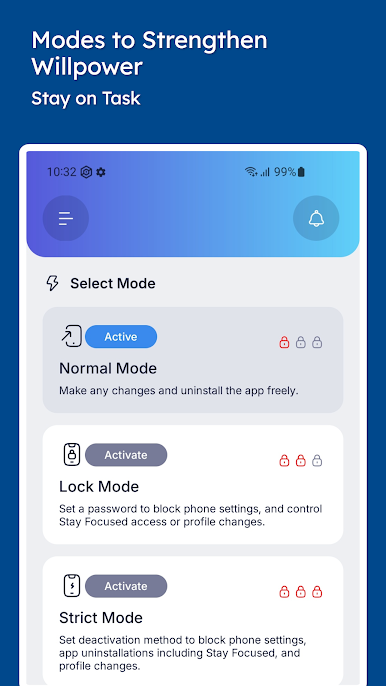
Strict Mode
If you need extra willpower, strict mode is for you. It locks down settings so it’s much harder to remove blocks or cheat your way around them (we know how tempting it gets). -
Notifications Blocker
Nothing ruins focus like constant pings. Silence those distracting notifications, so you can stay in the zone. -
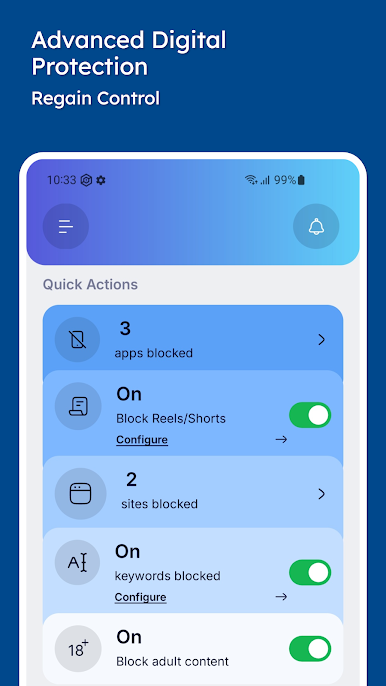
Keyword Filtering
Block entire categories of content by keywords. Handy for avoiding spoilers or keeping out adult content for safer browsing. -
Custom Reminders
Set timers and reminders for focused sessions, whether it’s for studying, working, or just unplugging for a bit. -
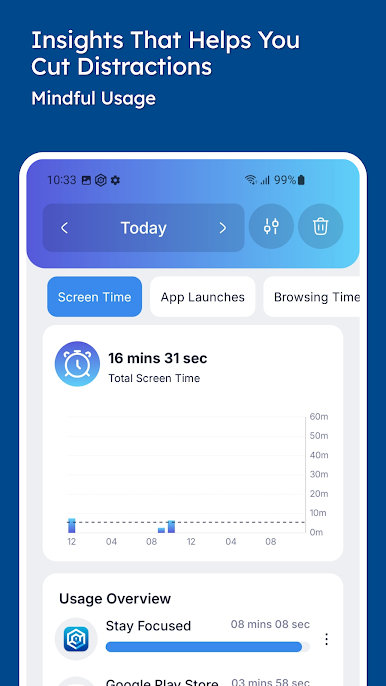
Usage Insights & Reports
See at a glance which apps are eating up your time—kind of eye-opening, honestly.
BlueStacks users can take advantage of these features on desktop for more controlled study or work sessions.
-
Perfect for Students & Professionals
From powering through a study marathon to staying alert during meetings, you can tailor Stay Focused to suit your routines and responsibilities. -
Supports Digital Wellbeing
Stay Focused helps foster better habits, less mindless scrolling, and more mindful time on your device.
Big screen. Bigger performance. Use BlueStacks on your PC or Mac to run your favorite apps.

Chơi Stay Focused: Site/App Blocker trên PC. Rất dễ để bắt đầu
-
Tải và cài đặt BlueStacks trên máy của bạn
-
Hoàn tất đăng nhập vào Google để đến PlayStore, hoặc thực hiện sau
-
Tìm Stay Focused: Site/App Blocker trên thanh tìm kiếm ở góc phải màn hình
-
Nhấn vào để cài đặt Stay Focused: Site/App Blocker trong danh sách kết quả tìm kiếm
-
Hoàn tất đăng nhập Google (nếu bạn chưa làm bước 2) để cài đặt Stay Focused: Site/App Blocker
-
Nhấn vào icon Stay Focused: Site/App Blocker tại màn hình chính để bắt đầu chơi

