


Marvel HQ: Kids Super Hero Fun
Graj na PC z BlueStacks – Platforma gamingowa Android, która uzyskała zaufanie ponad 500 milionów graczy!

Strona zmodyfikowana w dniu: Nov 27, 2025
Play Marvel HQ: Kids Super Hero Fun on PC or Mac
Multitask effortlessly on your PC or Mac as you try out Marvel HQ: Kids Super Hero Fun, a Entertainment app by StoryToys on BlueStacks.
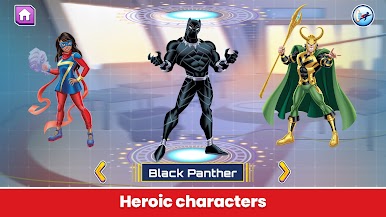
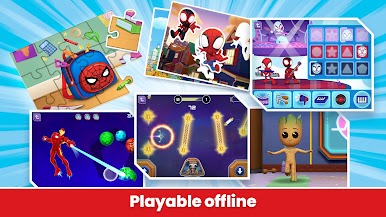
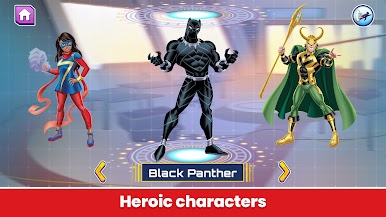
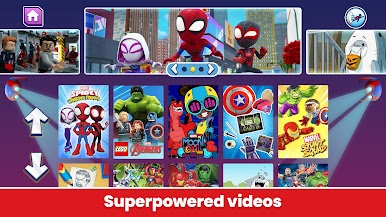
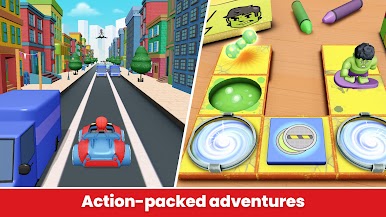
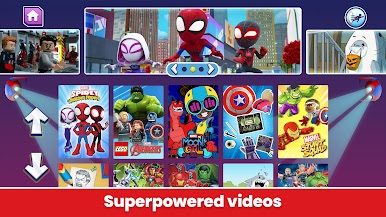
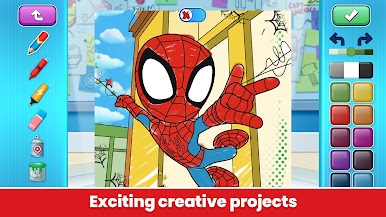
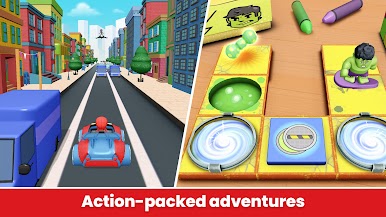
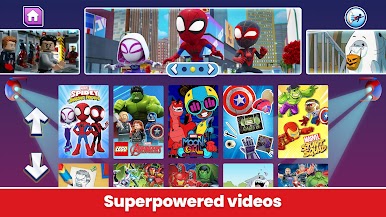
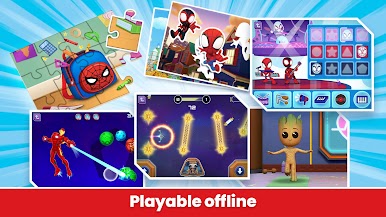
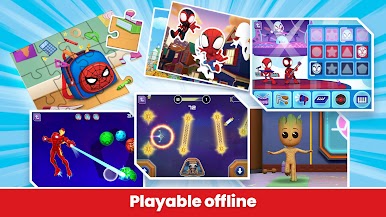
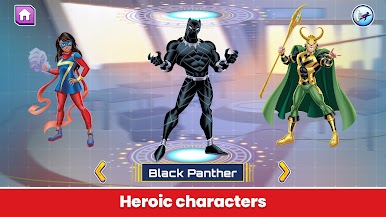
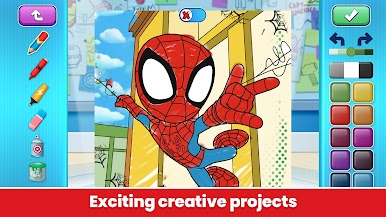
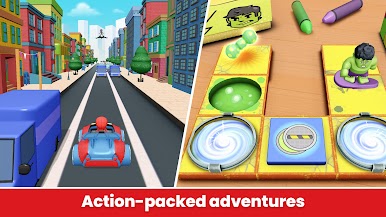
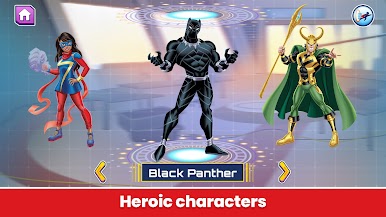
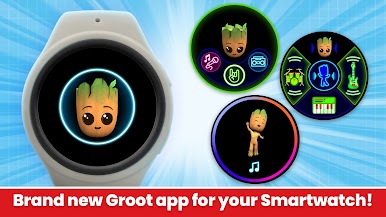
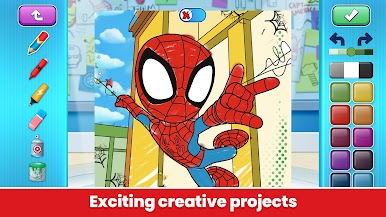
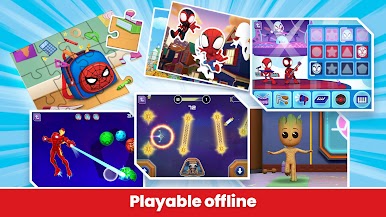
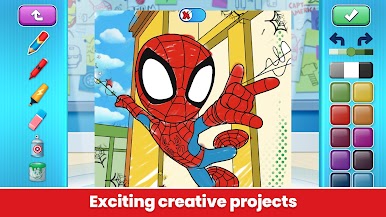
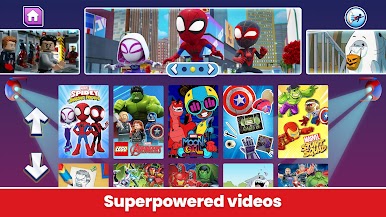
Marvel HQ feels like a big superhero playground for younger kids, with tons of small games, videos, comics, and creative stuff all in one place. On PC through BlueStacks it feels roomy; the comics and coloring pages are easier to see, and clicking through the mini games with a mouse is simple. One moment they are racing with Spidey and his friends, then they switch to basic coding puzzles with Hulk, then guiding Rocket and Groot through an asteroid field. There is a cute bit where kids take care of a little Groot and get him dancing. The reading parts are thoughtful, with voice support that helps new readers follow along, then nudge them toward reading by themselves. The art tools are better than expected, with how-to-draw videos and solid coloring tools that feel smooth rather than throwaway.
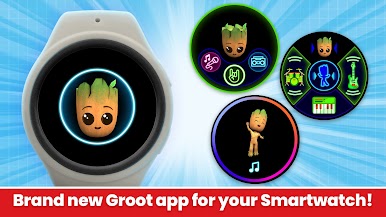
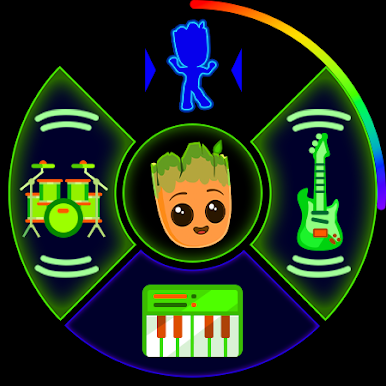
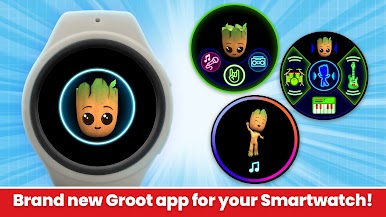
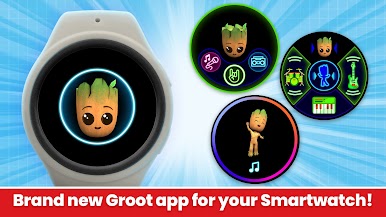
Everything is built for ages around 3 to 8, so nothing gets too hard or too noisy. It is clean and kid friendly, no third party ads, and a lot works offline once it is downloaded. New packs show up often, so there is fresh activities and short clips to try. The free stuff is a small sample, and a subscription opens the full library with no extra add-on purchases poking at them. There is even a tiny Wear OS bonus where Groot dances to custom mixes. On a laptop with BlueStacks it turns into a comfy all-in-one Marvel corner where kids can explore while parents take a breath.
BlueStacks gives you the much-needed freedom to experience your favorite apps on a bigger screen. Get it now.










Zagraj w Marvel HQ: Kids Super Hero Fun na PC. To takie proste.
-
Pobierz i zainstaluj BlueStacks na PC
-
Zakończ pomyślnie ustawienie Google, aby otrzymać dostęp do sklepu Play, albo zrób to później.
-
Wyszukaj Marvel HQ: Kids Super Hero Fun w pasku wyszukiwania w prawym górnym rogu.
-
Kliknij, aby zainstalować Marvel HQ: Kids Super Hero Fun z wyników wyszukiwania
-
Ukończ pomyślnie rejestrację Google (jeśli krok 2 został pominięty) aby zainstalować Marvel HQ: Kids Super Hero Fun
-
Klinij w ikonę Marvel HQ: Kids Super Hero Fun na ekranie startowym, aby zacząć grę

