


Fretonomy - Learn Fretboard
Chơi trên PC với BlueStacks - Nền tảng chơi game Android, được hơn 500 triệu game thủ tin tưởng.

Trang đã được sửa đổi vào: Nov 24, 2025
Run Fretonomy - Learn Fretboard on PC or Mac
Upgrade your experience. Try Fretonomy – Learn Fretboard, the fantastic Education app from Strong Apps LLC, from the comfort of your laptop, PC, or Mac, only on BlueStacks.
About the App
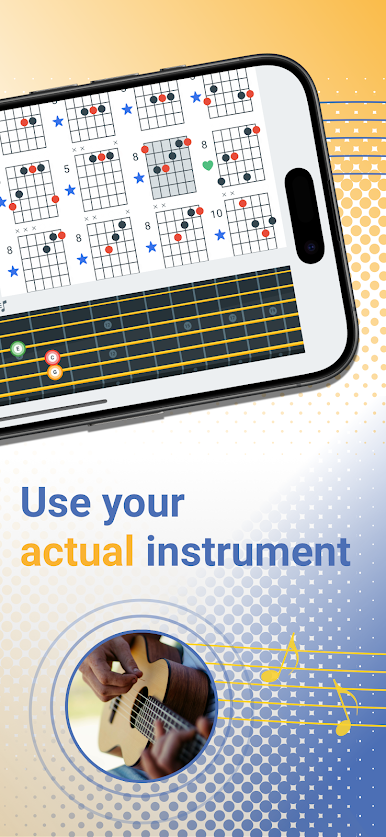
Fretonomy – Learn Fretboard by Strong Apps LLC is your go-to companion if you’ve ever wanted to really get to know your guitar—or maybe even that mandolin or ukulele collecting dust in the corner. Whether you’re brand new or you’ve been strumming for ages, this app turns fretboard practice into fun and honestly kind of addictive games. You can expect interactive ways to learn notes, chords, scales, and even reading sheet music, all tailored to your favorite stringed instrument.
App Features
-
Play With 9 Instruments
Try out guitar, bass (in several flavors), ukulele, banjo, and more. Switch between them whenever you want—a nice bonus if you like to mix things up. -
Customizable Practice Zones
Zero in on the first few frets or explore the entire neck. It’s up to you; just set your range and focus right where you need the most improvement. -
Loads of Mini-Games
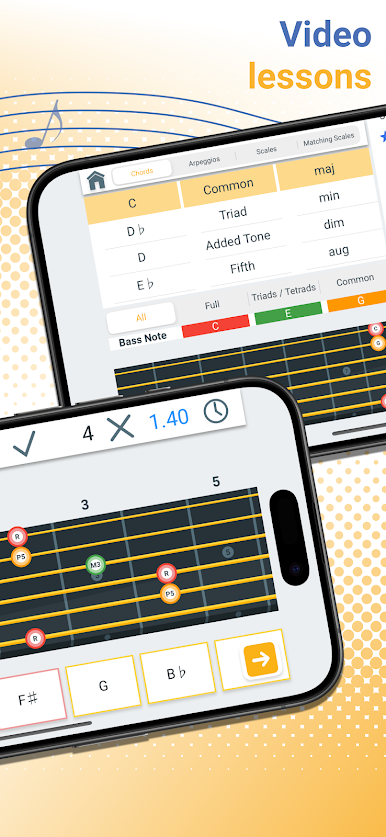
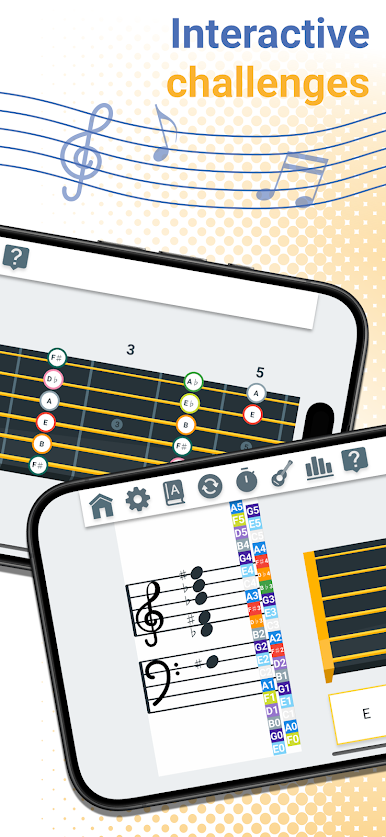
There are more than 25 different games—matching notes, identifying intervals, mastering chord shapes, staff reading, and even exploring the circle of fifths. You’re not just drilling; you’re playing. -
Scale & Chord Explorer
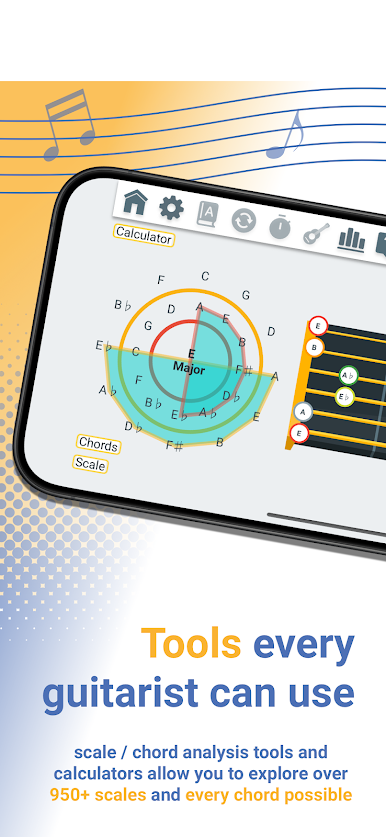
Pick from 63 musical scales and root notes, play around with every chord type from basic to wild, and jam out until muscle memory kicks in naturally. -
Staff & Fretboard Reading
If reading music feels like a hurdle, the Staff game and the combined Staff and Fretboard game help make things click, connecting notes on the staff with where they live on your instrument. -
Rich Progress Tracking
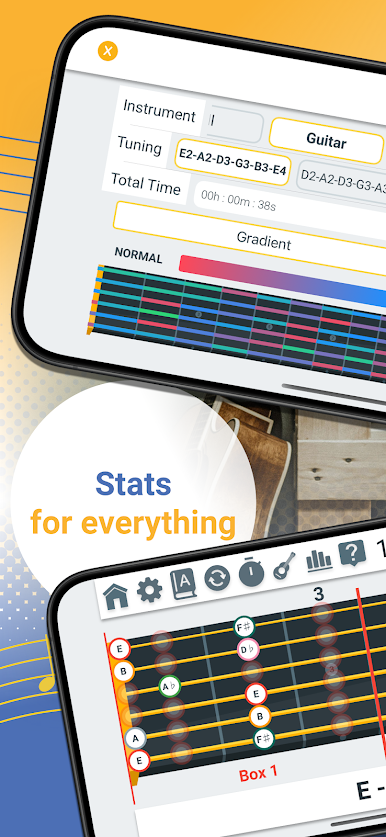
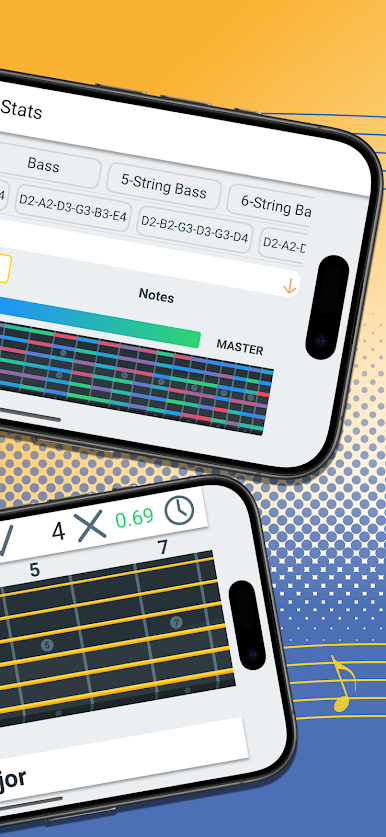
Watch your growth with detailed stats and a clever heat-map that shows which frets and notes you’ve mastered (and where you still trip up). You can even share it with friends or just track your own improvement. -
Tuning & Notation Flexibility
Tweak your tunings, add your own custom ones, and switch notations (solfege, number, German, Japanese, Indian—take your pick) for whichever learning style or tradition suits you. -
Friendly for Lefties
Southpaw? No problem. There’s a left-handed mode built in. -
Share and Compete
Battle over scores or just brag about your heat-map on Game Center. If you just want to quietly keep tabs, that’s cool too. -
Unlock What You Need
Start off free with the basics, then unlock full access to all frets and features for your instrument if you’re hooked.
Curious how this all looks on a bigger screen? Fretonomy – Learn Fretboard is a breeze to check out on your PC or Mac by running it with BlueStacks.
BlueStacks brings your apps to life on a bigger screen—seamless and straightforward.



Chơi Fretonomy - Learn Fretboard trên PC. Rất dễ để bắt đầu
-
Tải và cài đặt BlueStacks trên máy của bạn
-
Hoàn tất đăng nhập vào Google để đến PlayStore, hoặc thực hiện sau
-
Tìm Fretonomy - Learn Fretboard trên thanh tìm kiếm ở góc phải màn hình
-
Nhấn vào để cài đặt Fretonomy - Learn Fretboard trong danh sách kết quả tìm kiếm
-
Hoàn tất đăng nhập Google (nếu bạn chưa làm bước 2) để cài đặt Fretonomy - Learn Fretboard
-
Nhấn vào icon Fretonomy - Learn Fretboard tại màn hình chính để bắt đầu chơi

