


Flasia
Chơi trên PC với BlueStacks - Nền tảng chơi game Android, được hơn 500 triệu game thủ tin tưởng.

Trang đã được sửa đổi vào: Oct 27, 2025
Run Flasia on PC or Mac
Multitask effortlessly on your PC or Mac as you try out Flasia, a Entertainment app by SungLab Inc on BlueStacks.
About the App
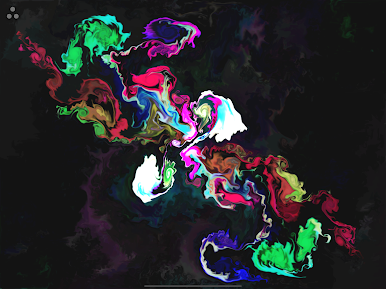
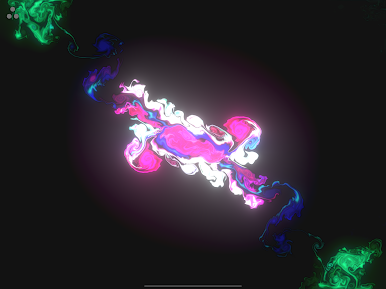
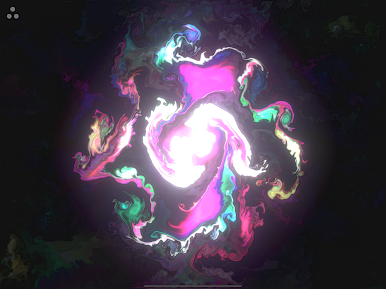
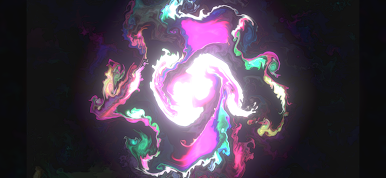
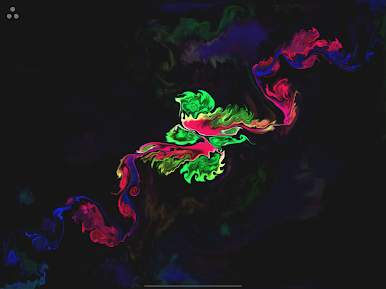
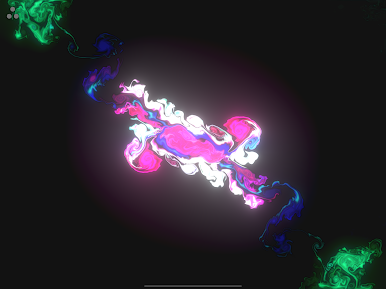
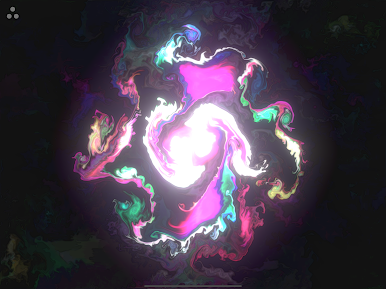
Flasia is a kinetic art sandbox where you paint with light, motion, and a whole lot of swirling energy. One swipe can bloom into auroras, a pinch can whip up a mini tornado, and a tap might spark firefly trails across the screen. It’s by SungLab Inc and sits comfortably in the Entertainment space—great when you want to unwind, think differently for a minute, or set a mood on the big screen. Prefer a larger canvas? It also plays nicely on BlueStacks.
App Features
- Multi-touch canvas: Use up to five fingers at once to nudge, pull, and stretch streams of particles like you’re sculpting liquid light.
- Two ways to create: Switch between Gesture Control for tossing forces around the screen and Multi-Touch Drawing for more direct, “paintbrush” style play.
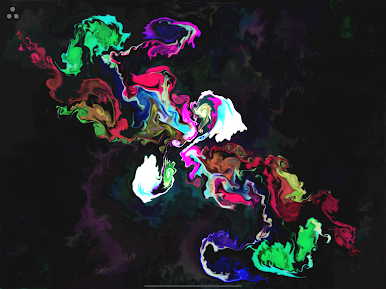
- Make it yours: Adjust particle length, count, and size to craft your look—rainbow ribbons, calm nebula vibes, stormy waves, even Pollock-like splashes.
- Smooth fluid motion: Enjoy a responsive, high-FPS visual flow that feels silky and immediate as you move.
- Built-in sound: Pick from five immersive tracks by Aden Ray—or mute them if you prefer your own soundtrack.
- Ambient art mode: Turn your device into a living artwork for parties, chill sessions, or background visuals—think lightning flashes, black holes, aurora shimmer, and ocean swells.
- Great on bigger screens: Stunning on tablets and easy to enjoy on a PC via BlueStacks when you want more room to play.
- Instant creativity: No steep learning curve. Tap, swipe, and pinch to relax, brainstorm, or zone out for a few minutes of visual therapy.
Eager to take your app experience to the next level? Start right away by downloading BlueStacks on your PC or Mac.







Chơi Flasia trên PC. Rất dễ để bắt đầu
-
Tải và cài đặt BlueStacks trên máy của bạn
-
Hoàn tất đăng nhập vào Google để đến PlayStore, hoặc thực hiện sau
-
Tìm Flasia trên thanh tìm kiếm ở góc phải màn hình
-
Nhấn vào để cài đặt Flasia trong danh sách kết quả tìm kiếm
-
Hoàn tất đăng nhập Google (nếu bạn chưa làm bước 2) để cài đặt Flasia
-
Nhấn vào icon Flasia tại màn hình chính để bắt đầu chơi

