

Backtrackit: Musicians Player
Chơi trên PC với BlueStacks - Nền tảng chơi game Android, được hơn 500 triệu game thủ tin tưởng.

Trang đã được sửa đổi vào: Dec 6, 2025
Run BACKTRACKIT: Musicians' Player on PC or Mac
Upgrade your experience. Try BACKTRACKIT: Musicians’ Player, the fantastic Music & Audio app from Z.H., from the comfort of your laptop, PC, or Mac, only on BlueStacks.
About the App
Want an app that makes practicing music feel more fun—and way less work? BACKTRACKIT: Musicians’ Player by Z.H. lets you play, explore, and even tweak songs exactly how you like. Whether you’re jamming out at home, working through a tricky guitar riff, or just feeling creative, you’ll spot tons of helpful tools at your fingertips. Set things up on your favorite computer with BlueStacks and turn your space into your own rehearsal studio.
App Features
- Key and Tempo Control: Change the key or slow down the tempo of any song. So if that solo’s too fast or the original key isn’t your thing, just adjust it.
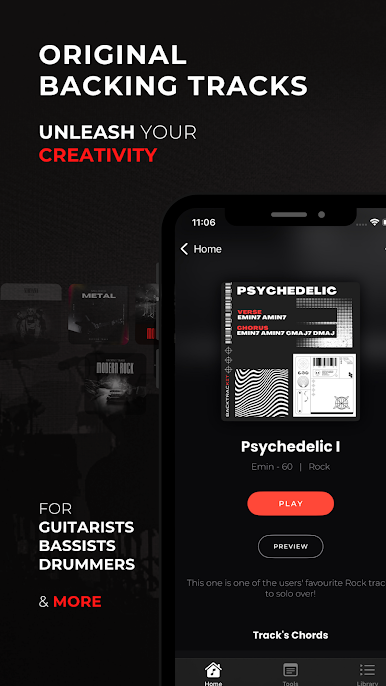
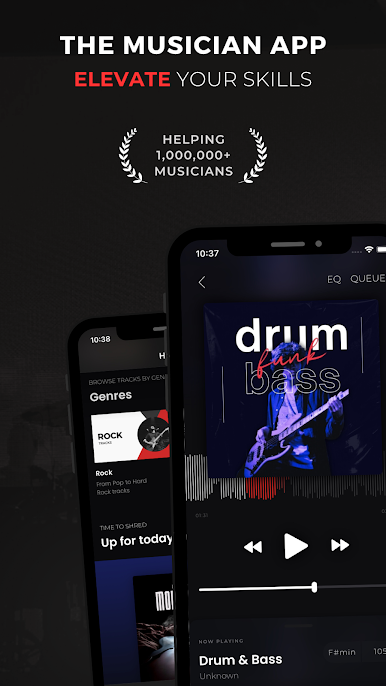
- Backing Tracks for Every Mood: Download high-quality backing tracks in genres like rock, jazz, pop, or even hip hop. Watch the chord progressions as you play along—it’s pretty handy for both beginners and pros.
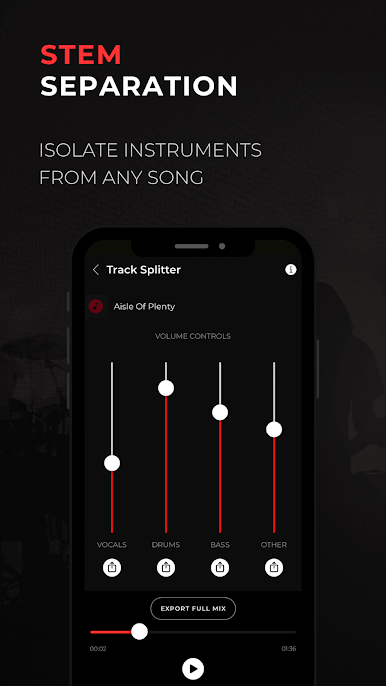
- Instrument Volume Tweaker: Lower the lead instrument’s volume in your songs. Now you can fill in the part yourself or just get a better feel for the rhythm.
- Custom Equalizer: Shape your sound with an advanced EQ—save up to five unique presets that match your style or setup.
- Flexible Looping: Isolate that tricky section with precise looping, and save your favorite loops for easy practice.
- Editable Song Playback: Like your tweaks? Save your song with your tempo, pitch, and EQ settings, ready to play anytime.
- Metronome Variety: Practice with a built-in metronome that handles any time signature and tempo.
- Organized Music Library: The app sorts your songs by key or tempo, making your collection a lot easier to navigate.
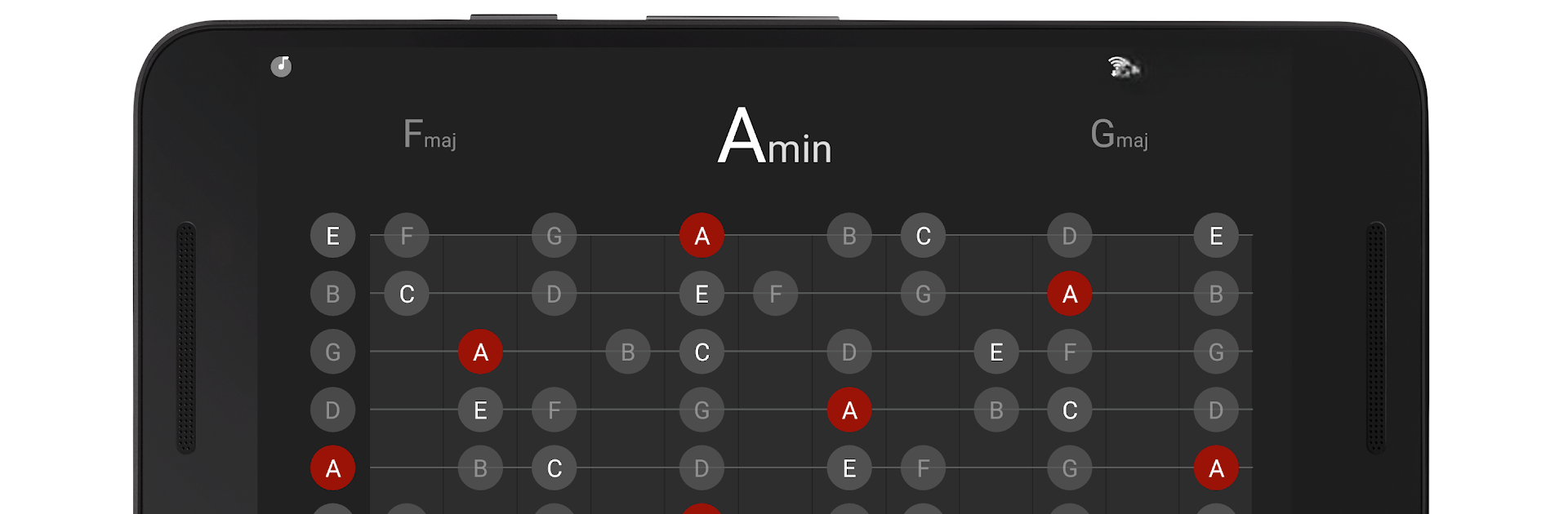
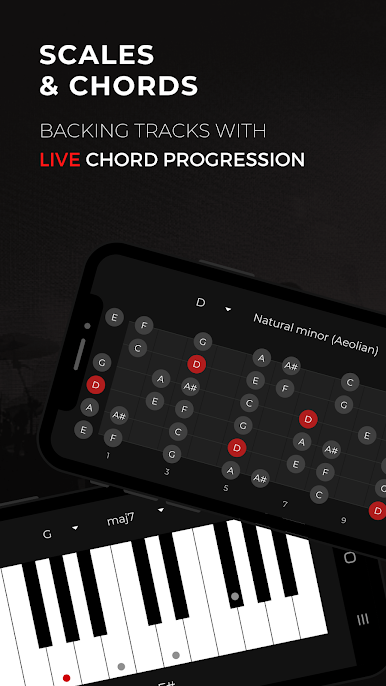
- Scale & Chord Viewer: Choose from 32 musical scales and 30 chord types, all shown on guitar or piano displays—great for reference or learning on the fly.
- Guitar Overlay Everywhere: Overlay guitar scales on top of any app (think: watching YouTube lessons while jamming along).
- Outstanding Audio Quality: The app uses special techniques so pitch and tempo changes still sound natural, not warped or wonky.
Give your music practice some extra energy—BACKTRACKIT: Musicians’ Player makes it easier to explore, learn, and create from anywhere.
BlueStacks brings your apps to life on a bigger screen—seamless and straightforward.

Chơi Backtrackit: Musicians Player trên PC. Rất dễ để bắt đầu
-
Tải và cài đặt BlueStacks trên máy của bạn
-
Hoàn tất đăng nhập vào Google để đến PlayStore, hoặc thực hiện sau
-
Tìm Backtrackit: Musicians Player trên thanh tìm kiếm ở góc phải màn hình
-
Nhấn vào để cài đặt Backtrackit: Musicians Player trong danh sách kết quả tìm kiếm
-
Hoàn tất đăng nhập Google (nếu bạn chưa làm bước 2) để cài đặt Backtrackit: Musicians Player
-
Nhấn vào icon Backtrackit: Musicians Player tại màn hình chính để bắt đầu chơi

