


Magic 8 Ball 3D Pro
Graj na PC z BlueStacks – Platforma gamingowa Android, która uzyskała zaufanie ponad 500 milionów graczy!

Strona zmodyfikowana w dniu: Jul 19, 2025
Play Magic 8 Ball 3D Pro on PC
No more searching!
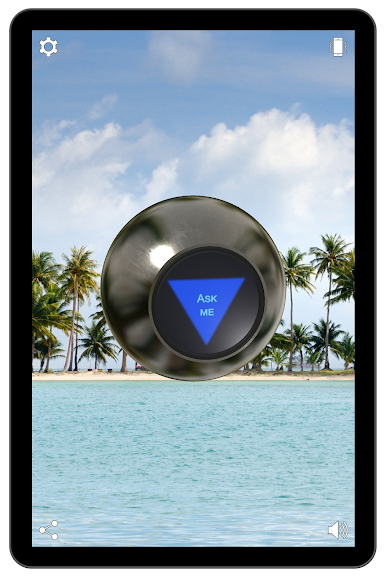
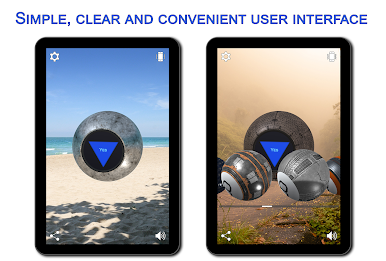
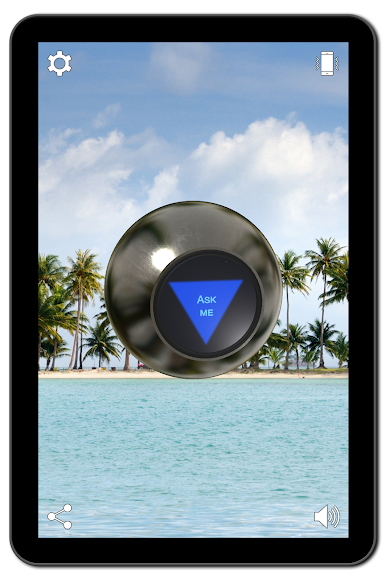
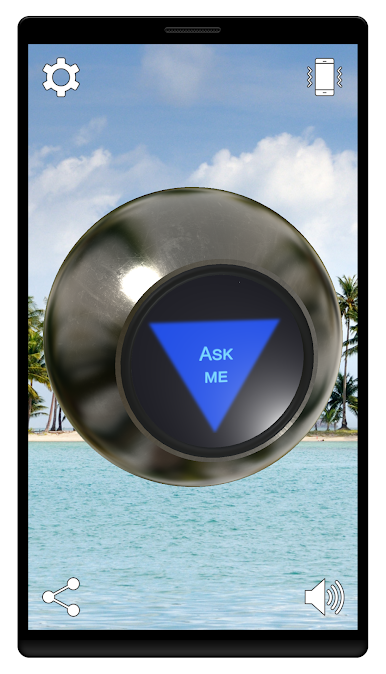
The Magic 8 Ball makes it possible to find out the answers to any yes-no questions.
Just ask the Magic 8 Ball a yes-no question about your destiny, love, money or what to choose for breakfast, and shake your mobile device or tap the screen.
Features:
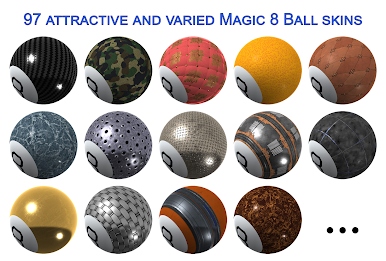
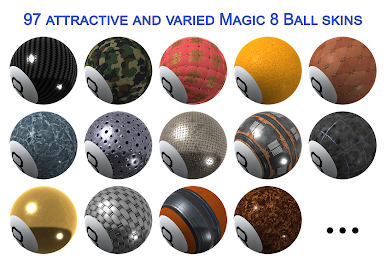
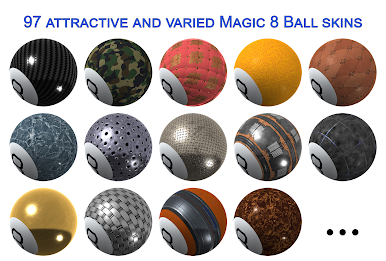
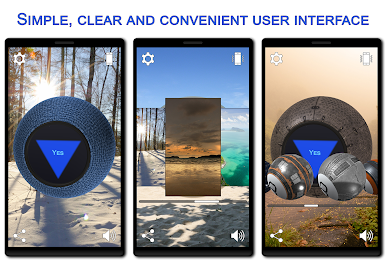
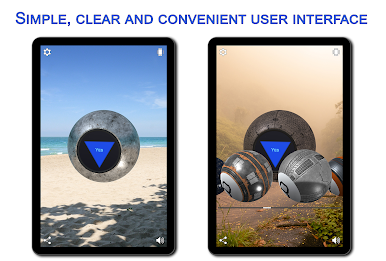
✓ 97 attractive and varied Magic 8 Ball skins that you can choose depending on your mood.
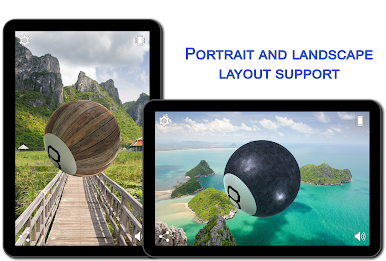
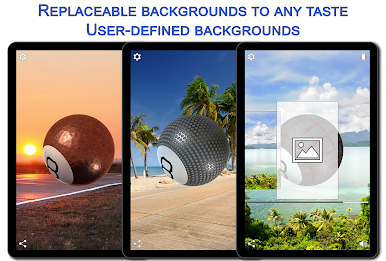
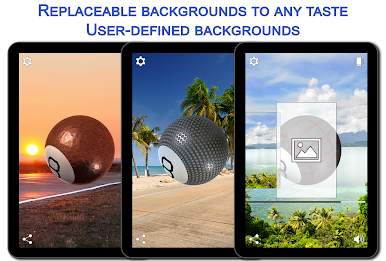
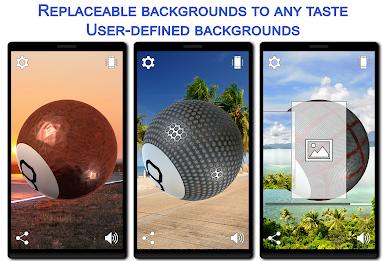
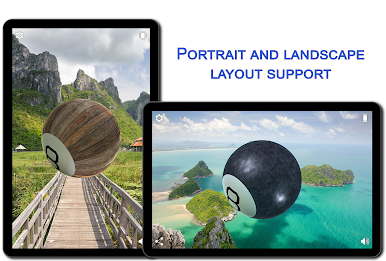
✓ 7 replaceable backgrounds to any taste.
✓ User-defined backgrounds. Just select any picture you like on your device, Google Photos or Google Drive.
✓ Real 3D with Physically based rendering (PBR) and Image-based lighting (IBL) support.
✓ Full control of the Magic 8 Ball rotation with your finger.
✓ Gyroscope and acceleration sensor support (If available).
✓ Text to speech support (If available).
✓ Vibrations support (If available).
✓ NoAds
Zagraj w Magic 8 Ball 3D Pro na PC. To takie proste.
-
Pobierz i zainstaluj BlueStacks na PC
-
Zakończ pomyślnie ustawienie Google, aby otrzymać dostęp do sklepu Play, albo zrób to później.
-
Wyszukaj Magic 8 Ball 3D Pro w pasku wyszukiwania w prawym górnym rogu.
-
Kliknij, aby zainstalować Magic 8 Ball 3D Pro z wyników wyszukiwania
-
Ukończ pomyślnie rejestrację Google (jeśli krok 2 został pominięty) aby zainstalować Magic 8 Ball 3D Pro
-
Klinij w ikonę Magic 8 Ball 3D Pro na ekranie startowym, aby zacząć grę

