


Adventure in Wonderland
Graj na PC z BlueStacks – Platforma gamingowa Android, która uzyskała zaufanie ponad 500 milionów graczy!

Strona zmodyfikowana w dniu: Dec 7, 2025
Play Adventure in Wonderland on PC or Mac
Explore a whole new adventure with Adventure in Wonderland, a Adventure game created by Syntaxity. Experience great gameplay with BlueStacks, the most popular gaming platform to play Android games on your PC or Mac.
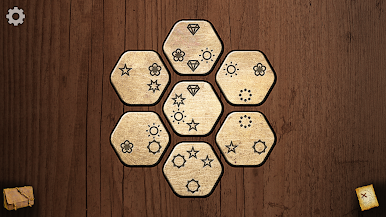
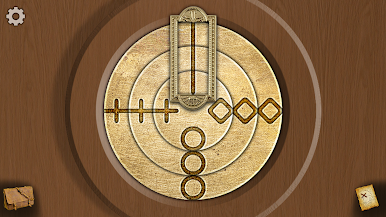
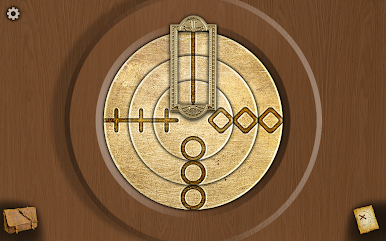
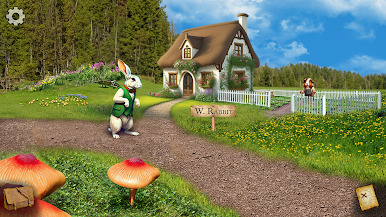
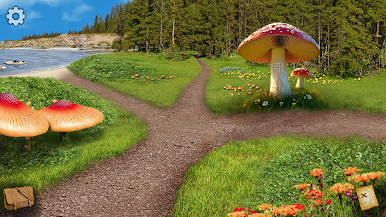
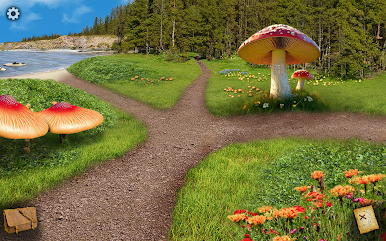
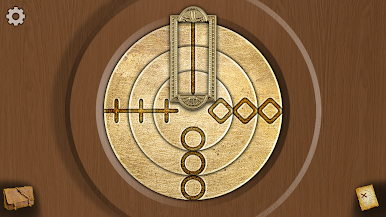
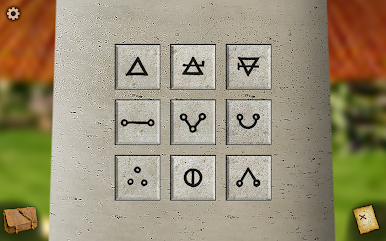
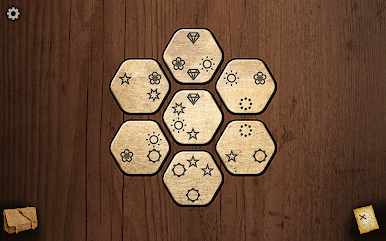
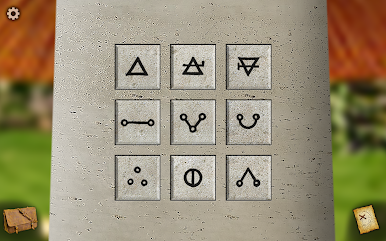
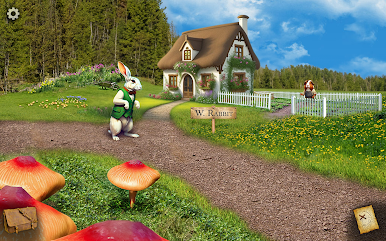
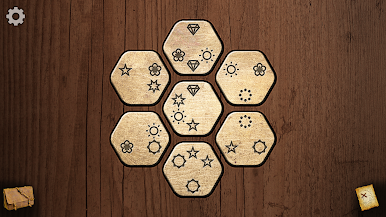
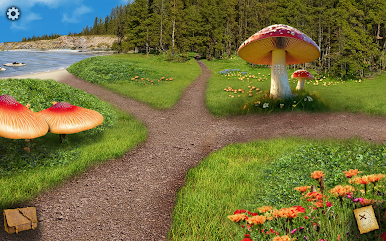
Adventure in Wonderland plays like a laid back first person point and click set inside the odd logic of Alice’s world. Players poke around gardens, tea tables, and crooked halls, picking up odd trinkets and using them to unlock doors or contraptions that look simple until they are not. It is not an action game. It is slow, curious, puzzle first, with little scenes that nudge you toward the next clue. The art has that storybook look that moves just enough to feel alive. Meeting the Mad Hatter, the Cheshire Cat, and the Queen of Hearts is half puzzle, half theater, with small animations and a few cheeky lines that land well.
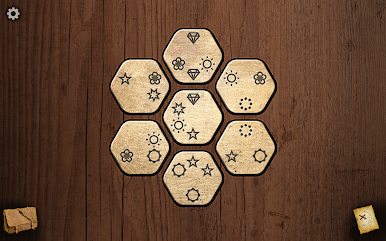
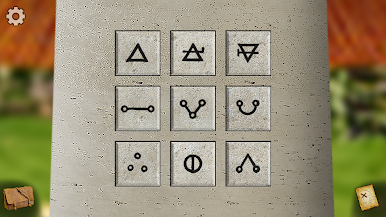
What stands out is how the puzzles connect. A symbol on a jam jar might matter three rooms later, so light note taking helps. Nothing feels unfair, but it will make a player stop and think. Finding secret routes is satisfying, because each solved bit opens another path that folds back into the main trail. On PC with BlueStacks, the mouse clicks feel great and the bigger screen makes spotting tiny details easier, which matters here. It is a good fit for anyone who likes wandering, reading clues, and solving without timers. This chapter sticks to the first book’s side of Wonderland, and it hints at a follow up that moves into the Looking Glass crowd like the Tweedles and the Chessboard Queens.
Make your gaming sessions memorable with precise controls that give you an edge in close combats and visuals that pop up, bringing every character to life.











Zagraj w Adventure in Wonderland na PC. To takie proste.
-
Pobierz i zainstaluj BlueStacks na PC
-
Zakończ pomyślnie ustawienie Google, aby otrzymać dostęp do sklepu Play, albo zrób to później.
-
Wyszukaj Adventure in Wonderland w pasku wyszukiwania w prawym górnym rogu.
-
Kliknij, aby zainstalować Adventure in Wonderland z wyników wyszukiwania
-
Ukończ pomyślnie rejestrację Google (jeśli krok 2 został pominięty) aby zainstalować Adventure in Wonderland
-
Klinij w ikonę Adventure in Wonderland na ekranie startowym, aby zacząć grę

