


TextNum - Text Phone Number
Chơi trên PC với BlueStacks - Nền tảng chơi game Android, được hơn 500 triệu game thủ tin tưởng.

Trang đã được sửa đổi vào: Nov 26, 2025
Run Talk Now - Text Phone Number on PC or Mac
Multitask effortlessly on your PC or Mac as you try out Talk Now – Text Phone Number, a Communication app by Vidma Video Studio on BlueStacks.
About the App
Ever needed a second phone number but didn’t want to juggle two phones? With Talk Now – Text Phone Number from Vidma Video Studio, you can call and text anyone right from your current device—no extra gadgets or contracts required. Whether you’re managing a business, connecting with clients, or just want to keep your conversations separate from your personal life, Talk Now makes that super easy. It’s aimed at keeping your communication straightforward, affordable, and a little more private. And hey, if you’re using BlueStacks, you can handle all of this from your computer too.
App Features
-
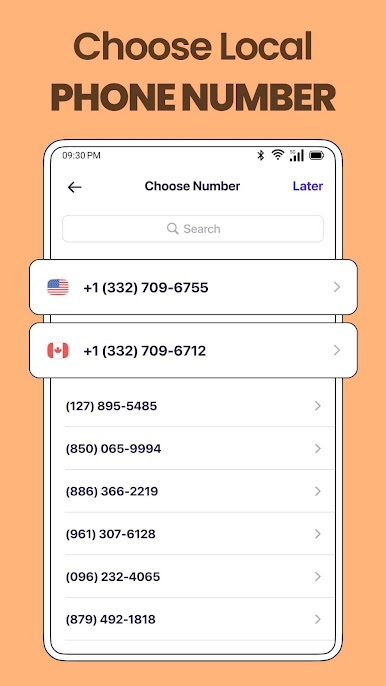
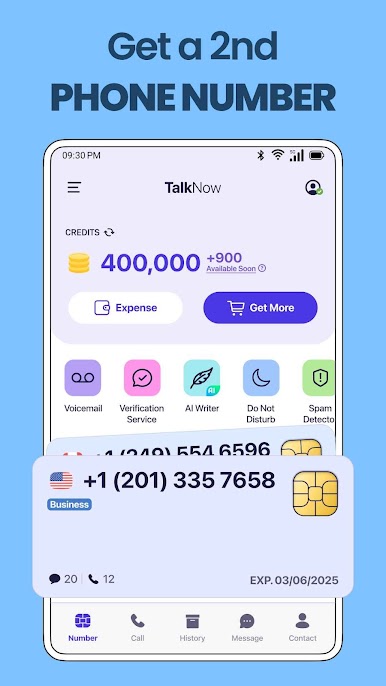
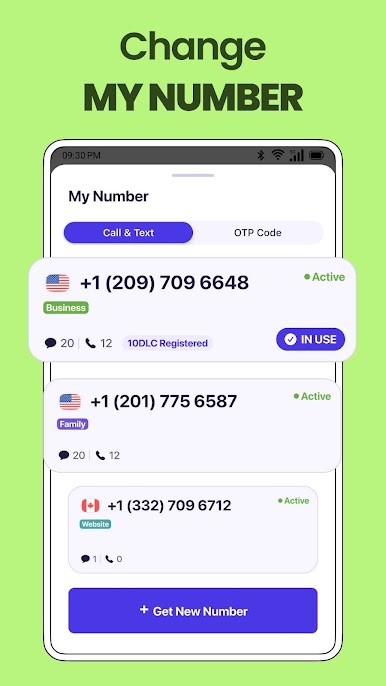
Get a Free Second Number
Don’t worry about carrying two phones. Grab a new local number (pick your area code if you want!) so you can call and text without giving out your real one. -
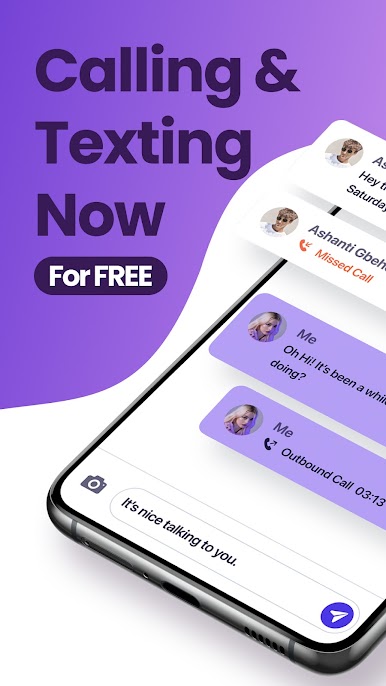
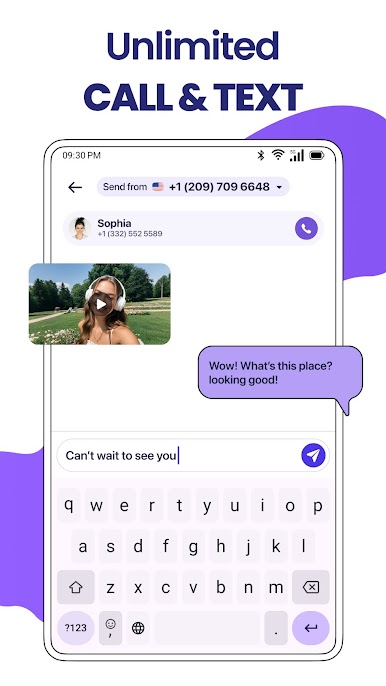
Unlimited Free Calls and Texts
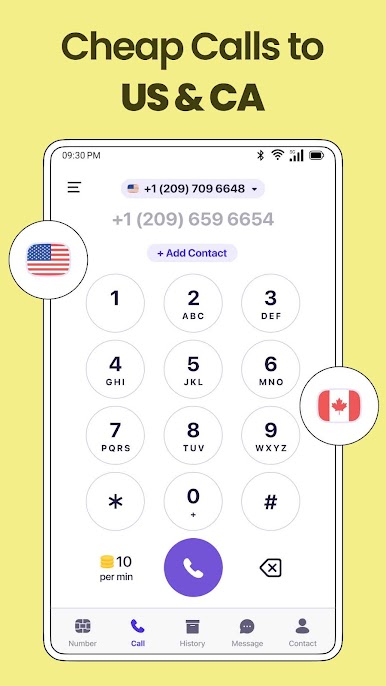
Text and call as much as you want, right over WiFi. No crazy fees, and you won’t eat up your phone minutes. Plus, international calling stays budget-friendly. -
Easy Picture and Group Messaging
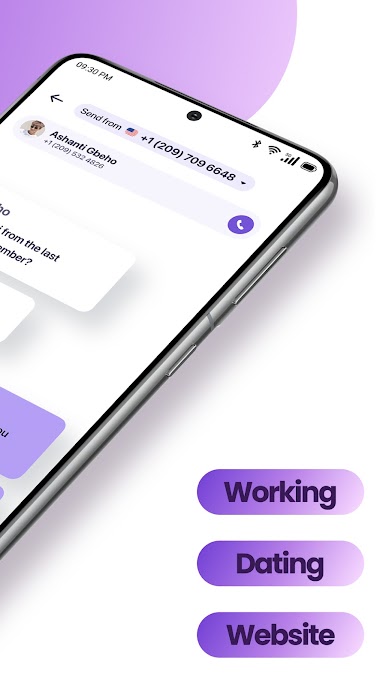
Send SMS, share pictures, and jump into group chats just like you would with your regular number. Staying in touch with teams or friends is a breeze. -
Crystal Clear Voice Calls
Make high-quality calls, both in the US and internationally. Talk Now keeps conversations sharp and reliable, so you don’t have to repeat yourself. -
Perfect for Business Use
Turn your phone into a work line. Keep business messages and calls organized under your second number—super helpful if you’re managing clients or projects. -
Privacy First
Your privacy matters. Your second line is kept totally separate from your main number, so you don’t have to worry about mixing things up or exposing your real contact info. -
No SIM Card Needed
Set up your virtual number quickly—no need for another SIM or physical card. Everything works right through the app. -
Voicemail Transcription
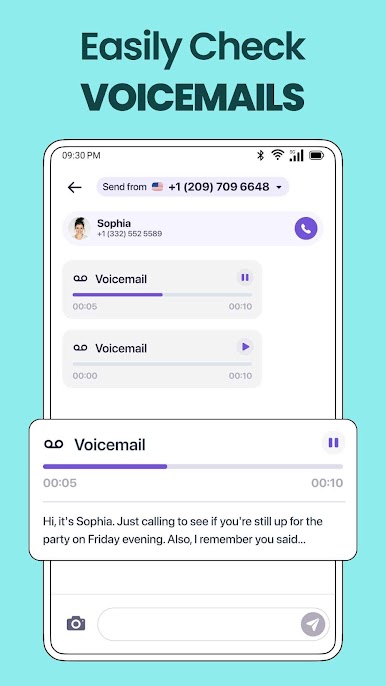
Can’t answer the phone? No problem. Get your voicemail turned into text, so you can read messages on your schedule. -
User-Friendly Design
The app keeps things simple to organize and manage your calls and texts. Easy for anybody to pick up and start using, even if you’re not tech-savvy.
Talk Now – Text Phone Number keeps your calls and texts separate and secure, all in one app, making communication flexible whether you’re on your phone or using BlueStacks on your computer.
Switch to BlueStacks and make the most of your apps on your PC or Mac.
Chơi TextNum - Text Phone Number trên PC. Rất dễ để bắt đầu
-
Tải và cài đặt BlueStacks trên máy của bạn
-
Hoàn tất đăng nhập vào Google để đến PlayStore, hoặc thực hiện sau
-
Tìm TextNum - Text Phone Number trên thanh tìm kiếm ở góc phải màn hình
-
Nhấn vào để cài đặt TextNum - Text Phone Number trong danh sách kết quả tìm kiếm
-
Hoàn tất đăng nhập Google (nếu bạn chưa làm bước 2) để cài đặt TextNum - Text Phone Number
-
Nhấn vào icon TextNum - Text Phone Number tại màn hình chính để bắt đầu chơi

