


Tayasui Sketches
Chơi trên PC với BlueStacks - Nền tảng chơi game Android, được hơn 500 triệu game thủ tin tưởng.

Trang đã được sửa đổi vào: Oct 16, 2025
Play Tayasui Sketches on PC
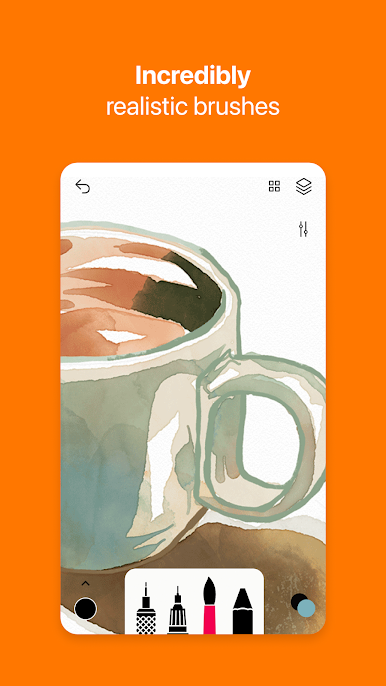
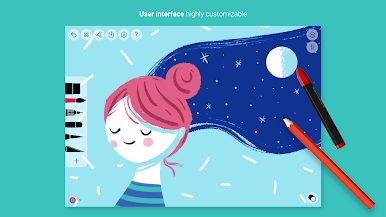
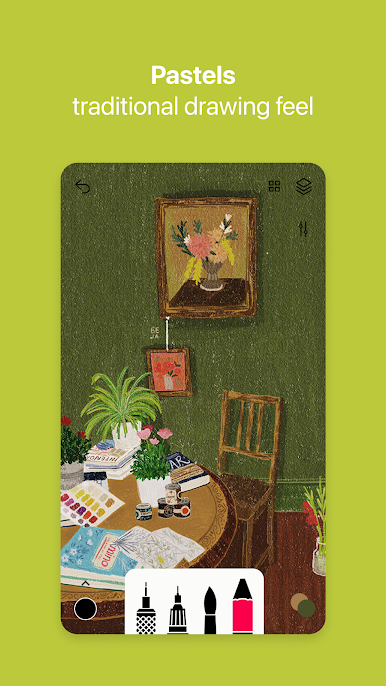
Sketches is the drawing application with the most realistic tools, enhanced with a large number of advanced functions and a minimalist and intuitive interface.
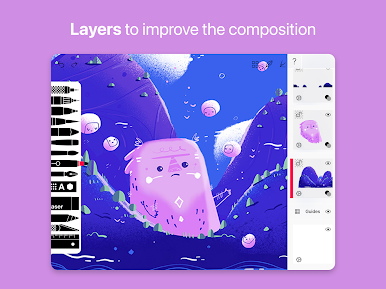
Available with Pro options: many tool variants, layers and dozens of additional features.
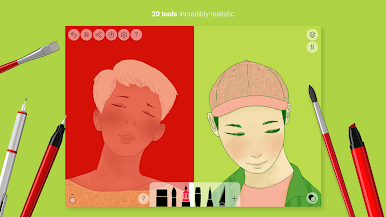
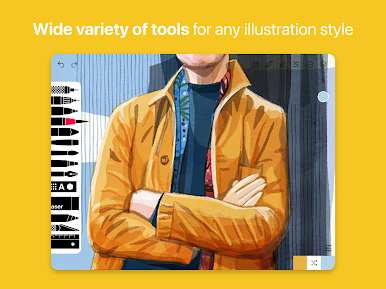
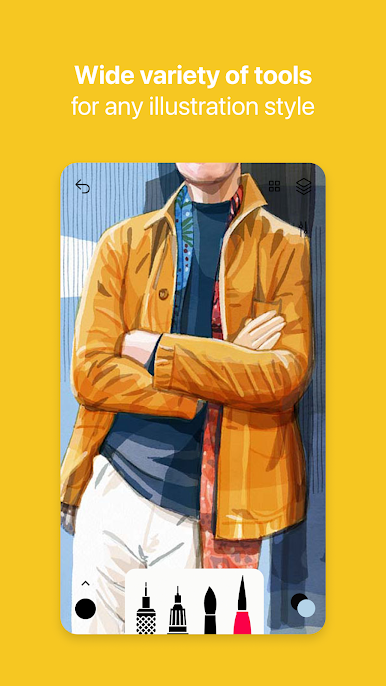
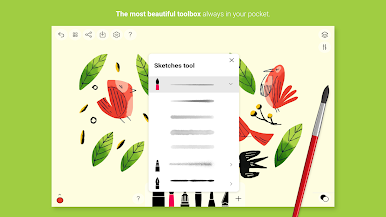
- Over 20 ultra realistic tools
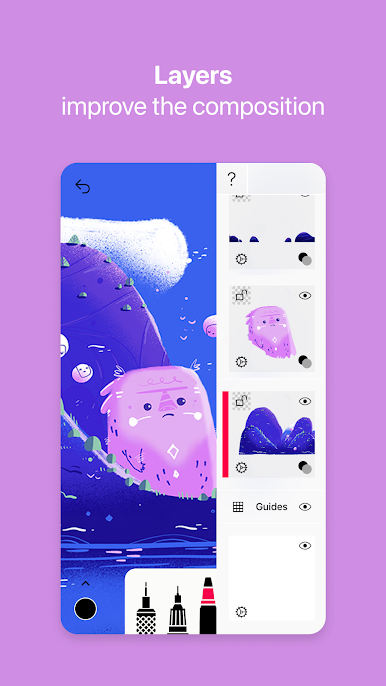
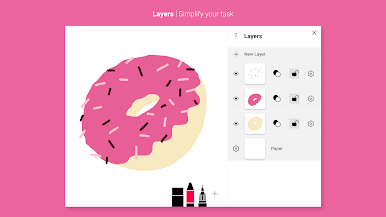
- Layers
- Import photos
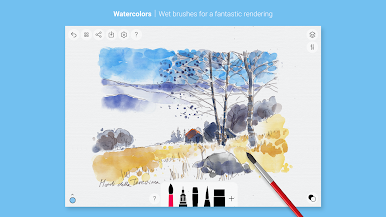
- Incredibly realistic watercolor wet brush
- Brushes Editor
- Color Eyedropper
- Advanced sharing and export functions
- Layers
- Use layers to simplify your task
- Stylus support
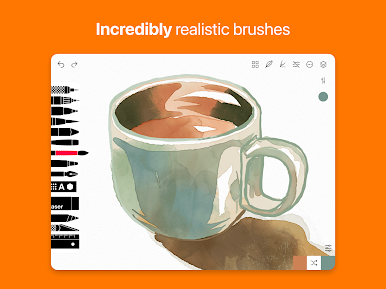
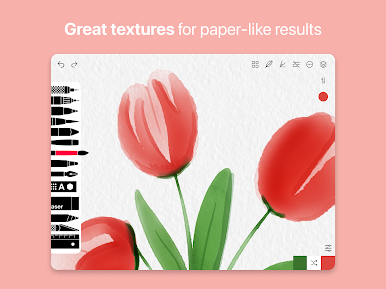
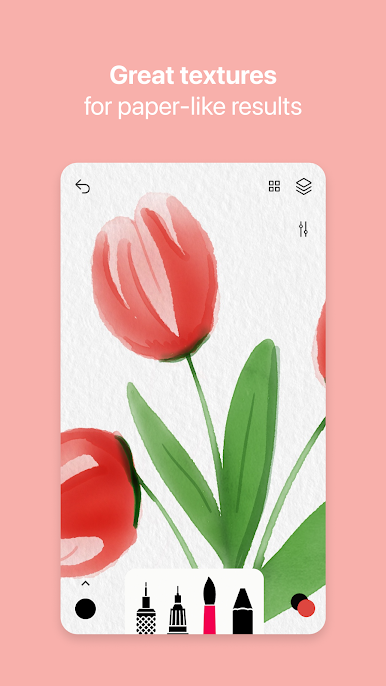
The brushes have been designed so that each stroke behaves vividly and truly like a brush on paper, adapting the pressure, angle, and width to your movements.
List of tools
- Pen
- Rotring
- Felt Pen
- Pen Brush
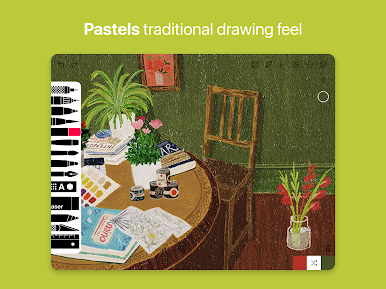
- Oil Pastel
- Watercolor Dry and Wet brushes
- Acrylic brush
- Airbrush
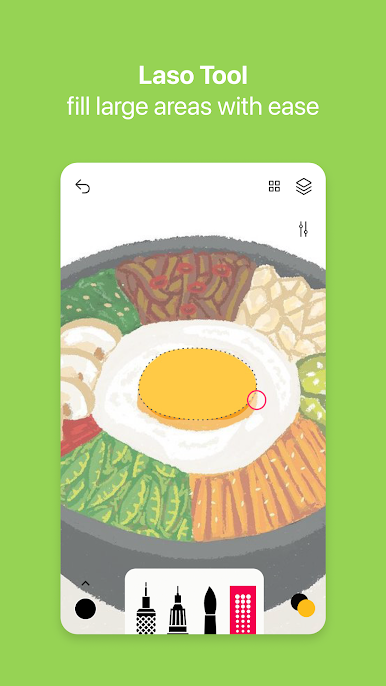
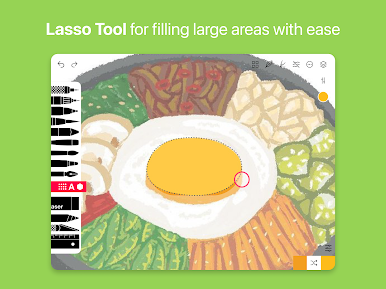
- Area and Filling tool
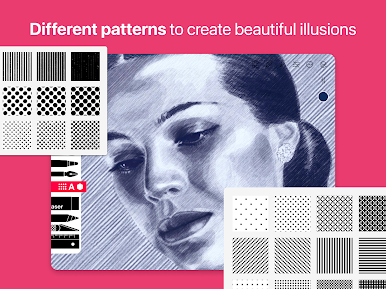
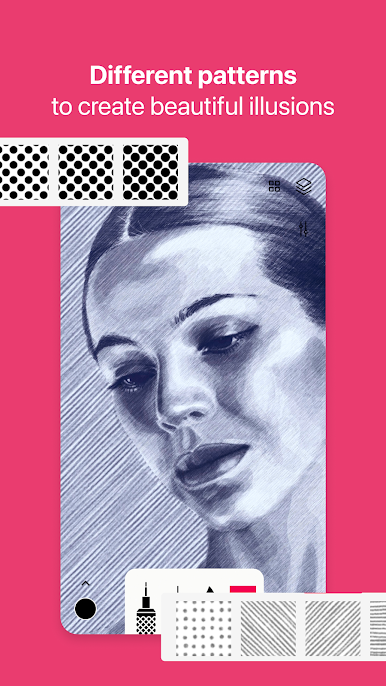
- Patterns
- Text
- Shapes (iPad only)
- Eraser
- Cutter
- Smudge tool
Subscribe to access to premium app features; subscription details are the following:
- Length: Weekly or yearly
- Free trial: Available only on selected subscriptions
- Your payment will be charged to your Google Play account upon confirmation of purchase
- You can manage your subscriptions and turn off auto-renewal in your Google Play Account settings after purchase
- Your subscription will automatically renew unless you cancel it at least 24 hours before the end of the current period
- The cost of renewal will be charged to your Google Play account within 24 hours prior to the end of the current subscription period
- If you cancel a subscription, it will remain active until the end of the current billing period. Auto-renewal will be disabled, but no refunds will be provided for the remaining period
- Any unused portion of a free trial period, if offered, will be forfeited upon purchasing a subscription
Chơi Tayasui Sketches trên PC. Rất dễ để bắt đầu
-
Tải và cài đặt BlueStacks trên máy của bạn
-
Hoàn tất đăng nhập vào Google để đến PlayStore, hoặc thực hiện sau
-
Tìm Tayasui Sketches trên thanh tìm kiếm ở góc phải màn hình
-
Nhấn vào để cài đặt Tayasui Sketches trong danh sách kết quả tìm kiếm
-
Hoàn tất đăng nhập Google (nếu bạn chưa làm bước 2) để cài đặt Tayasui Sketches
-
Nhấn vào icon Tayasui Sketches tại màn hình chính để bắt đầu chơi

