

Jewel Mania: Mystic Mountain
Chơi trên PC với BlueStacks - Nền tảng chơi game Android, được hơn 500 triệu game thủ tin tưởng.

Trang đã được sửa đổi vào: Nov 11, 2016
Play Jewel Mania: Mystic Mountain on PC or Mac
Bring your A-game to Jewel Mania: Mystic Mountain, the Puzzle game sensation from TeamLava Games. Give your gameplay the much-needed boost with precise game controls, high FPS graphics, and top-tier features on your PC or Mac with BlueStacks.
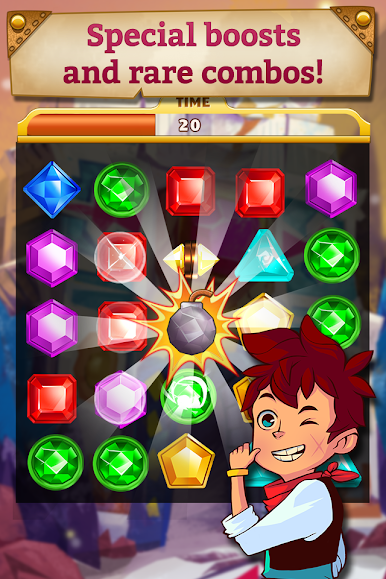
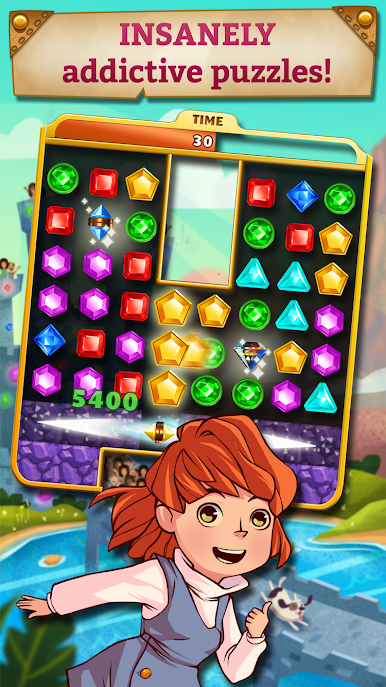
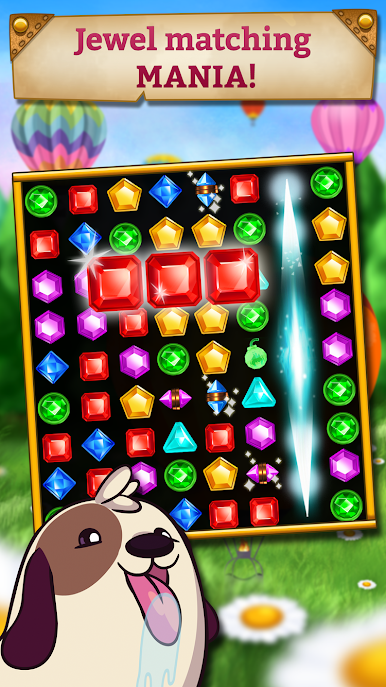
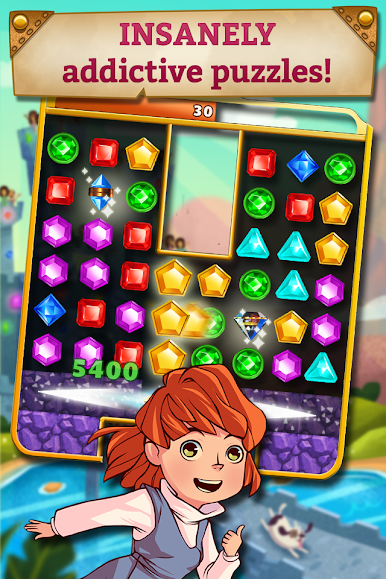
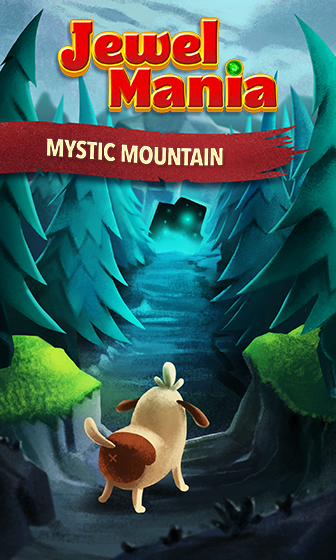
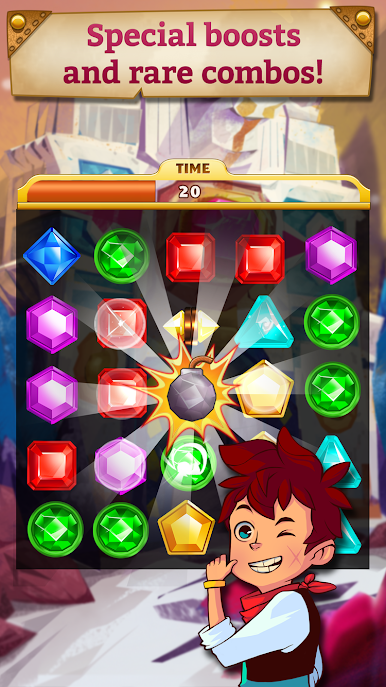
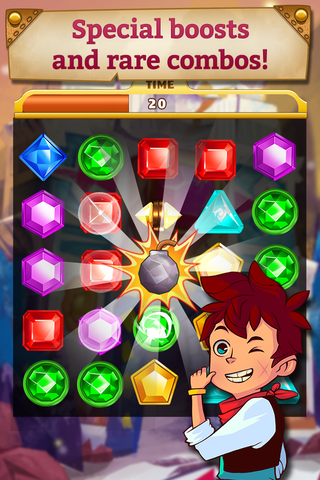
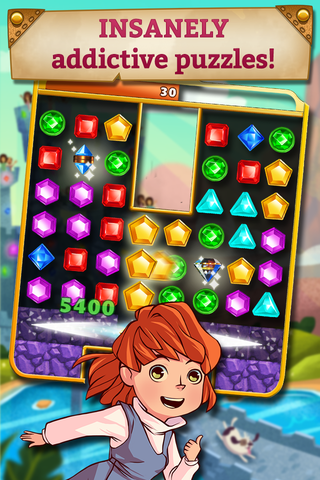
Jewel Mania: Mystic Mountain is a bright, old school match-three with a simple story hook about a mountain creature that lost its Crystal of Joy. It starts with easy swaps of colorful gems, then keeps layering in little twists so the board never feels the same twice. One stage might have glass tiles to crack, another has dirt to dig through, and some toss in portals that fling pieces around in odd ways. Walls and pits block the obvious moves, so planning a couple steps ahead starts to matter. Bigger matches spit out Magic Diamonds and Power Bombs, and when those chain together the whole screen goes off in a very satisfying cascade. Chasing three stars adds a fun pressure since score targets reward smart setups instead of random swiping.
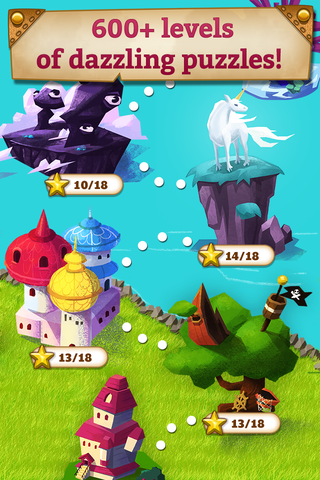
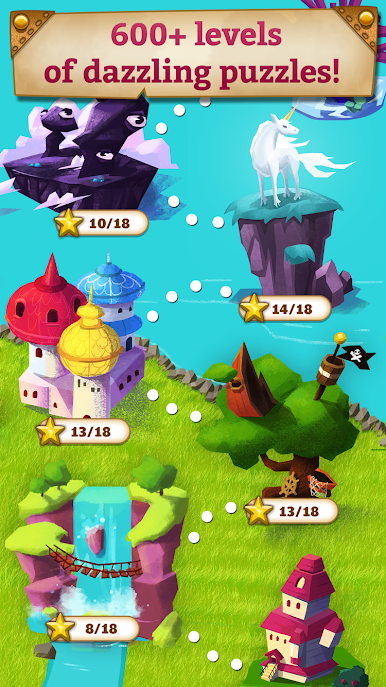
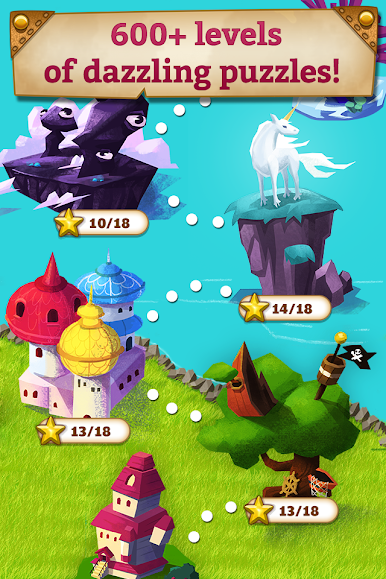
There are a lot of levels, well over 600, with new islands and backgrounds that look cheerful and slightly dreamy, plus a puppy buddy that tags along. It runs smooth and the gem animations are clean, so it is easy on the eyes during longer sessions. On PC through BlueStacks, the larger screen helps spot patterns and the mouse drag feels accurate, which makes combo hunting a bit easier. It is free to play with optional boosts if a stage gets stubborn, and updates drop more puzzles now and then, so there is always another board to crack.
Get ready for a buttery smooth, high-performance gaming action only on BlueStacks.


Chơi Jewel Mania: Mystic Mountain trên PC. Rất dễ để bắt đầu
-
Tải và cài đặt BlueStacks trên máy của bạn
-
Hoàn tất đăng nhập vào Google để đến PlayStore, hoặc thực hiện sau
-
Tìm Jewel Mania: Mystic Mountain trên thanh tìm kiếm ở góc phải màn hình
-
Nhấn vào để cài đặt Jewel Mania: Mystic Mountain trong danh sách kết quả tìm kiếm
-
Hoàn tất đăng nhập Google (nếu bạn chưa làm bước 2) để cài đặt Jewel Mania: Mystic Mountain
-
Nhấn vào icon Jewel Mania: Mystic Mountain tại màn hình chính để bắt đầu chơi

