


Gin Rummy
Graj na PC z BlueStacks – Platforma gamingowa Android, która uzyskała zaufanie ponad 500 milionów graczy!

Strona zmodyfikowana w dniu: Sep 2, 2026
Graj Gin Rummy na PC
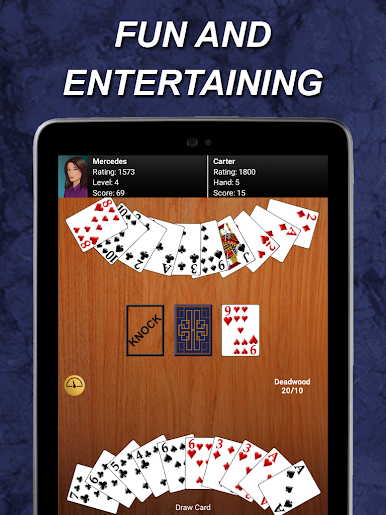
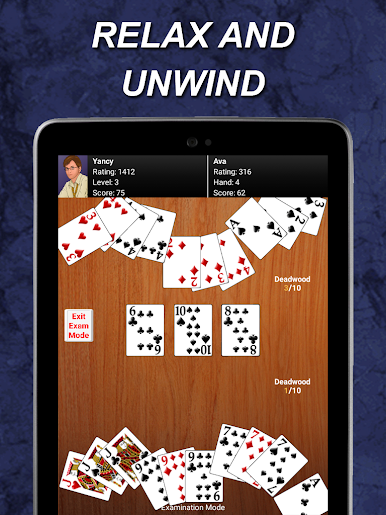
- Easy opcje sortowania kart. Dotknij przycisk Rączka Sortowanie, aby posortować według Pozycja, garnitur lub Meld lub można przeciągać i upuszczać karty, aby je uporządkować. Tap „Sortuj”, aby zmienić sposób sortowania. Auto będzie uporządkować nowe karty w ręku automatycznie.
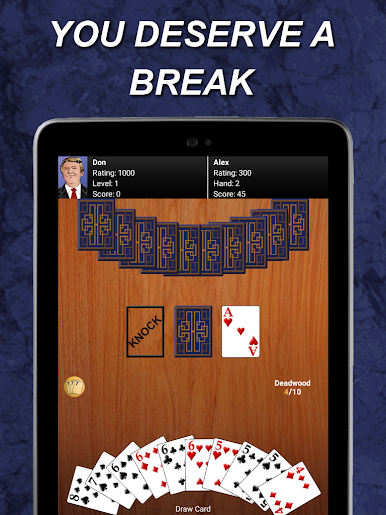
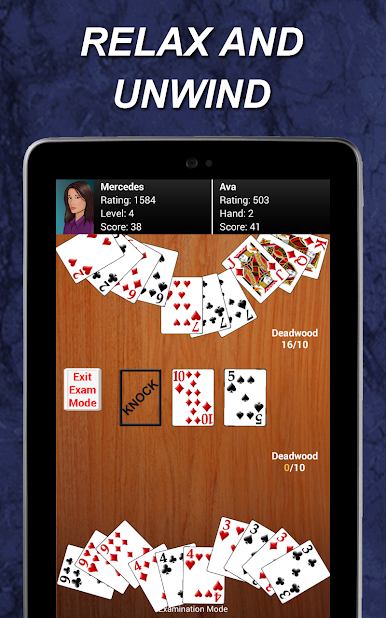
- 12 unikalnych przeciwników do wyboru.
- Zagraj poszczególne mecze przeciwko swoim przeciwnikom lub zagrać w turnieju pasujące swoje umiejętności przed każdym przeciwnikiem po kolei. Patrz „Game Type” w menu Options.
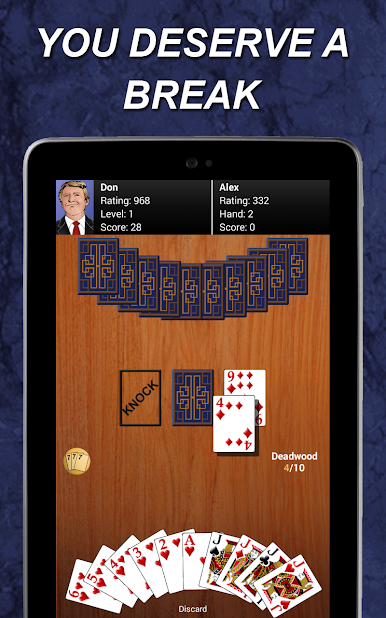
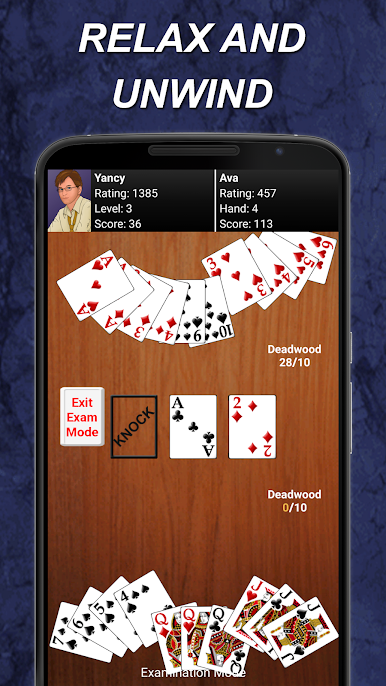
- Opcje dźwięku, Deadwood liczyć i więcej!
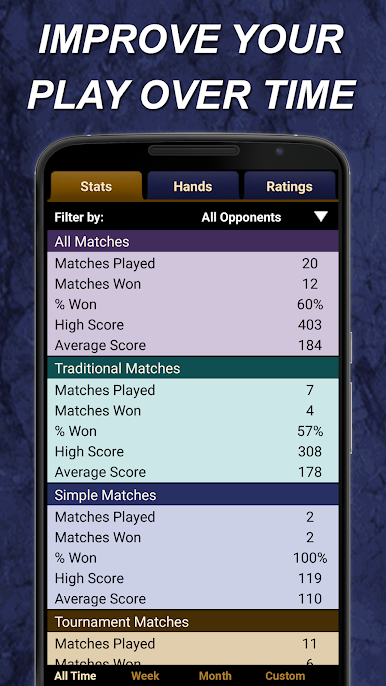
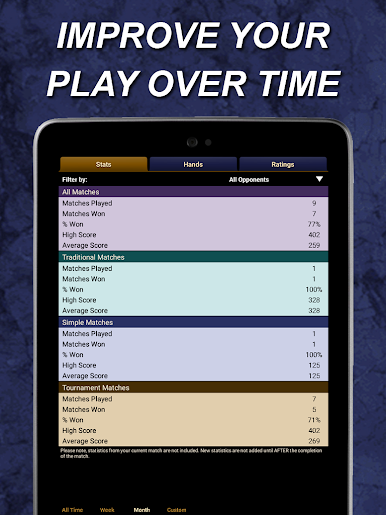
- Statystyki śledzić wygrywa, wyniki, wyniki ręcznych i więcej. Filtrować przez przeciwnika i / lub daty!
- Pick up przypadkowego Wyrzucić, jeśli przeciwnik jeszcze nie działał.
- Ocena systemu, dzięki czemu można zmierzyć swoje umiejętności i śledzić swoje postępy.
- sekcja Strategia w Pomocy.
- Płynna rozgrywka.
- Godziny rozrywki!
Gin to wspaniała gra, która na pewno cieszyć.
* Ad Supported więc możemy kontynuować, aby przynieść wam wspaniałych gier za darmo. Uprawnienia są potrzebne do reklam.
Dzięki!
Wsparcie E-mail: contact@maplemedia.io






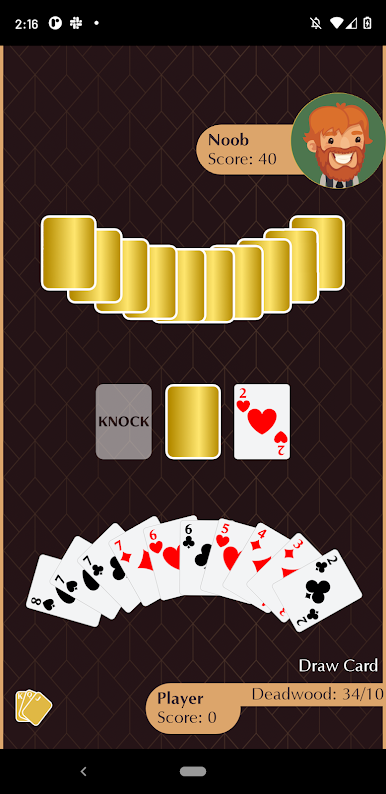


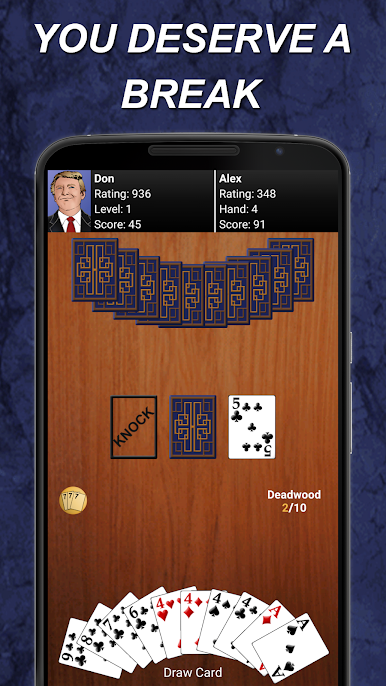






Zagraj w Gin Rummy na PC. To takie proste.
-
Pobierz i zainstaluj BlueStacks na PC
-
Zakończ pomyślnie ustawienie Google, aby otrzymać dostęp do sklepu Play, albo zrób to później.
-
Wyszukaj Gin Rummy w pasku wyszukiwania w prawym górnym rogu.
-
Kliknij, aby zainstalować Gin Rummy z wyników wyszukiwania
-
Ukończ pomyślnie rejestrację Google (jeśli krok 2 został pominięty) aby zainstalować Gin Rummy
-
Klinij w ikonę Gin Rummy na ekranie startowym, aby zacząć grę

