

Drillstring Toolbox
Graj na PC z BlueStacks – Platforma gamingowa Android, która uzyskała zaufanie ponad 500 milionów graczy!

Strona zmodyfikowana w dniu: Sep 7, 2022
Run Drillstring Toolbox on PC or Mac
Upgrade your experience. Try Drillstring Toolbox, the fantastic Tools app from T H Hill Associates, from the comfort of your laptop, PC, or Mac, only on BlueStacks.
About the App
Ever find yourself needing quick answers for drill-stem connections? Drillstring Toolbox is here to help. Made by T H Hill Associates, this handy tool gives you straightforward calculators for makeup torque and tensile capacities right from your phone. Whether you’re on-site or in the office, you get the details you need in seconds, without fumbling through big manuals or spreadsheets.
App Features
-
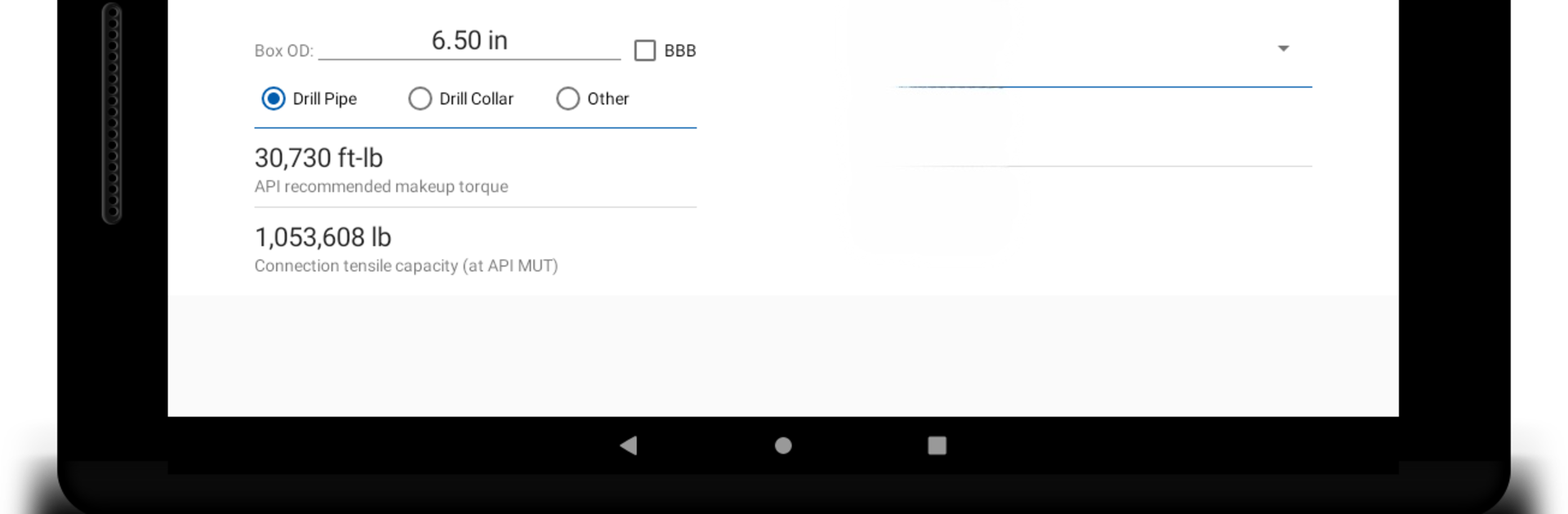
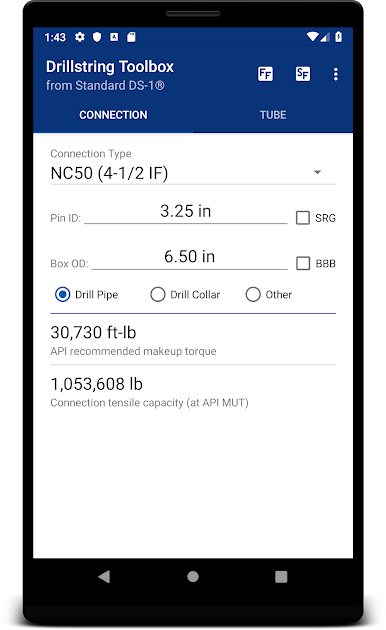
Makeup Torque Calculator
Punch in the connection sizes you’re working with, and the app instantly shows you the API-recommended makeup torque—super convenient if you’re double-checking numbers on the go. -
Tensile Capacity Details
Not sure about the tensile capacity of your connection? Just a couple of taps, and you’ll have the figures you need right in front of you. -
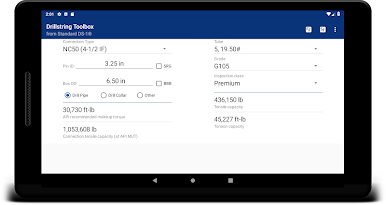
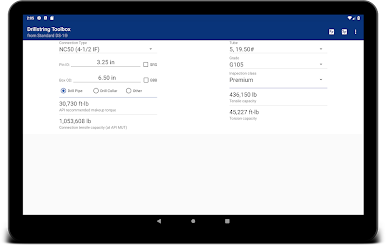
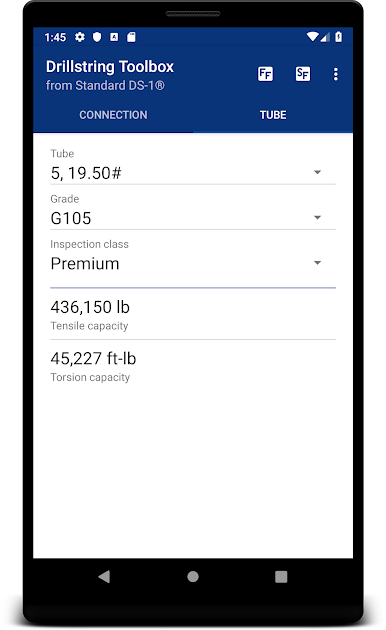
Drillpipe Tube Strength
With a quick swipe, you can access tensile and torsion capacities for drillpipe tubes, too. Great for planning ahead or reassuring yourself before the tough jobs. -
Easy Interface
Smooth swiping and clean screens make it simple to move between calculators—no complicated menus or confusing layouts. -
Ideal for Various Setups
Of course, you can use Drillstring Toolbox on your phone, but it also works smoothly with BlueStacks if you want to pull it up on your computer for a bigger view.
Eager to take your app experience to the next level? Start right away by downloading BlueStacks on your PC or Mac.
Zagraj w Drillstring Toolbox na PC. To takie proste.
-
Pobierz i zainstaluj BlueStacks na PC
-
Zakończ pomyślnie ustawienie Google, aby otrzymać dostęp do sklepu Play, albo zrób to później.
-
Wyszukaj Drillstring Toolbox w pasku wyszukiwania w prawym górnym rogu.
-
Kliknij, aby zainstalować Drillstring Toolbox z wyników wyszukiwania
-
Ukończ pomyślnie rejestrację Google (jeśli krok 2 został pominięty) aby zainstalować Drillstring Toolbox
-
Klinij w ikonę Drillstring Toolbox na ekranie startowym, aby zacząć grę

