


Free42
Chơi trên PC với BlueStacks - Nền tảng chơi game Android, được hơn 500 triệu game thủ tin tưởng.

Trang đã được sửa đổi vào: Oct 28, 2025
Run Free42 on PC or Mac
What’s better than using Free42 by Thomas Okken? Well, try it on a big screen, on your PC or Mac, with BlueStacks to see the difference.
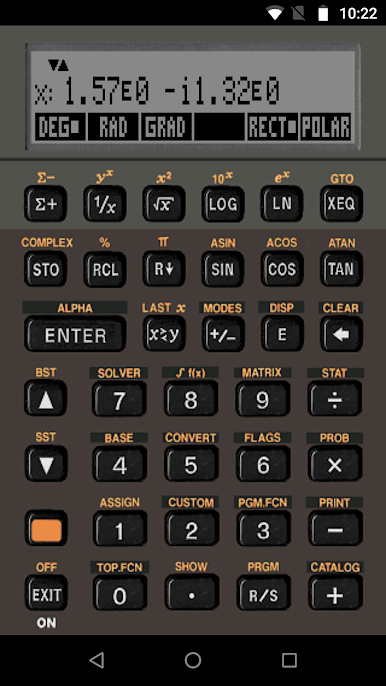
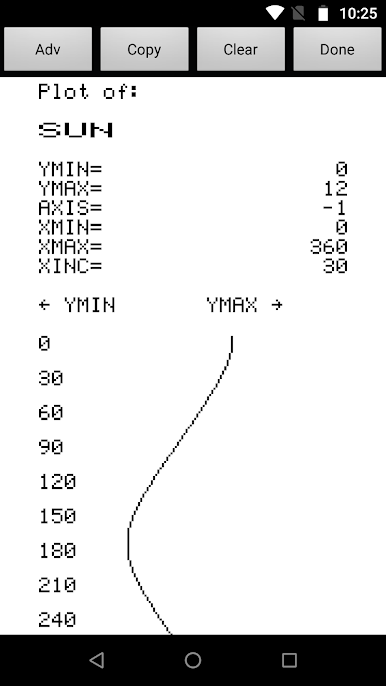
Free42 gives the feel of using one of those old-school HP calculators, but on a screen—so there’s a bit of retro nerdiness to it, in a good way. It brings the HP-42S calculator’s setup to life, and the layout feels authentic, with all those buttons and functions if anyone’s into scientific calculators. People end up liking how precise it is, and it’s actually got support for different ways to show numbers—great for handling serious calculations, or just playing with functions. There’s also the little bonus of emulating a classic printer, so you can see what it was like when folks printed out their calculations, except you’re obviously not burning through any paper.
It runs smooth on PC if you use something like BlueStacks, so you don’t have to worry about squinting at tiny phone screens. For anyone who’s a fan of those retro gadgets or just needs a powerful calculator without having to hunt around for old hardware, Free42 stands out. There’s a lot under the hood for people who care about the technical details—like it’s open source, and everything’s legit with licensing—but it’s just as easy to pick up and use casually. It’s reliable for math-heavy tasks, but also kind of fun if you like poking around and seeing what those vintage calculators could do, back in the day.
Big screen. Bigger performance. Use BlueStacks on your PC or Mac to run your favorite apps.
Chơi Free42 trên PC. Rất dễ để bắt đầu
-
Tải và cài đặt BlueStacks trên máy của bạn
-
Hoàn tất đăng nhập vào Google để đến PlayStore, hoặc thực hiện sau
-
Tìm Free42 trên thanh tìm kiếm ở góc phải màn hình
-
Nhấn vào để cài đặt Free42 trong danh sách kết quả tìm kiếm
-
Hoàn tất đăng nhập Google (nếu bạn chưa làm bước 2) để cài đặt Free42
-
Nhấn vào icon Free42 tại màn hình chính để bắt đầu chơi

