


Trình tải xuống và lưu video
Chơi trên PC với BlueStacks - Nền tảng chơi game Android, được hơn 500 triệu game thủ tin tưởng.

Trang đã được sửa đổi vào: Nov 17, 2025
Run Video downloader for HD Video on PC or Mac
What’s better than using Video downloader for HD Video by Likeme Tech Studio? Well, try it on a big screen, on your PC or Mac, with BlueStacks to see the difference.
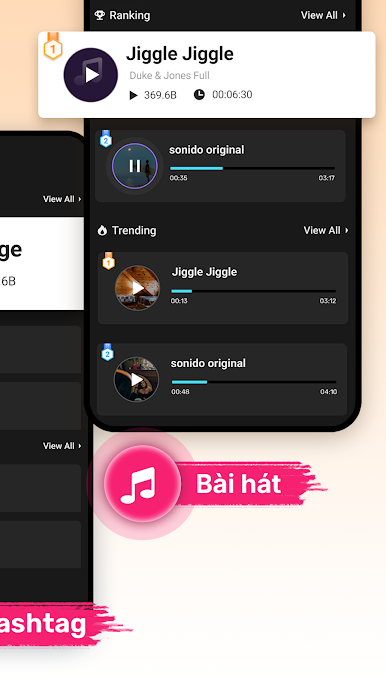
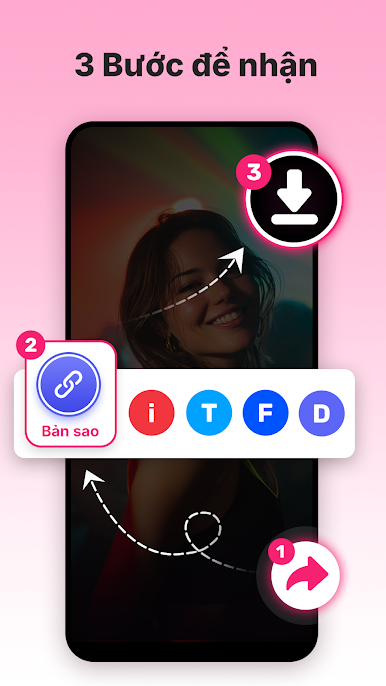
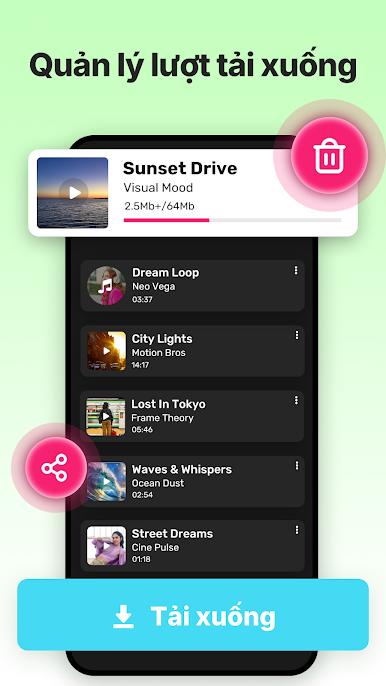
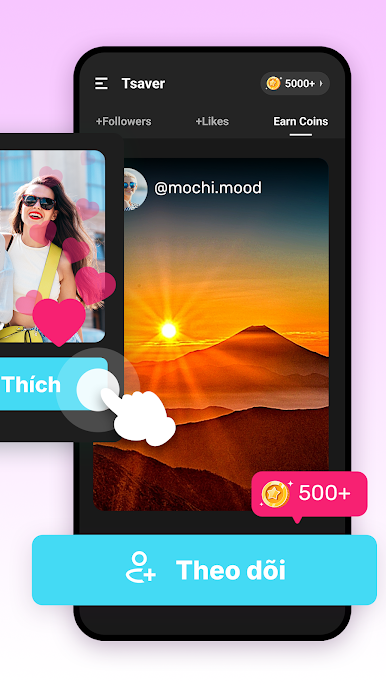
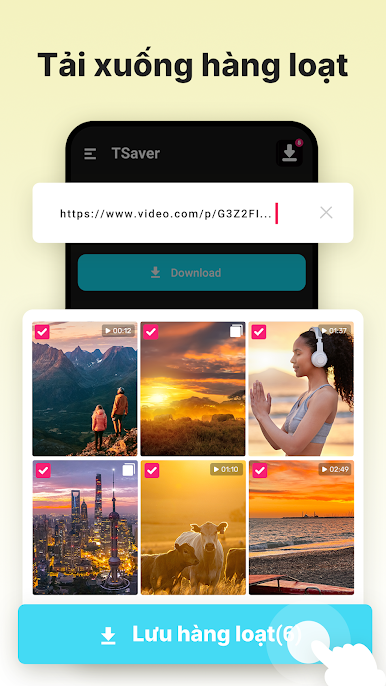
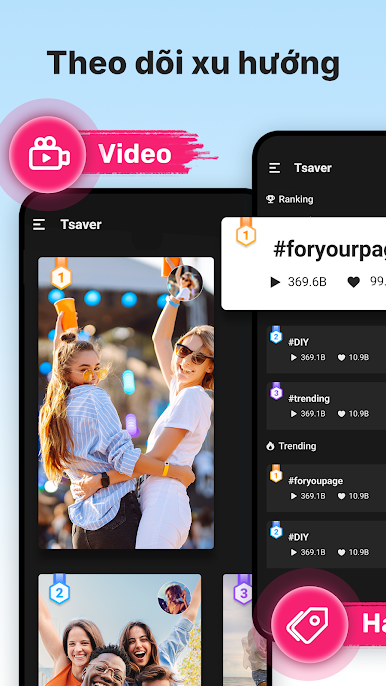
Video downloader for HD Video is basically a no fuss grabber for clips and music links. Someone sees a video they like, copies the link, pastes it in, and it pulls the file in HD. It can save the video without a watermark, or just grab the audio as MP3 if that is all they want. No login gets in the way, and it handles multiple downloads at once, so queuing a handful is easy. There is a simple downloads tab to keep everything tidy, with quick options to play, rename, share, or repost. It feels straightforward, the buttons are obvious, and the whole copy link then paste flow is quick once they have done it once.
Running it on PC with BlueStacks makes it extra convenient. Pasting links with a keyboard, dragging the window around, and managing a bigger list of files with a mouse just feels smoother. It suits people who save a lot of short videos for edits or offline watching, since batch downloads and the built in file manager cut down on tapping around. There is also a gentle reminder vibe about rights. It does not ask for passwords, and it expects the user to have permission to save or repost anything they pull. If someone mainly wants fast HD saves without the watermark hassle, this checks that box without drama.
Switch to BlueStacks and make the most of your apps on your PC or Mac.


Chơi Trình tải xuống và lưu video trên PC. Rất dễ để bắt đầu
-
Tải và cài đặt BlueStacks trên máy của bạn
-
Hoàn tất đăng nhập vào Google để đến PlayStore, hoặc thực hiện sau
-
Tìm Trình tải xuống và lưu video trên thanh tìm kiếm ở góc phải màn hình
-
Nhấn vào để cài đặt Trình tải xuống và lưu video trong danh sách kết quả tìm kiếm
-
Hoàn tất đăng nhập Google (nếu bạn chưa làm bước 2) để cài đặt Trình tải xuống và lưu video
-
Nhấn vào icon Trình tải xuống và lưu video tại màn hình chính để bắt đầu chơi

