


học tiếng Nhật mỗi ngày
Chơi trên PC với BlueStacks - Nền tảng chơi game Android, được hơn 500 triệu game thủ tin tưởng.

Trang đã được sửa đổi vào: Jul 30, 2024
Run speak Japanese phrases on PC or Mac
What’s better than using speak Japanese phrases by Titan Software Ltd.? Well, try it on a big screen, on your PC or Mac, with BlueStacks to see the difference.
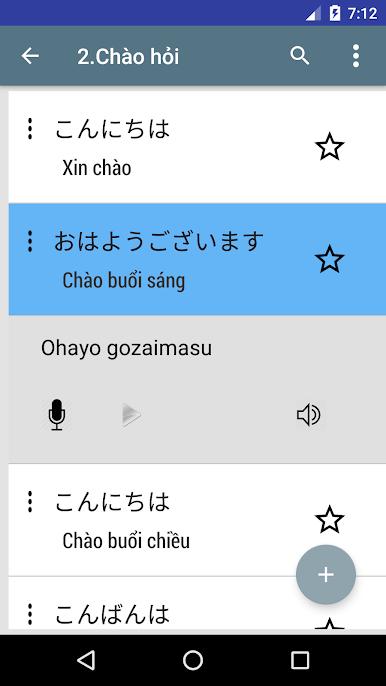
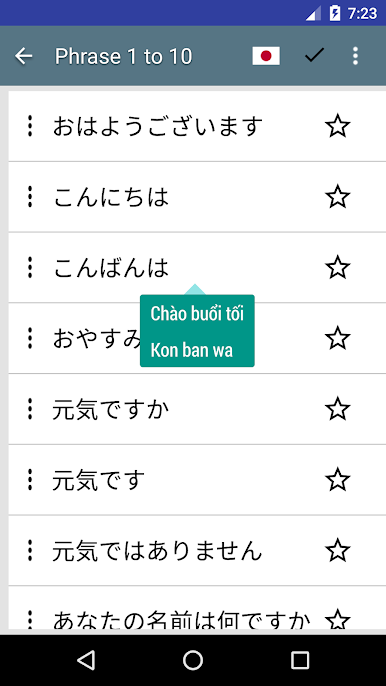
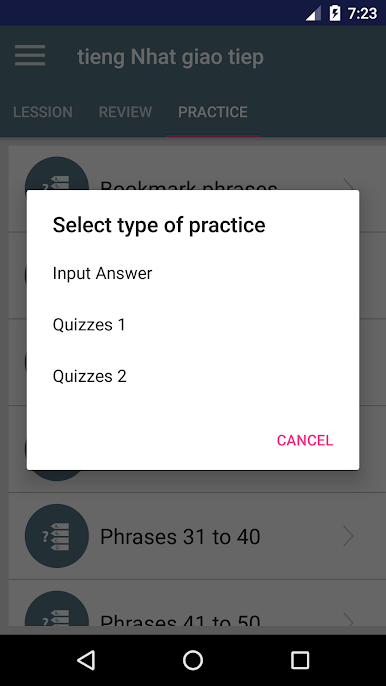
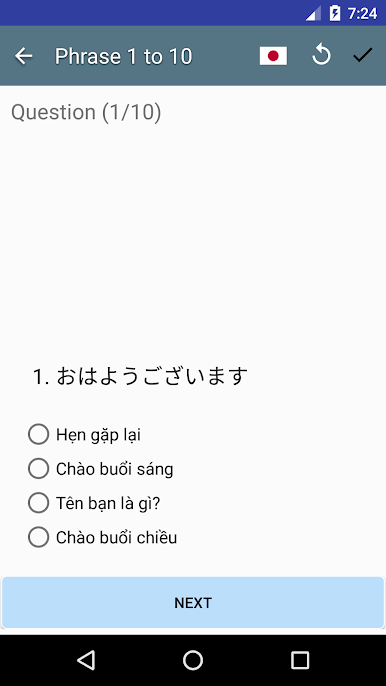
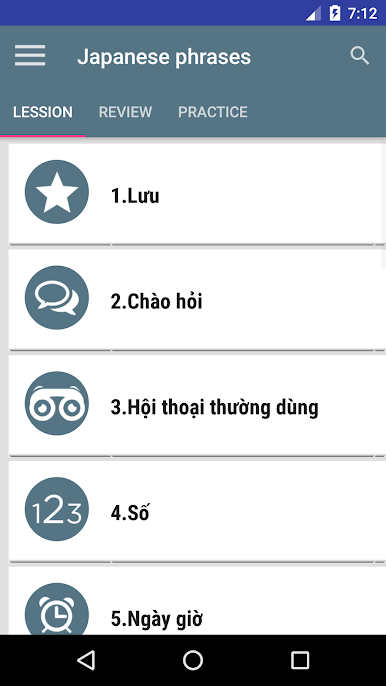
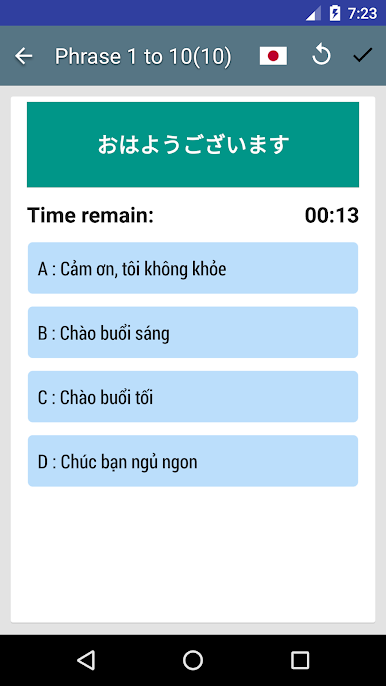
Speak Japanese Phrases feels like a straight talking phrasebook that actually helps in real situations. The layout is simple, no clutter, and it jumps right into useful stuff like hello, thank you, how are you, good morning, and a bunch more. There are over 600 phrases split into everyday categories, so finding what to say at a train station, a cafe, or a hotel takes a few taps. Greetings, general chat, numbers, directions, transportation, eating out, accommodation, time and date, shopping, colors, towns and provinces, countries, tourist sights, family, even dating. It aims at getting someone through basic conversations without panic.
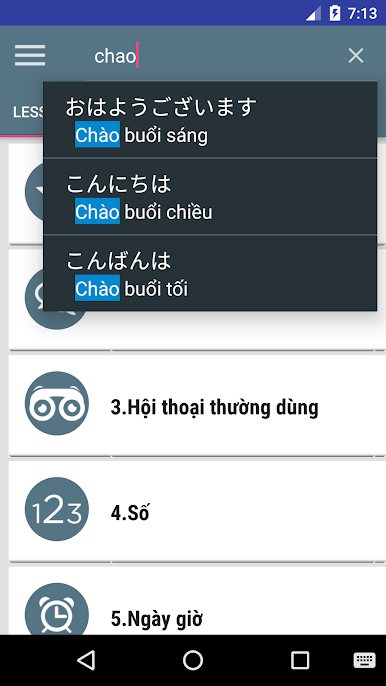
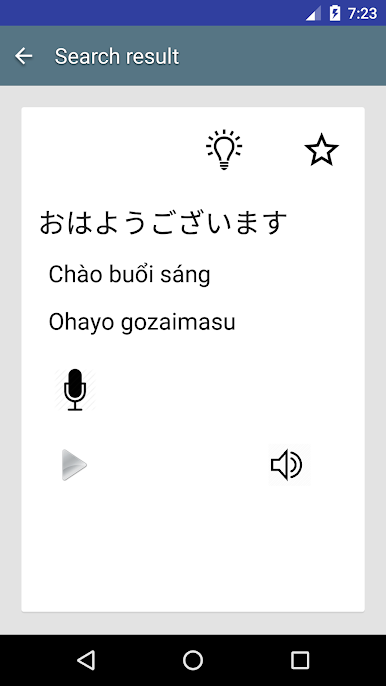
The audio is recorded by native speakers and sounds clear, so copying the rhythm feels easier. There is a record-and-compare tool that lets someone check their own pronunciation against the app, which is surprisingly helpful. It works offline, which matters a lot when data is spotty, and there is a quick search plus a favorites list for lines that get used a lot.
On PC with BlueStacks, the larger screen makes the text and categories easier to skim, and typing in the search bar with a keyboard is faster than tapping on a phone. Using a headset mic to practice is neat too. It does not try to be a full course, but for travelers or beginners who want confidence for basic chats, it is very direct and friendly to use.
Switch to BlueStacks and make the most of your apps on your PC or Mac.
Chơi học tiếng Nhật mỗi ngày trên PC. Rất dễ để bắt đầu
-
Tải và cài đặt BlueStacks trên máy của bạn
-
Hoàn tất đăng nhập vào Google để đến PlayStore, hoặc thực hiện sau
-
Tìm học tiếng Nhật mỗi ngày trên thanh tìm kiếm ở góc phải màn hình
-
Nhấn vào để cài đặt học tiếng Nhật mỗi ngày trong danh sách kết quả tìm kiếm
-
Hoàn tất đăng nhập Google (nếu bạn chưa làm bước 2) để cài đặt học tiếng Nhật mỗi ngày
-
Nhấn vào icon học tiếng Nhật mỗi ngày tại màn hình chính để bắt đầu chơi

