


Classic Spider Solitaire
Graj na PC z BlueStacks – Platforma gamingowa Android, która uzyskała zaufanie ponad 500 milionów graczy!

Strona zmodyfikowana w dniu: May 7, 2025
Play Classic Spider Solitaire on PC
♠♠♠♠♠♠♠♠♠♠♠♠♠♠♠♠♠♠♠♠♠♠
Join millions of players worldwide enjoying this authentic version of the most popular patience card game! Our Spider Solitaire is meticulously optimized for all Android devices - from phones to tablets.
Why players love our Classic Spider Solitaire:
♣ Multiple difficulty levels - Play with 1, 2, 3 or 4 suits for the perfect challenge
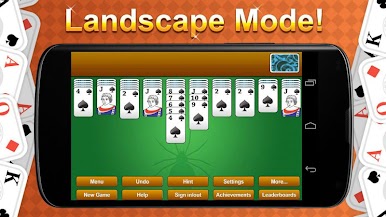
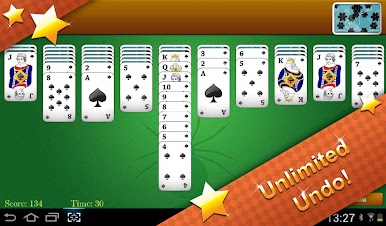
♣ Smart gameplay features - Unlimited undo, helpful hints, and auto-completion
♣ Intuitive controls - Tap cards to automatically send them to the best position or drag manually
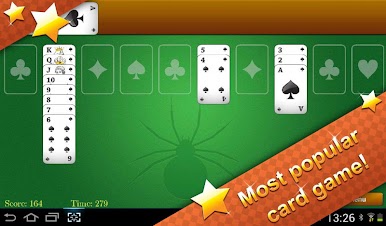
♣ Perfect visual clarity - Specially designed card decks for both phones and tablets
♣ Game saving - Always continue exactly where you left off
♠♠♠♠♠♠♠♠♠♠♠♠♠♠♠♠♠♠♠♠♠♠
CLASSIC GAMEPLAY, MODERN DESIGN
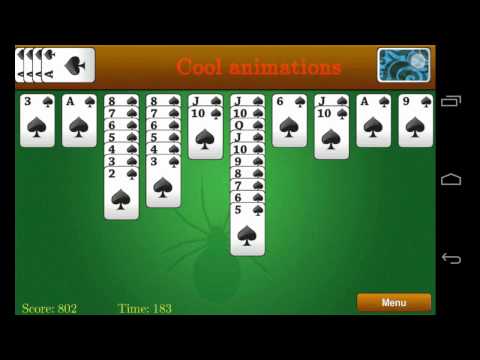
Experience the traditional Spider Solitaire rules you know and love with a clean, modern interface designed specifically for Android. Our HD graphics ensure perfect visibility on any screen size.
♠♠♠♠♠♠♠♠♠♠♠♠♠♠♠♠♠♠♠♠♠♠
FEATURES FOR EVERY PLAYER
Whether you're new to Spider Solitaire or a seasoned expert, our game adapts to your skill level:
♣ Beginners - Start with 1-suit mode for gentle learning
♣ Casual players - Use hints when stuck and undo moves freely
♣ Advanced players - Challenge yourself with 3 or 4 suits for true mastery
♣ Quick sessions - Perfect for short breaks with auto-save functionality
♠♠♠♠♠♠♠♠♠♠♠♠♠♠♠♠♠♠♠♠♠♠
LIGHTWEIGHT & SMOOTH
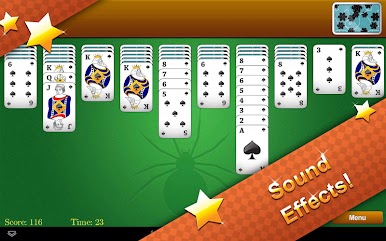
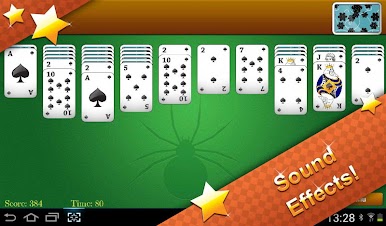
Our Spider Solitaire runs flawlessly even on older devices, with minimal battery usage and storage requirements. Experience smooth gameplay with crisp card animations and subtle sound effects.
♠♠♠♠♠♠♠♠♠♠♠♠♠♠♠♠♠♠♠♠♠♠
THE AUTHENTIC SPIDER SOLITAIRE EXPERIENCE
Download now and discover why our classic version of Spider Solitaire has remained a favorite among card game enthusiasts for years!
♠♠♠♠♠♠♠♠♠♠♠♠♠♠♠♠♠♠♠♠♠♠






Zagraj w Classic Spider Solitaire na PC. To takie proste.
-
Pobierz i zainstaluj BlueStacks na PC
-
Zakończ pomyślnie ustawienie Google, aby otrzymać dostęp do sklepu Play, albo zrób to później.
-
Wyszukaj Classic Spider Solitaire w pasku wyszukiwania w prawym górnym rogu.
-
Kliknij, aby zainstalować Classic Spider Solitaire z wyników wyszukiwania
-
Ukończ pomyślnie rejestrację Google (jeśli krok 2 został pominięty) aby zainstalować Classic Spider Solitaire
-
Klinij w ikonę Classic Spider Solitaire na ekranie startowym, aby zacząć grę

