


Энциклопедический словарь
Chơi trên PC với BlueStacks - Nền tảng chơi game Android, được hơn 500 triệu game thủ tin tưởng.

Trang đã được sửa đổi vào: Oct 8, 2025
Play Энциклопедический словарь on PC
- The publication is a continuation of the newspaper "Soviet encyclopedia" after the collapse of the USSR and the formation of the publishing house "The Big Russian Encyclopedia".
Characteristic:
• Very efficient, fast and with a good performance.
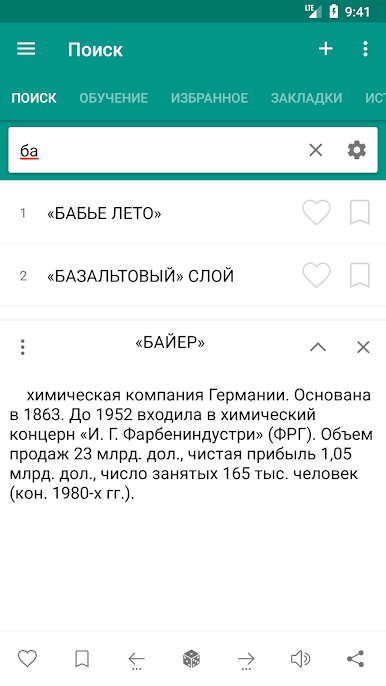
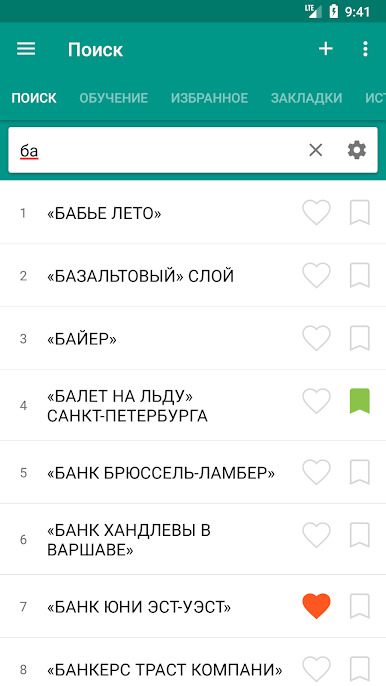
• High speed search
• Search Filter - search suffix, prefix (start / end)
• Voice Recognition (Text-to-speech engine)
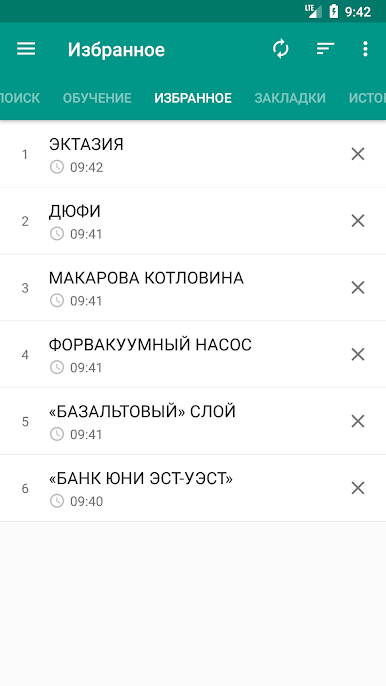
• You can add a word marked as a favorite.
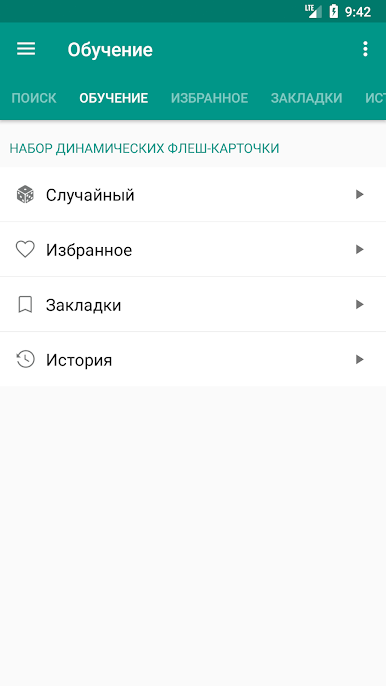
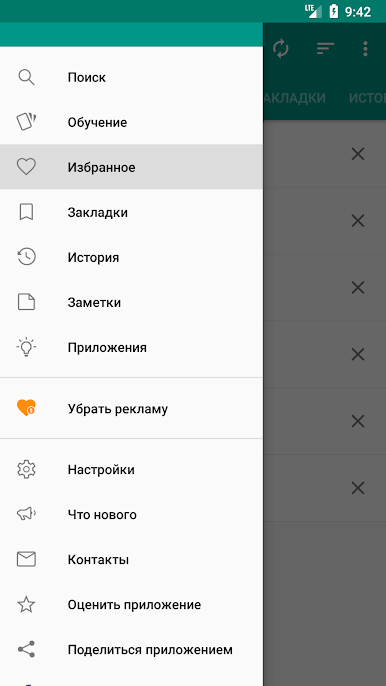
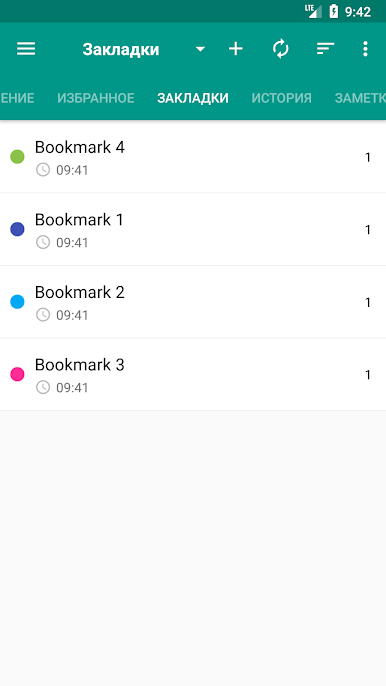
• Ability to create bookmarks and add the word to your favorites
• Save scanned words in stories (day, month ...)
• Ability to create bookmarks and add the word to your favorites
• The ability to share in other applications
• Sounding a word or selected text
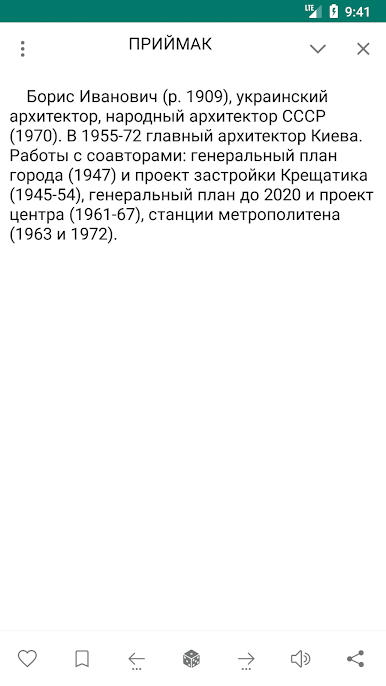
description window opens when you click on the word. You can wrap and unwrap the description window function swipe.
• Search option, the audio and the possibility to share a word selected in the Description window.
- Settings
• The option to change the text size
• Optional interface changes color
• Cleaning option lists Bookmarks, Favorites, History
• You can change the display color by double-clicking on the buttons to increase / decrease the volume
• You can change the display color by double-clicking on the buttons to increase / decrease the volume
You can send your suggestions, comments and legal issues associated with paved at this address.
ttdicpro@gmail.com

Chơi Энциклопедический словарь trên PC. Rất dễ để bắt đầu
-
Tải và cài đặt BlueStacks trên máy của bạn
-
Hoàn tất đăng nhập vào Google để đến PlayStore, hoặc thực hiện sau
-
Tìm Энциклопедический словарь trên thanh tìm kiếm ở góc phải màn hình
-
Nhấn vào để cài đặt Энциклопедический словарь trong danh sách kết quả tìm kiếm
-
Hoàn tất đăng nhập Google (nếu bạn chưa làm bước 2) để cài đặt Энциклопедический словарь
-
Nhấn vào icon Энциклопедический словарь tại màn hình chính để bắt đầu chơi

