

Hellgate Escape
Graj na PC z BlueStacks – Platforma gamingowa Android, która uzyskała zaufanie ponad 500 milionów graczy!

Strona zmodyfikowana w dniu: Nov 5, 2025
Play Hellgate Escape on PC or Mac
Step into the World of Hellgate Escape, a thrilling Puzzle game from the house of Mobiplay. Play this Android game on BlueStacks App Player and experience immersive gaming on PC or Mac.
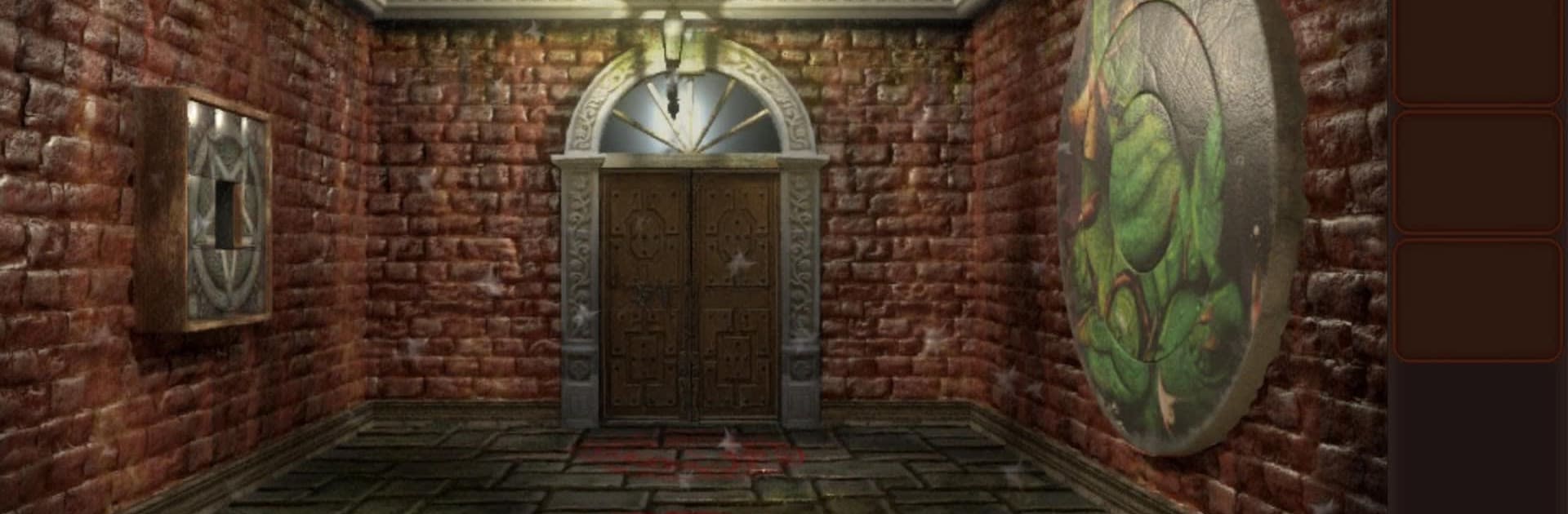
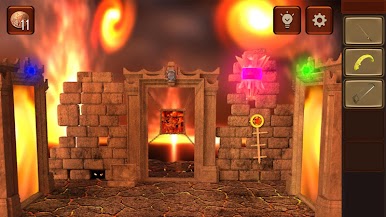
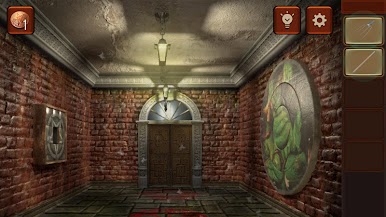
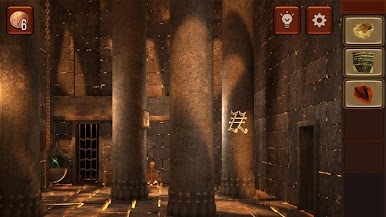
Hellgate Escape feels like an escape room set in the underworld, all ash, bones, and creepy little details that make the rooms feel wrong in a good way. The hook is simple but strong. Players wake up in a demon-run labyrinth and move from chamber to chamber by solving puzzles that are darker than the usual mansion or lab stuff. The Torture Room, Bone Cemetery, Hell’s Nursery, each area has its own theme and a couple tricks that change how a puzzle lands. It leans on careful searching and logic, not jump scares every two seconds. What stands out is how often a normal object turns into a clue. A cracked tile, a chained box, a symbol on a wall that does not match the others. Nothing screams at the player, but it keeps needling the brain.
Moment to moment, it is about picking up items, combining a few of them, and then testing codes or symbols until the next door slides open. Some locks are single step, others zigzag through three or four hints before they click, which feels fair rather than cheap. There is a light story about escaping damnation and piecing together what happened, mostly through environmental details instead of long text dumps. On PC through BlueStacks, the mouse makes scanning for tiny switches and hidden objects easier, and the bigger screen helps spot weird markings that would be missed on a phone. The pacing is calm but tense, and when a room finally solves, there is that small rush, like outsmarting a smug demon and walking into the next nasty surprise.
Slay your opponents with your epic moves. Play it your way on BlueStacks and dominate the battlefield.




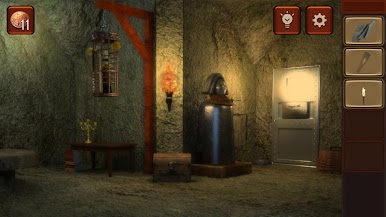

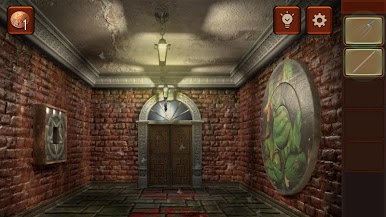
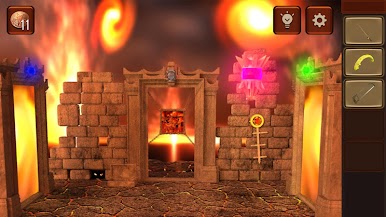
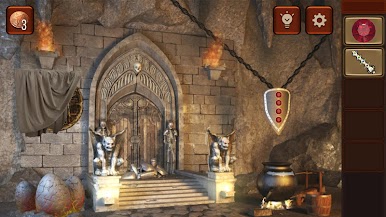
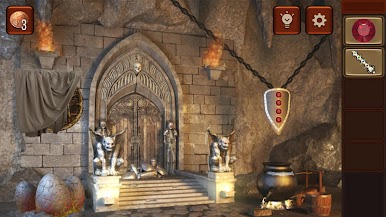
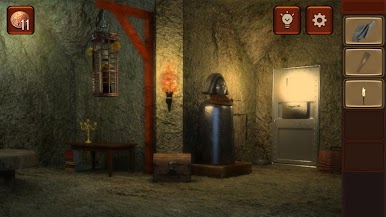
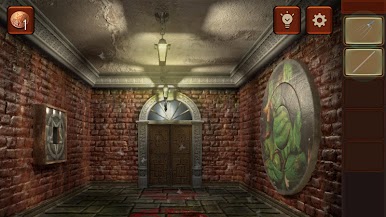
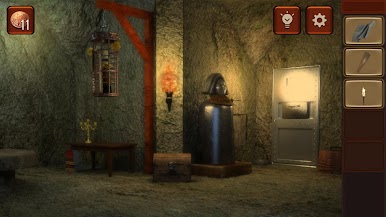
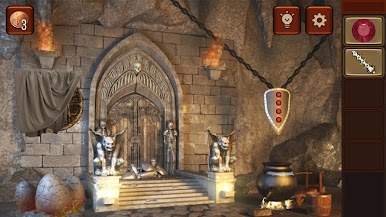


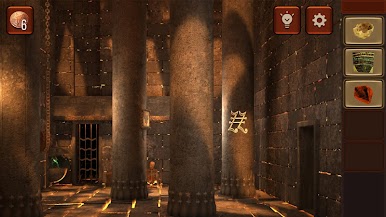
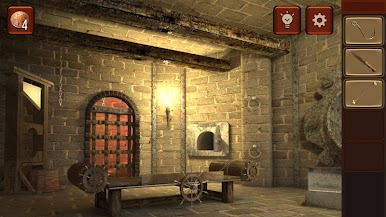
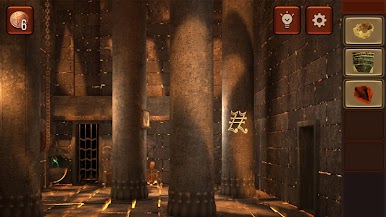
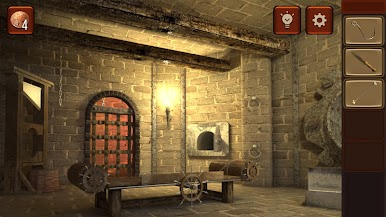
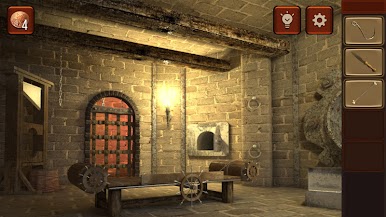

Zagraj w Hellgate Escape na PC. To takie proste.
-
Pobierz i zainstaluj BlueStacks na PC
-
Zakończ pomyślnie ustawienie Google, aby otrzymać dostęp do sklepu Play, albo zrób to później.
-
Wyszukaj Hellgate Escape w pasku wyszukiwania w prawym górnym rogu.
-
Kliknij, aby zainstalować Hellgate Escape z wyników wyszukiwania
-
Ukończ pomyślnie rejestrację Google (jeśli krok 2 został pominięty) aby zainstalować Hellgate Escape
-
Klinij w ikonę Hellgate Escape na ekranie startowym, aby zacząć grę

