


Play Las Vegas - Casino Slots
Graj na PC z BlueStacks – Platforma gamingowa Android, która uzyskała zaufanie ponad 500 milionów graczy!

Strona zmodyfikowana w dniu: Oct 07, 2026
Podgląd
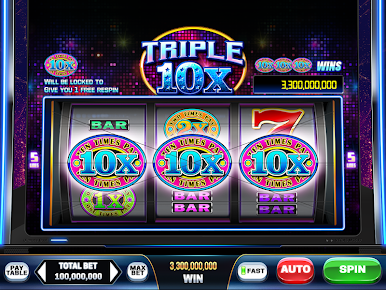
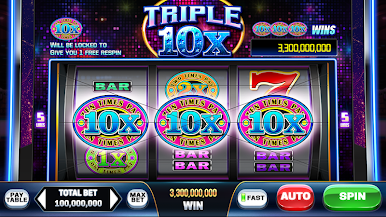
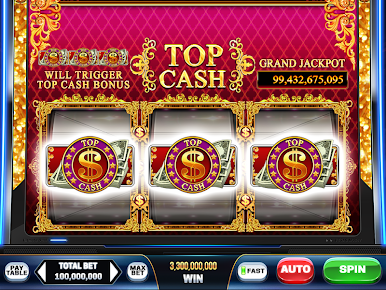
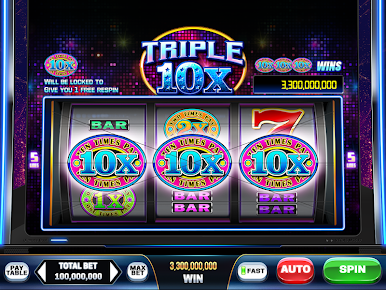
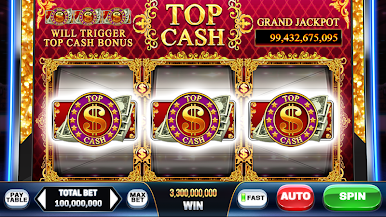
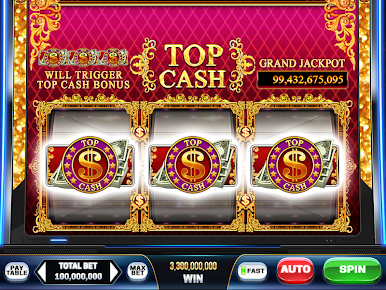
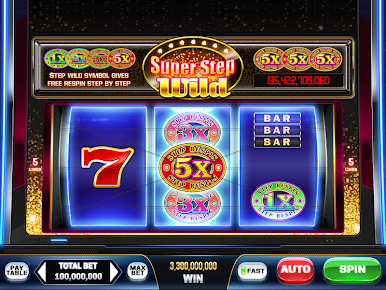
PLAY LAS VEGAS presents to you an authentic Las Vegas experience.
Connect now and experience the greatest moment of your life!
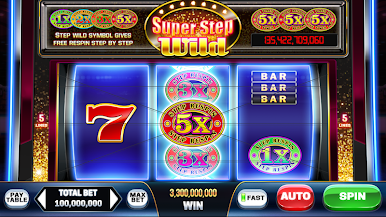
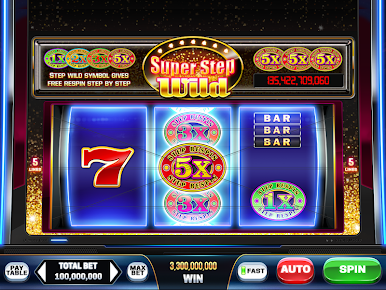
Classic slot machines as well as slot machines with various themes and features await you.
Experience a number of cool and luxurious slot machines. We will continually update our game with exclusive, high-quality slot machines.
•Free Coins every 3 hours!
•Lots of free bonuses such as Twin Wheel Bonus and Mega Wheel Bonus!
•High Limit machines and Clubber-exclusive benefits available if you become a Vegas Club member.
•Compete against other players and win enormous prizes in tournaments.
*Play Las Vegas is intended for use by those 21 or older for amusement purposes only.
*Play Las Vegas does not offer real money gambling or an opportunity to win real money or prizes.
*Practice or success at social casino gaming does not imply future success at real money gambling.












Zagraj w Play Las Vegas - Casino Slots na PC. To takie proste.
-
Pobierz i zainstaluj BlueStacks na PC
-
Zakończ pomyślnie ustawienie Google, aby otrzymać dostęp do sklepu Play, albo zrób to później.
-
Wyszukaj Play Las Vegas - Casino Slots w pasku wyszukiwania w prawym górnym rogu.
-
Kliknij, aby zainstalować Play Las Vegas - Casino Slots z wyników wyszukiwania
-
Ukończ pomyślnie rejestrację Google (jeśli krok 2 został pominięty) aby zainstalować Play Las Vegas - Casino Slots
-
Klinij w ikonę Play Las Vegas - Casino Slots na ekranie startowym, aby zacząć grę

