


Guardians from Truecaller
Chơi trên PC với BlueStacks - Nền tảng chơi game Android, được hơn 500 triệu game thủ tin tưởng.

Trang đã được sửa đổi vào: Jul 5, 2023
Play Guardians from Truecaller on PC
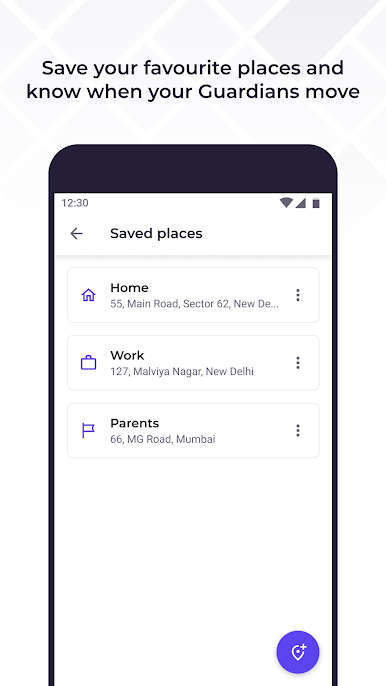
Exploring new places, walking home alone, meeting someone you don’t know, taking a late night cab ride - these are some things that can make us feel unsafe, especially for women. In 2021, we all have phones, and now that can be our line of defense.
By choosing trusted people as your Guardians, and allowing them to see where you are, you can have peace of mind, and protection in case anything goes wrong.
Features:
• Invite your friends & family to be your Guardians. Choose the people you trust to see your location when needed.
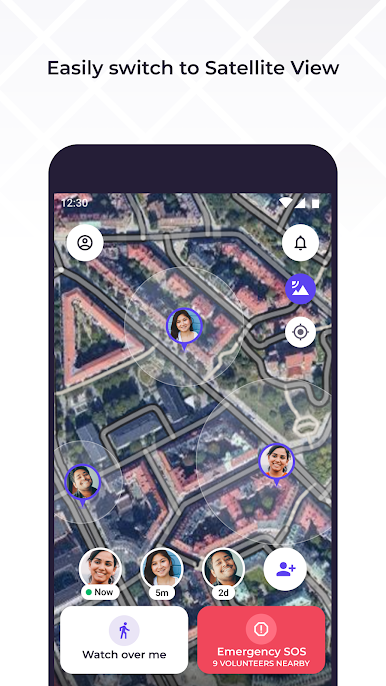
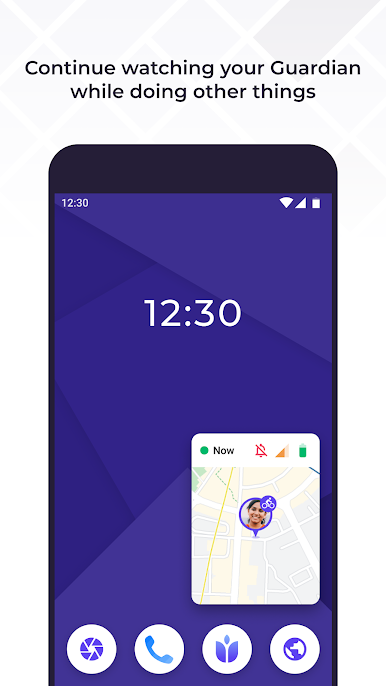
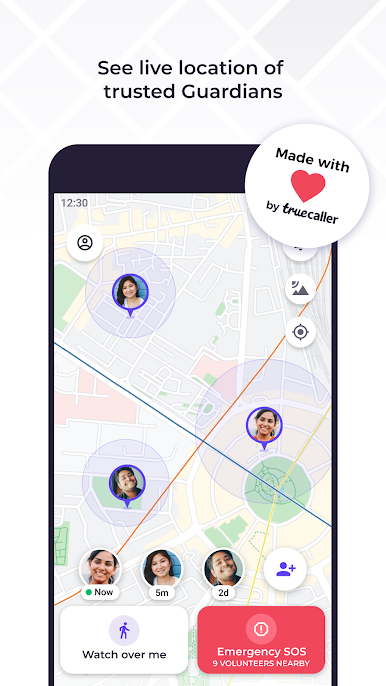
• Share your GPS location privately. Only your Guardians will be able to see where you are and check on your safety.
• Setup forever sharing. You can choose to share your location permanently to certain trusted people.
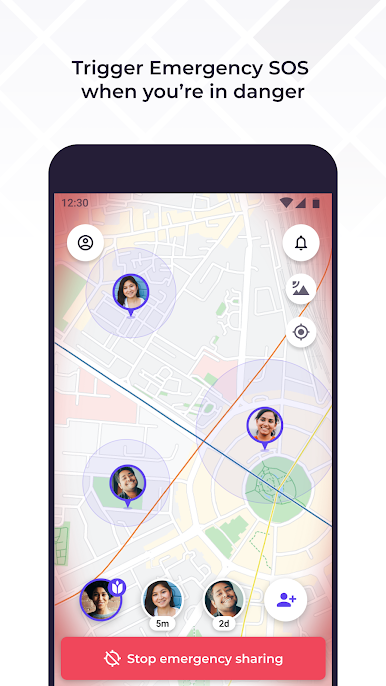
• Notify your Guardians immediately when you are feeling unsafe, using the I need help feature
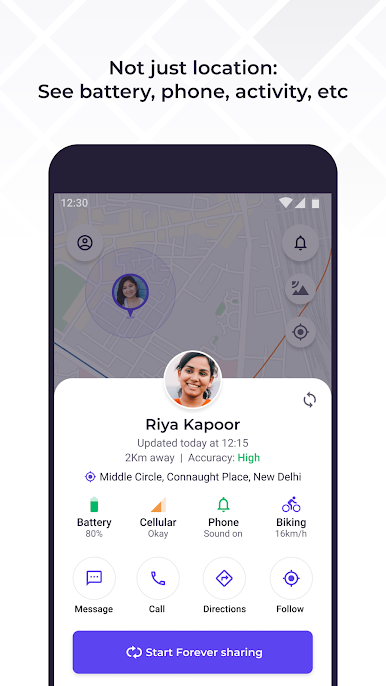
• Battery life, network strength and phone status can also be shared. This can be vital information for your Guardians and your safety.


Chơi Guardians from Truecaller trên PC. Rất dễ để bắt đầu
-
Tải và cài đặt BlueStacks trên máy của bạn
-
Hoàn tất đăng nhập vào Google để đến PlayStore, hoặc thực hiện sau
-
Tìm Guardians from Truecaller trên thanh tìm kiếm ở góc phải màn hình
-
Nhấn vào để cài đặt Guardians from Truecaller trong danh sách kết quả tìm kiếm
-
Hoàn tất đăng nhập Google (nếu bạn chưa làm bước 2) để cài đặt Guardians from Truecaller
-
Nhấn vào icon Guardians from Truecaller tại màn hình chính để bắt đầu chơi

